Hi All,
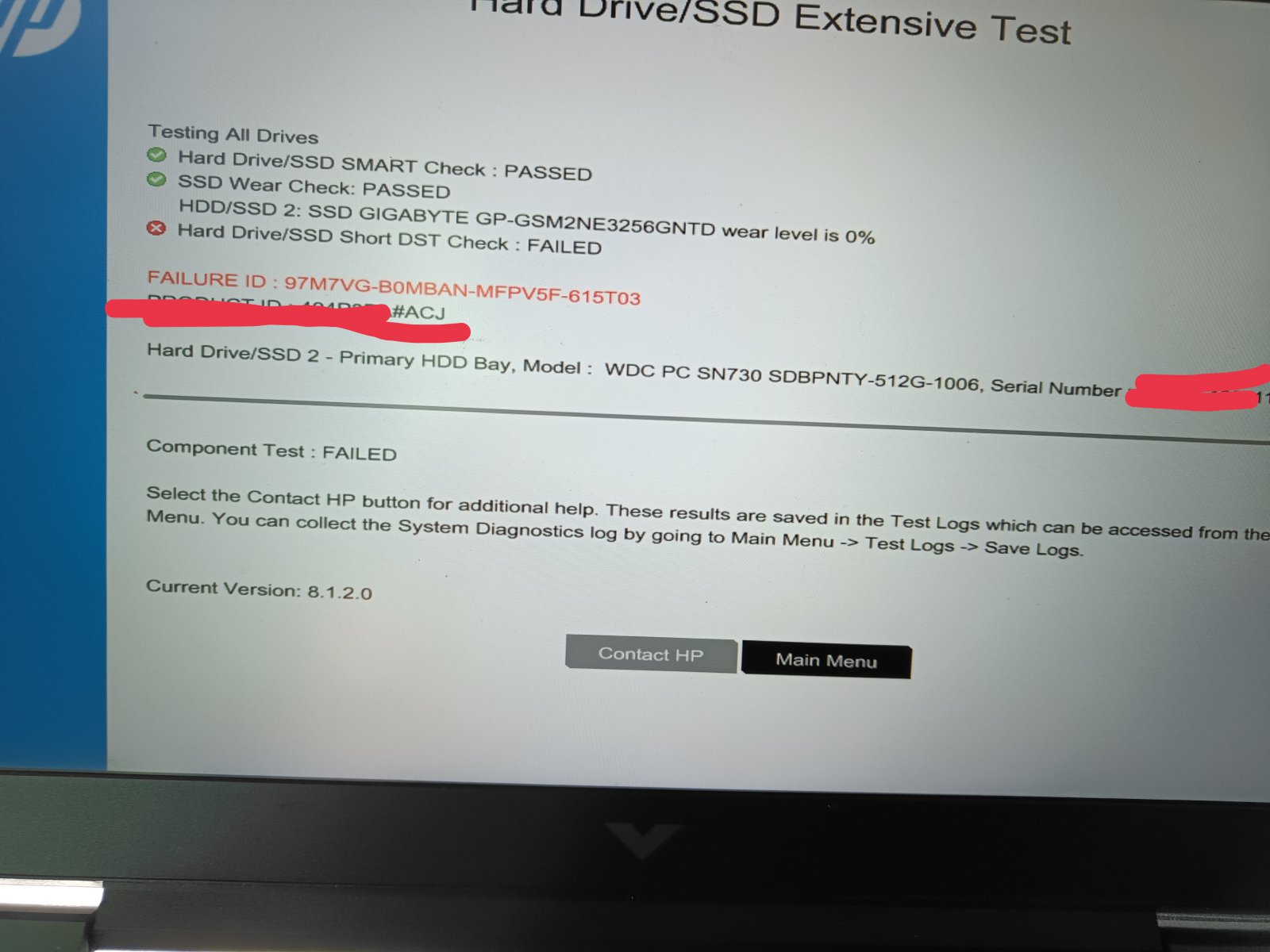
So I keep getting this atleast once In a day. This mostly happens on the start of the day with my laptop.
It has hardly ever occured again for same day even if I siwtch it off and restarted again later in the same day.
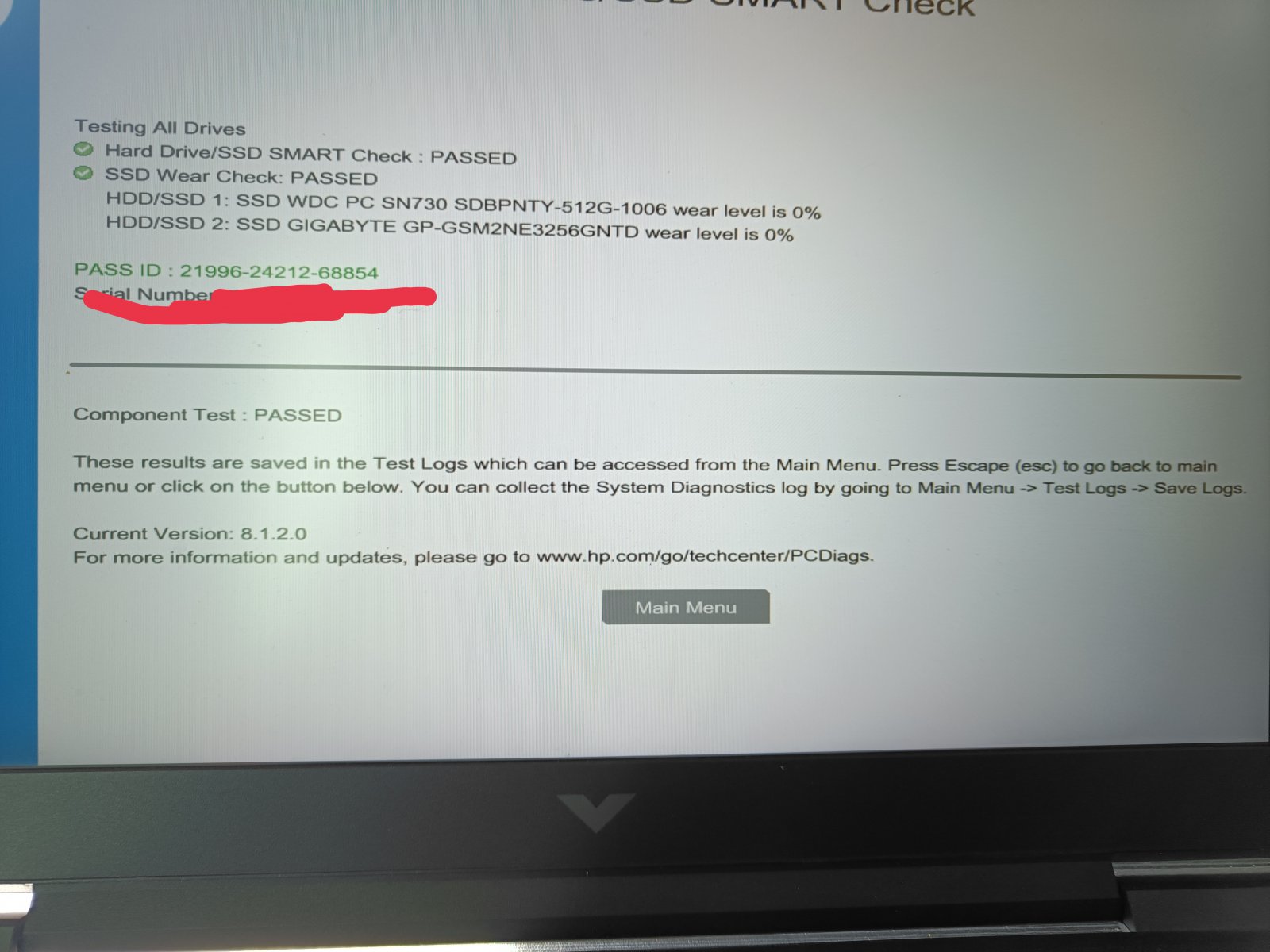
I did the required test and it seems to be okay.
Why is it happening? I have not updated the bios, should I?
Could it be due to low temperature also?
Temperature in the night usually falls to 0-5C but I do get low temperature warning also and this error 301 has occured when temperature was little higher too like 10c or so.
I am failing to understand the reason.
Does anyone has better understanding of this error and faced it too ?
Its might be an hard drive failure error.
Try HD sentinel and HDtune tool to get a deeper insight of the disk.
If results are bad then backup your data and get the disk replaced.
Since the issue is more prevalent on first boot, it could be that the lubricants inside the HDD thickened due to the low temperature. Once the device runs for sometime, it warms up and it would no longer be an issue. This could be why you don’t get the same error when restarting. It’s like starting an engine for the first time in cold conditions.
Also, the recommended HDD operating temperature between 25C to 50C. Outside this range, the risk of failure increases. Check what the HDD temp is after it runs for sometime. If it’s within this range, I would say you can ignore the error and keep using it as is. Take regular backups and keep an eye on the drive health from time to time. You can disable the SMART warning in the BIOS if it bothers you.
1 year but notmuch used…like 6 months mostly idle and no heavy task done as I siwtched to video editing to mac mini and for gaming just played 3-4 games on this ever.
I have been using mostly to watch movies.
I downloaded hd tune pro and did test . most stats are not available including health status .
yes may be. I check main ssd goes to 23C and the other one is operating at 5C .
This is right at the edge of the minimum operating temperature for consumer hard drives.
The drive temp reading itself could be flagged as an error for being outside manufacturer specified limits or if it initially struggles to spin up and run at the specified RPM, that can also show up as SMART errors.
Do share a screenshot of CrystalDiskInfo or HDD Sentinel showing the SMART parameters.