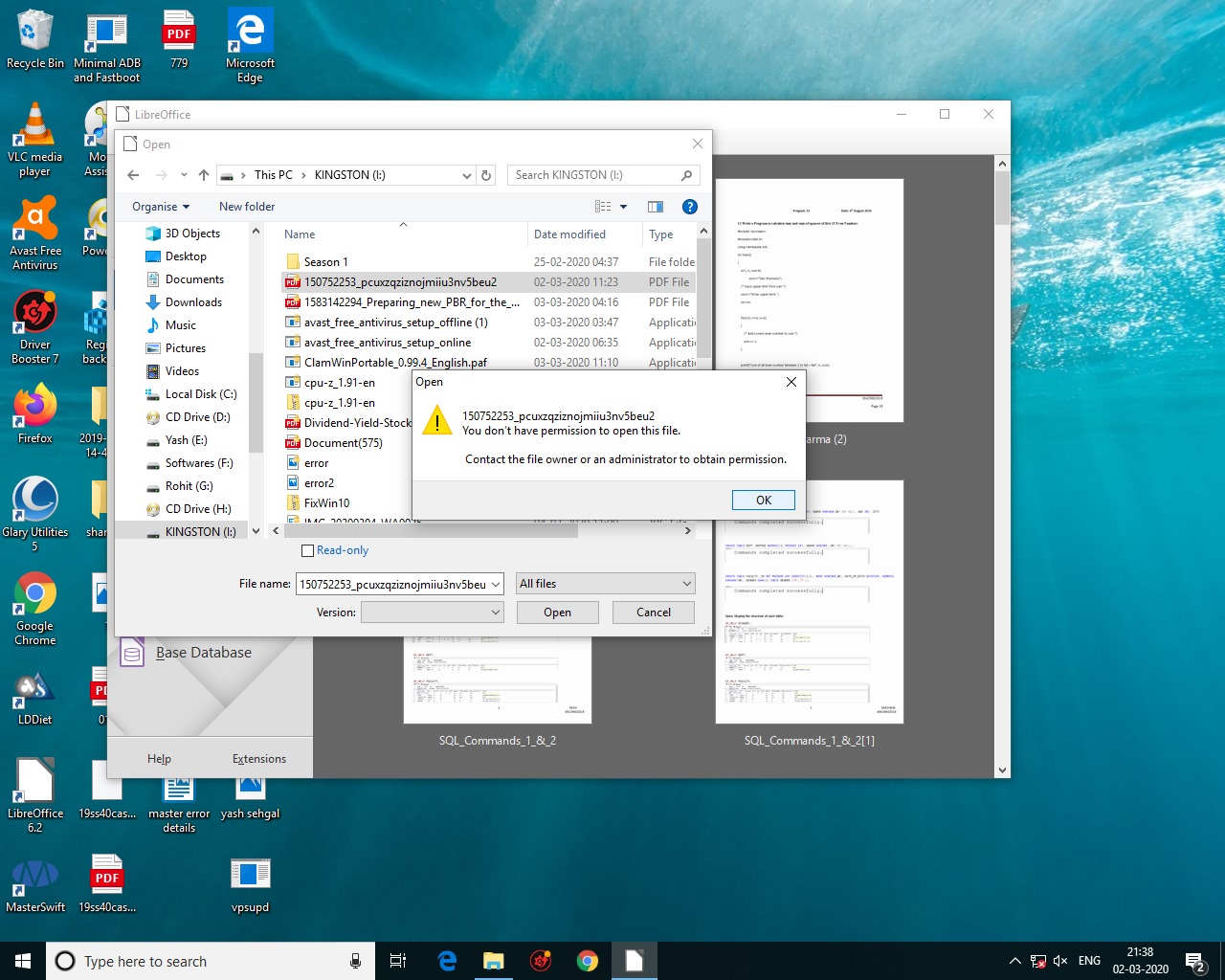
I have some antivirus files downloaded on my office PC which I copied and took home but when I am trying to access / install these applications, it is showing error saying" Windows cannot access the specified device, path or file. You may not have appropriate permission to access the item".
But I am able to use the video files which are avlb on that pen drive.
Please tell where is the error. I am using windows 10 at both PCs.
The setup icons look invalid and it may happen those exes went corrupt.
rather than running directly from pendrive try copying them on your desktop and then run them.
A tip: When in office, simply zip such executables and unzip on your home pc to avoid any direct virus infeciton or otherwise a corruption.
All the setup are working as I have checked it on another pc even from the pen drive. Hence the problem seems to be in settings of another PC.
[automerge]1583233125[/automerge]
Found similar problem which could not be rectified…
Format your pen drives or external HDD’s as exfat to get around this permission problem. I think exfat has very limited permission support to make it compatible with a lot of devices.
Your statment is very confusing… do you wanna say “Format your pen drives or external HDD’s as NTFS to get around this permission problem. I think exfat has very limited permission support to make it compatible with a lot of devices” ?
I guess that sentence was confusing. Look at the exfat wiki. Maybe I should have said file system permissions?
What I meant to say is it allows access by default to every file to anyone. No need to change permission etc to view files or run exe files.
Edit: maybe better explanation of that is - the OS cannot set ownership or other account permissions on the files since it’s not supported by the exfat FS.
I was also thinking the same so even tried by stopping the antivirus (avast free) but still same position. Looks like I will have to install windows again.
I think reinstalling entire os for such a small thing is going overboard.
Try copying to your phones sdcard and copying from phones sdcard to your pc. It should remove any account permission or such. Another way is to download a new installer on your phone’s storage itself.
Another way is to replace all permissions using a Linux OS like Linux Mint or Xubuntu.
Why you need avast when Windows defender is free and just as good?
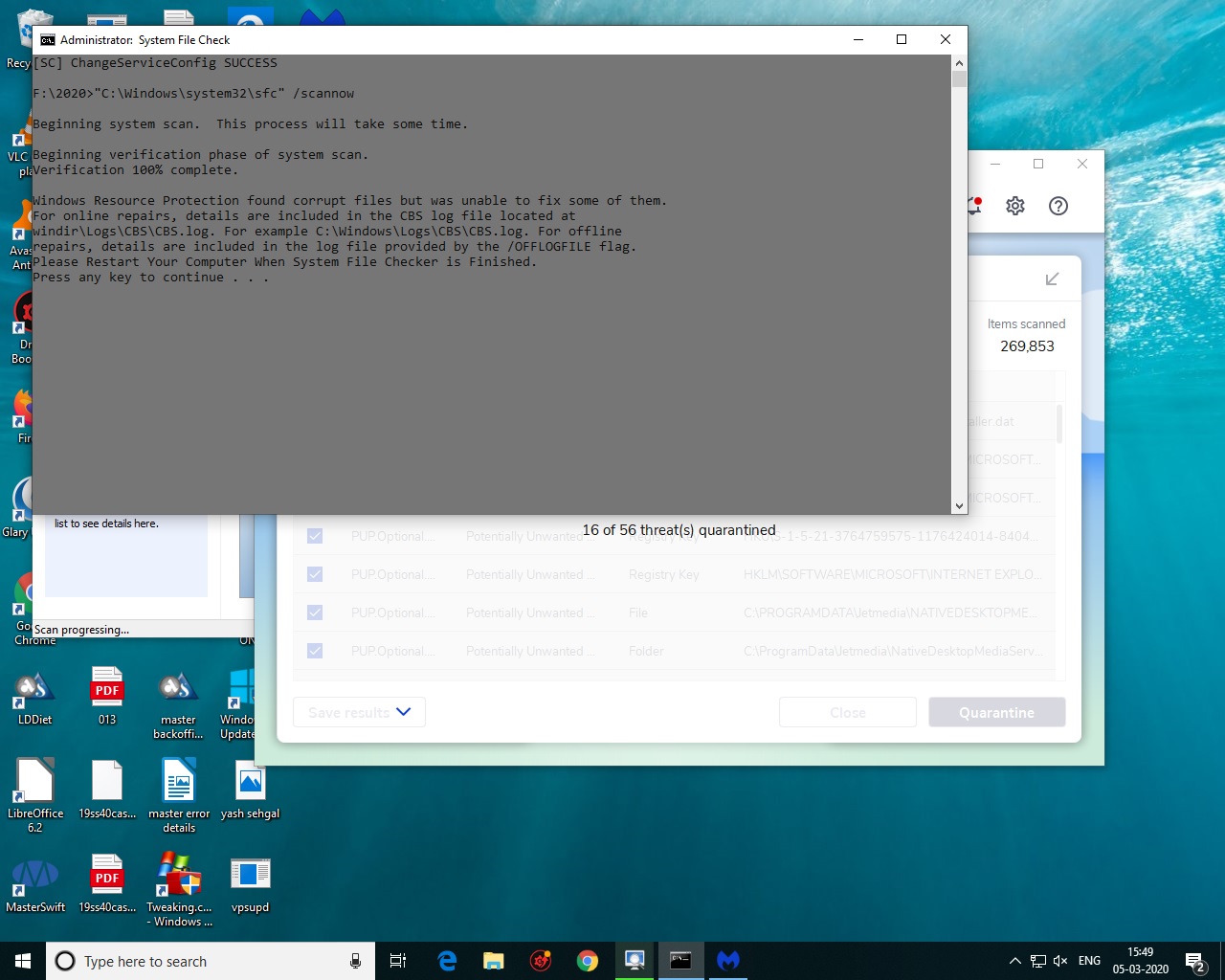
Just to let you know, sfc /scannow has got nothing to do with your error. It only checks Windows system files for corrupt or damaged files. Running it on I Drive wont check I drive but will check C drive (like it shows in that screenshot of yours).
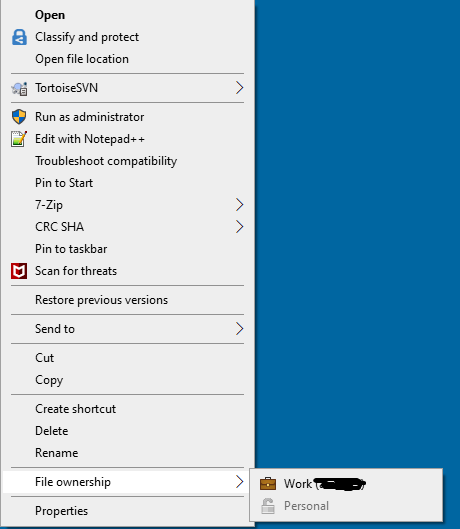
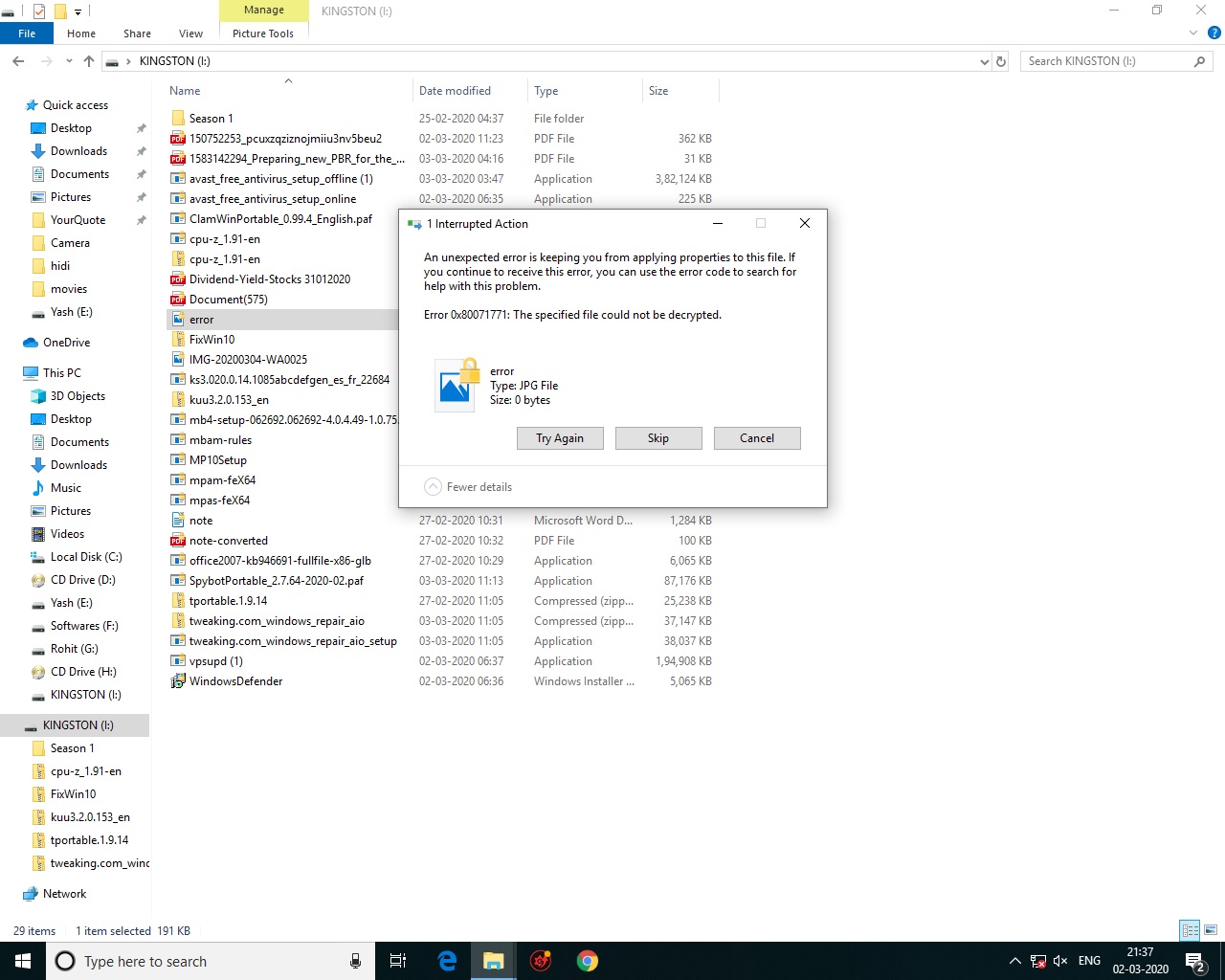
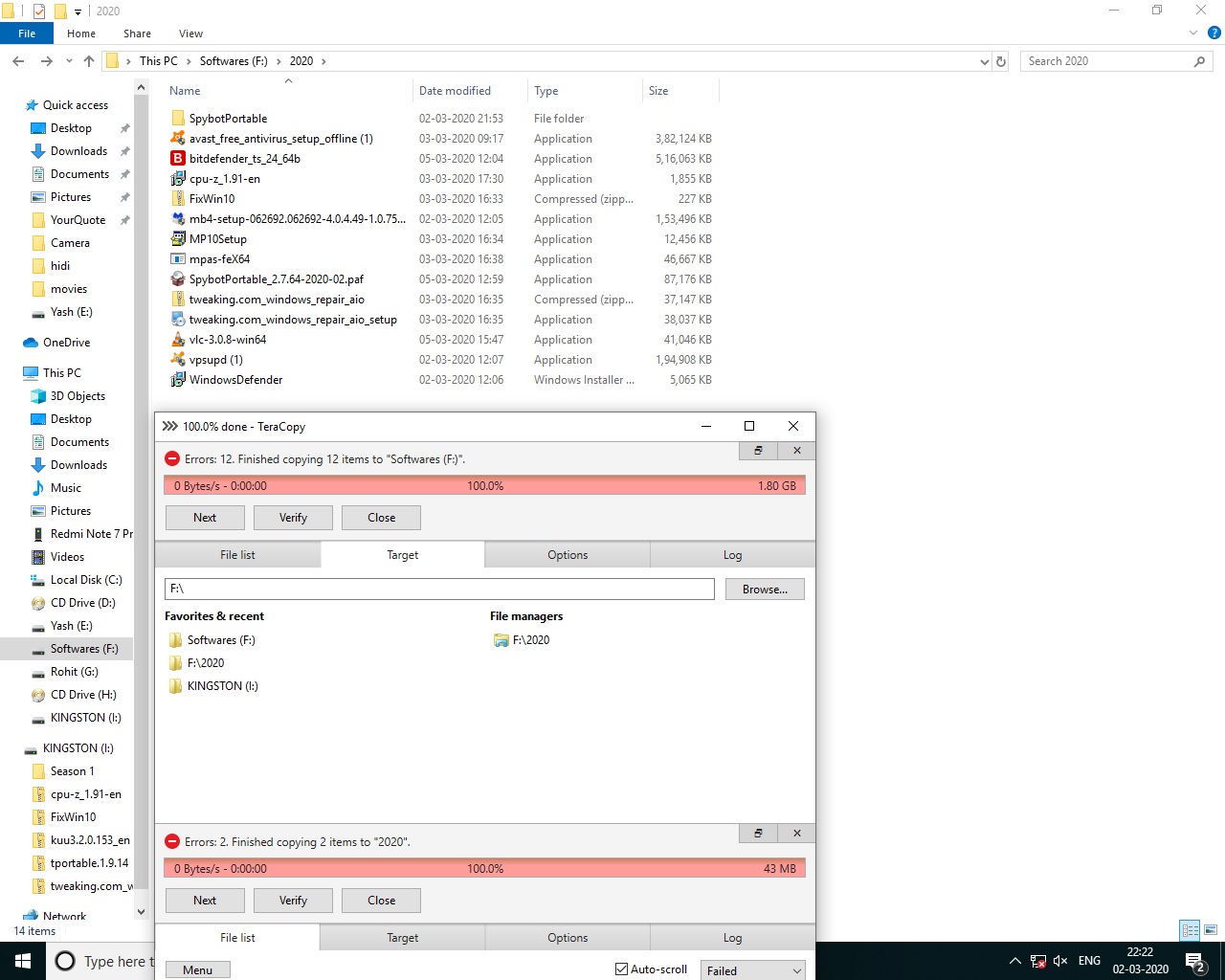
All those errors in the screenshots are due to not getting any permissions to read/ write on that Kingston I drive. Your company computer replaced all the permissions on your external hdd by default so now no other computer can write or execute anything off it. All you have to do is remove or replace inheritance for the permissions on that entire I drive.
The guy in the video is changing permissions on C drive. Do not do it to the C drive of your computer. I repeat it once again. Don’t do it to C drive.
You should only do it on the Kingston external hdd only. Just add Everyone user full permissions like he’s doing to your I drive. Then you will be able to get full access to all files on that drive.
I am attaching the SS of the pen drive properties. Meanwhile I also updated my Windows 10 using this pen drive which it did but the problem of exe files is still there. I also tried another pen drive on the office PC and it also reported the same error.
Download Linux Mint. Use Yumi to write the Mint ISO to the USB pendrive. Or just burn the ISO to a DVD.
Restart the pc and choose to boot from the pendrive or DVD where Linux Mint is installed. Use the try Linux Mint option. It will boot to the Linux Mint desktop. Then insert your Kingston pen drive and copy stuff off it to a portable HDD or internal HDD. Once you have copied all the stuff off the Kingston drive, format it in Linux Mint.
There’s three versions there. Xfce version is recommended.
Site already has a tutorial on how to write ISO to USB using their software.