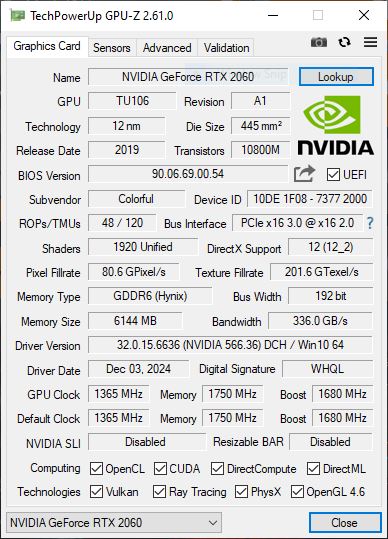
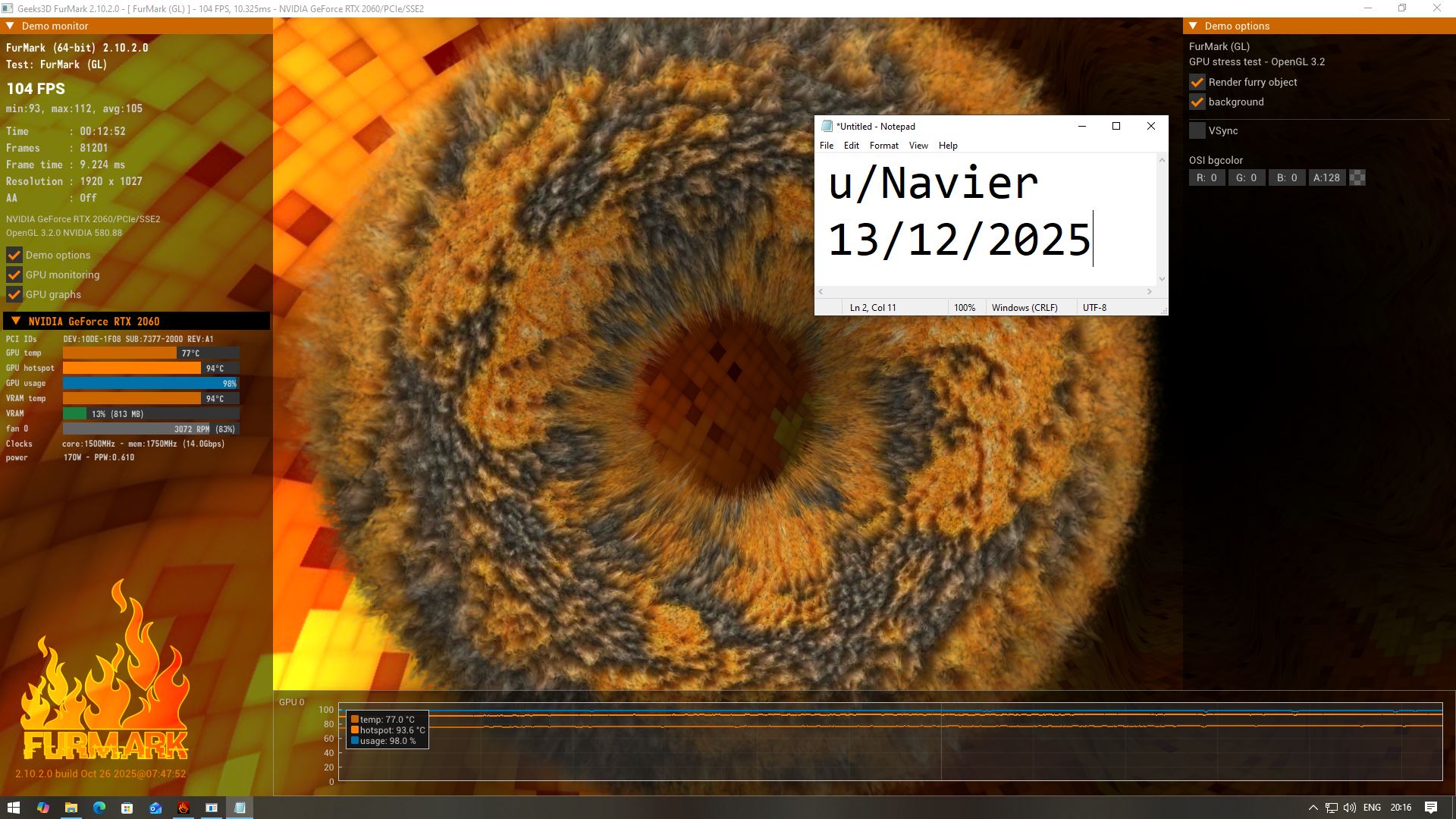
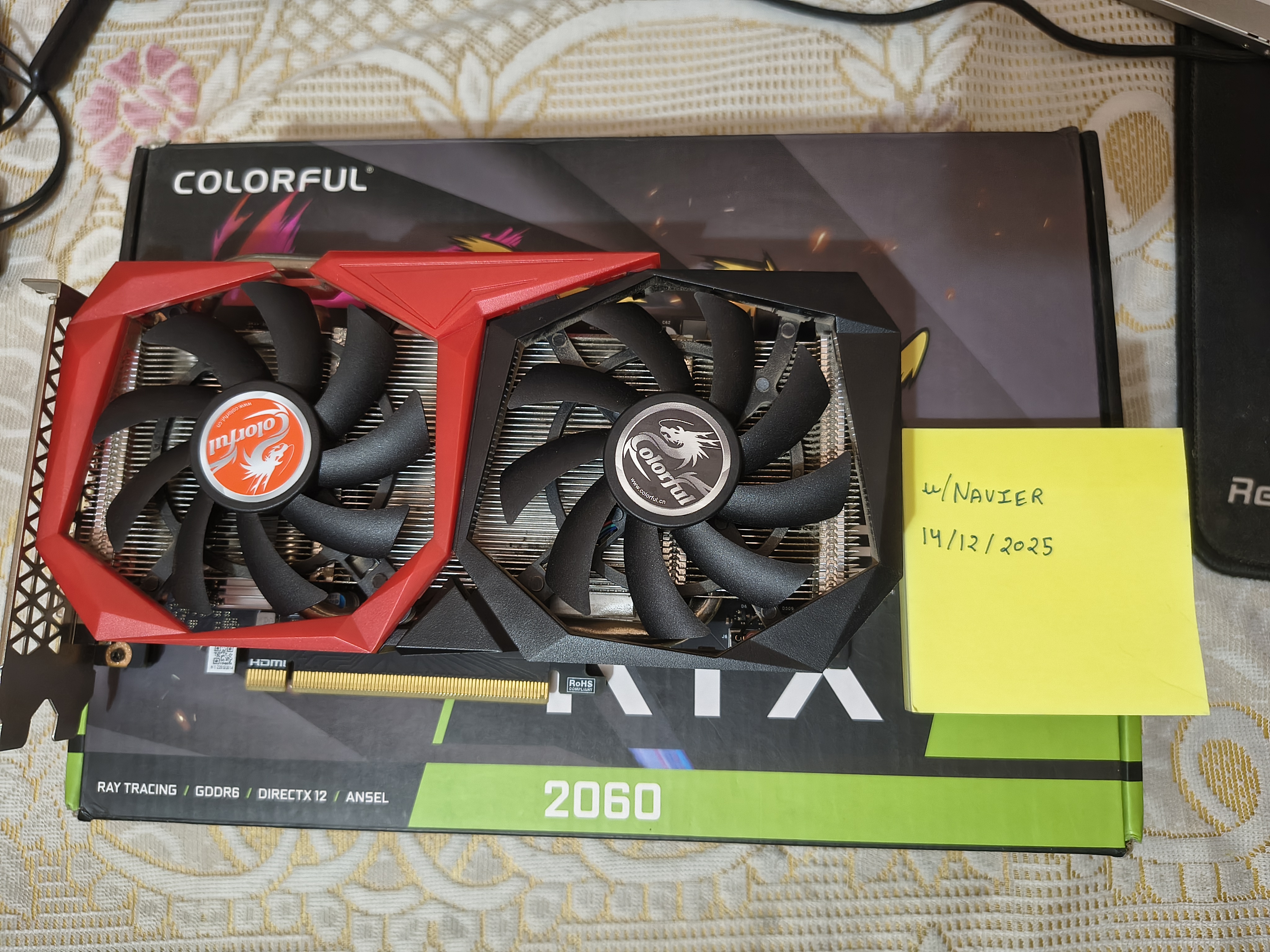
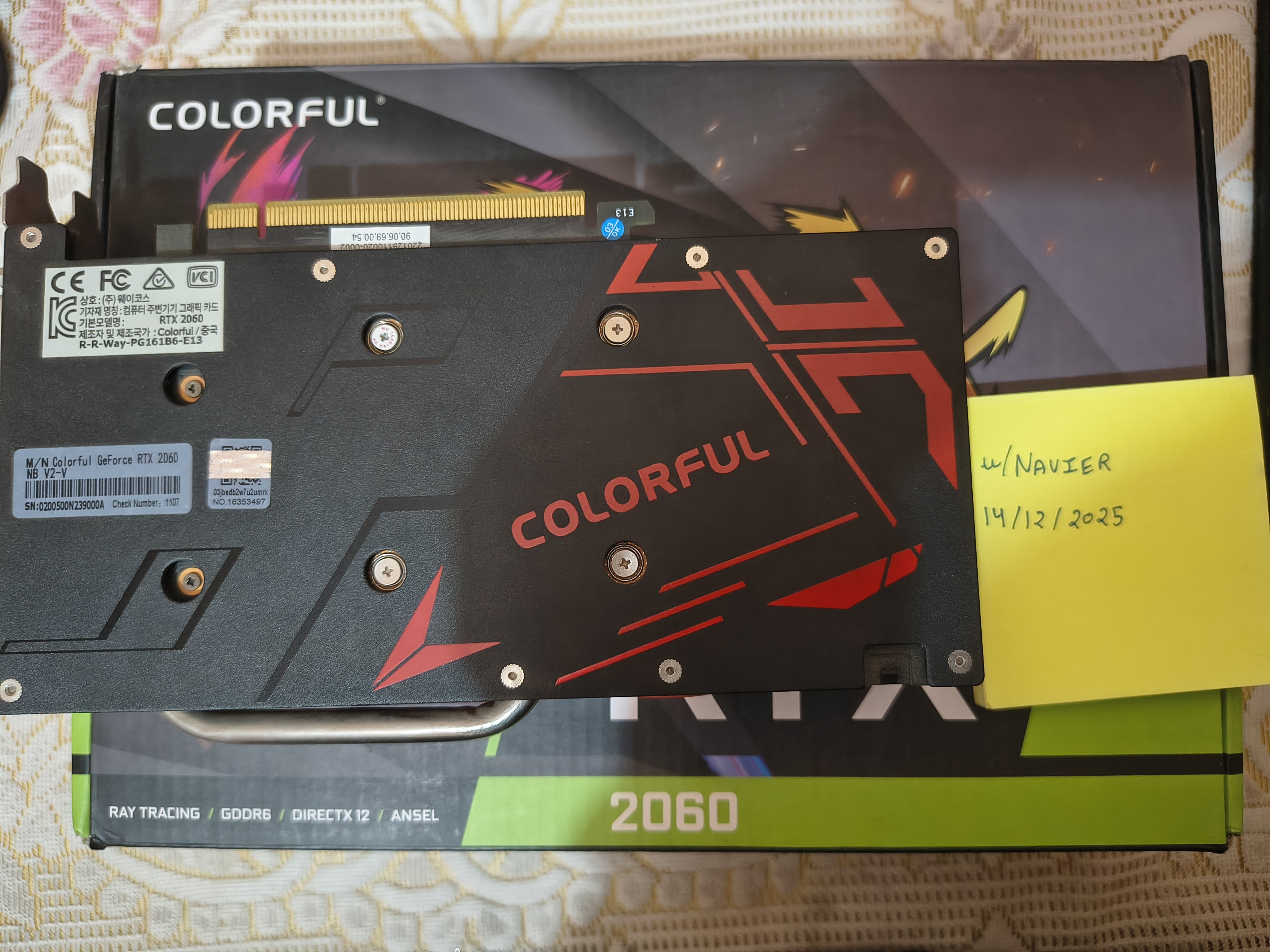
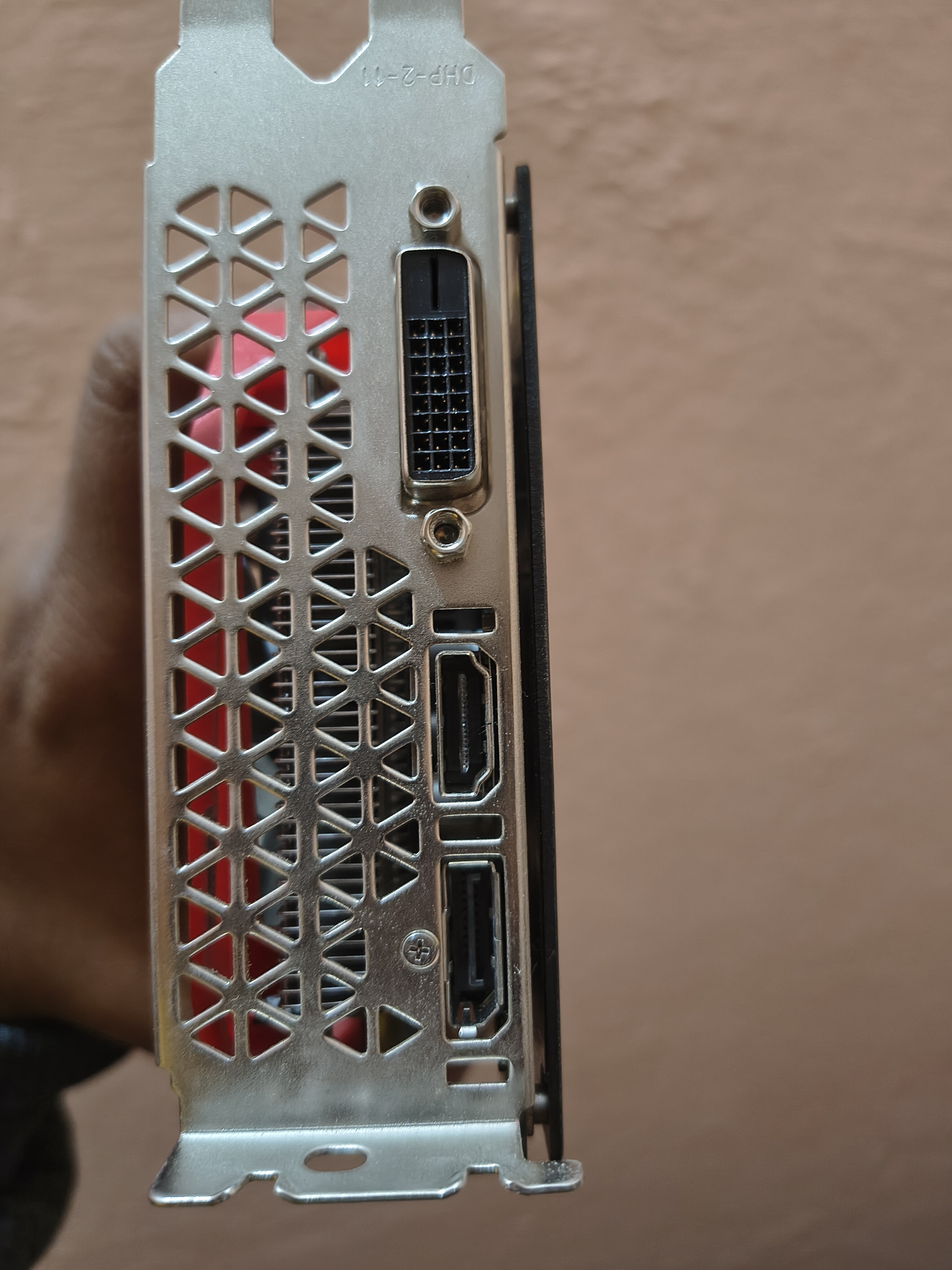
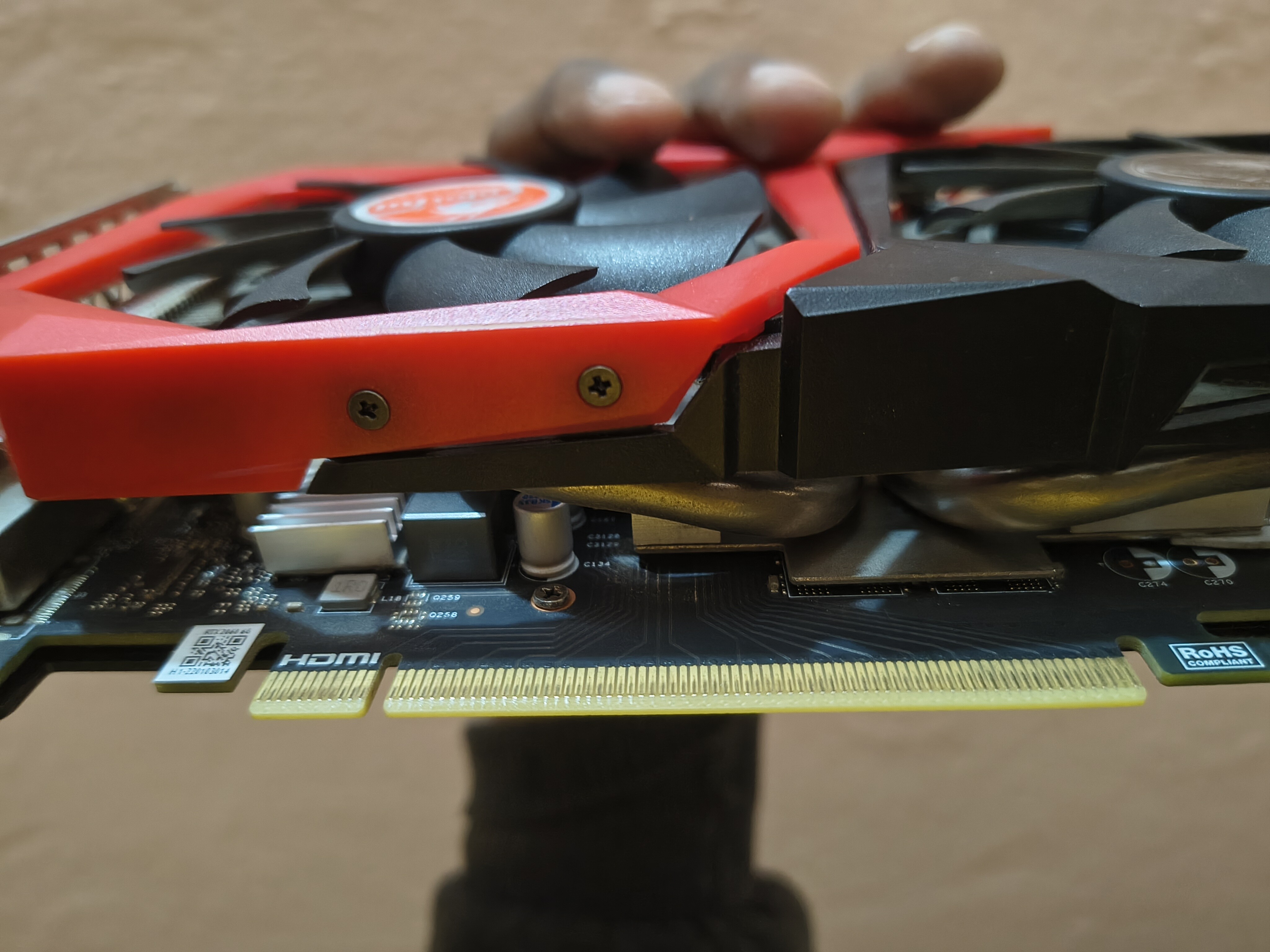
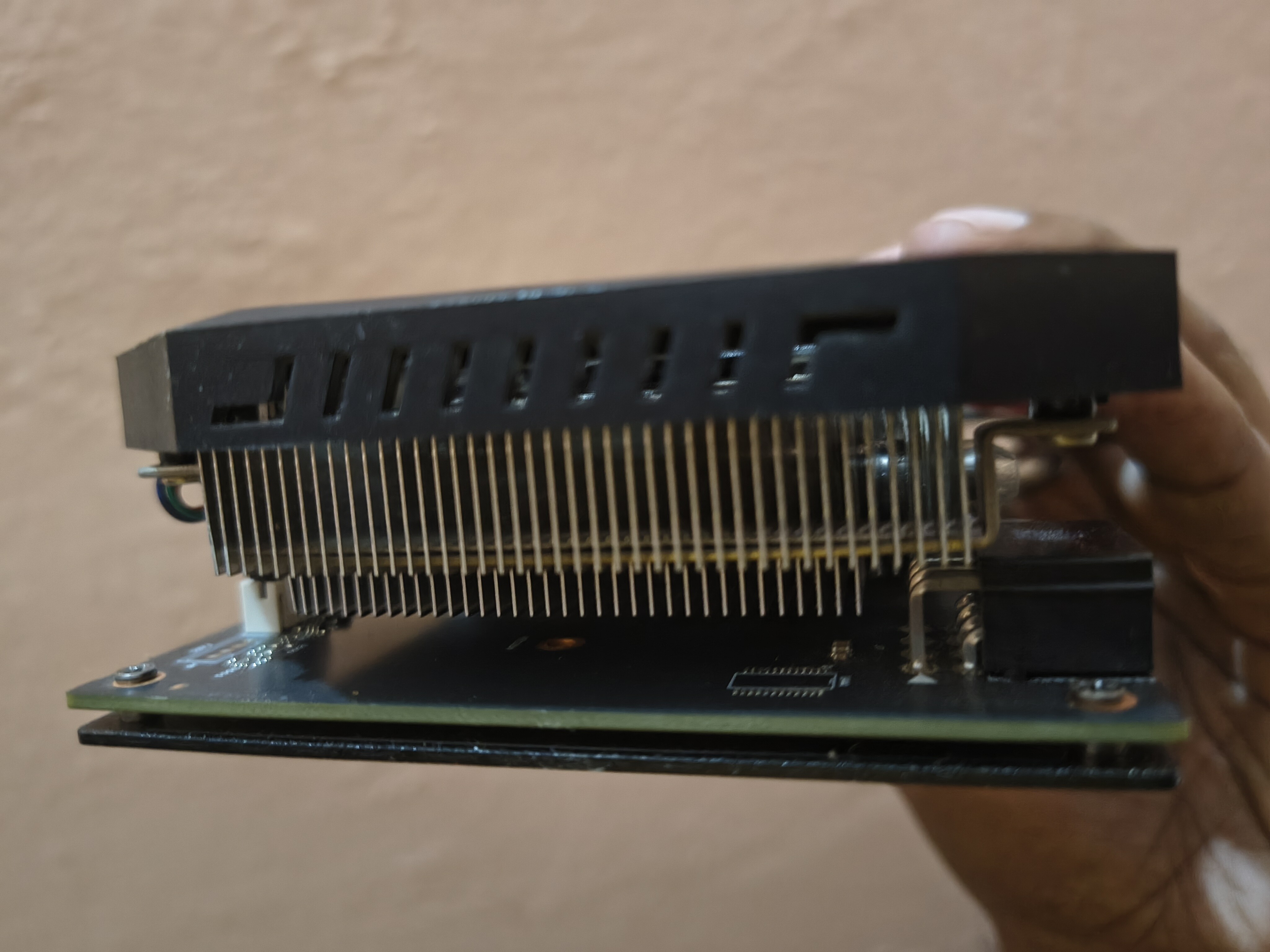
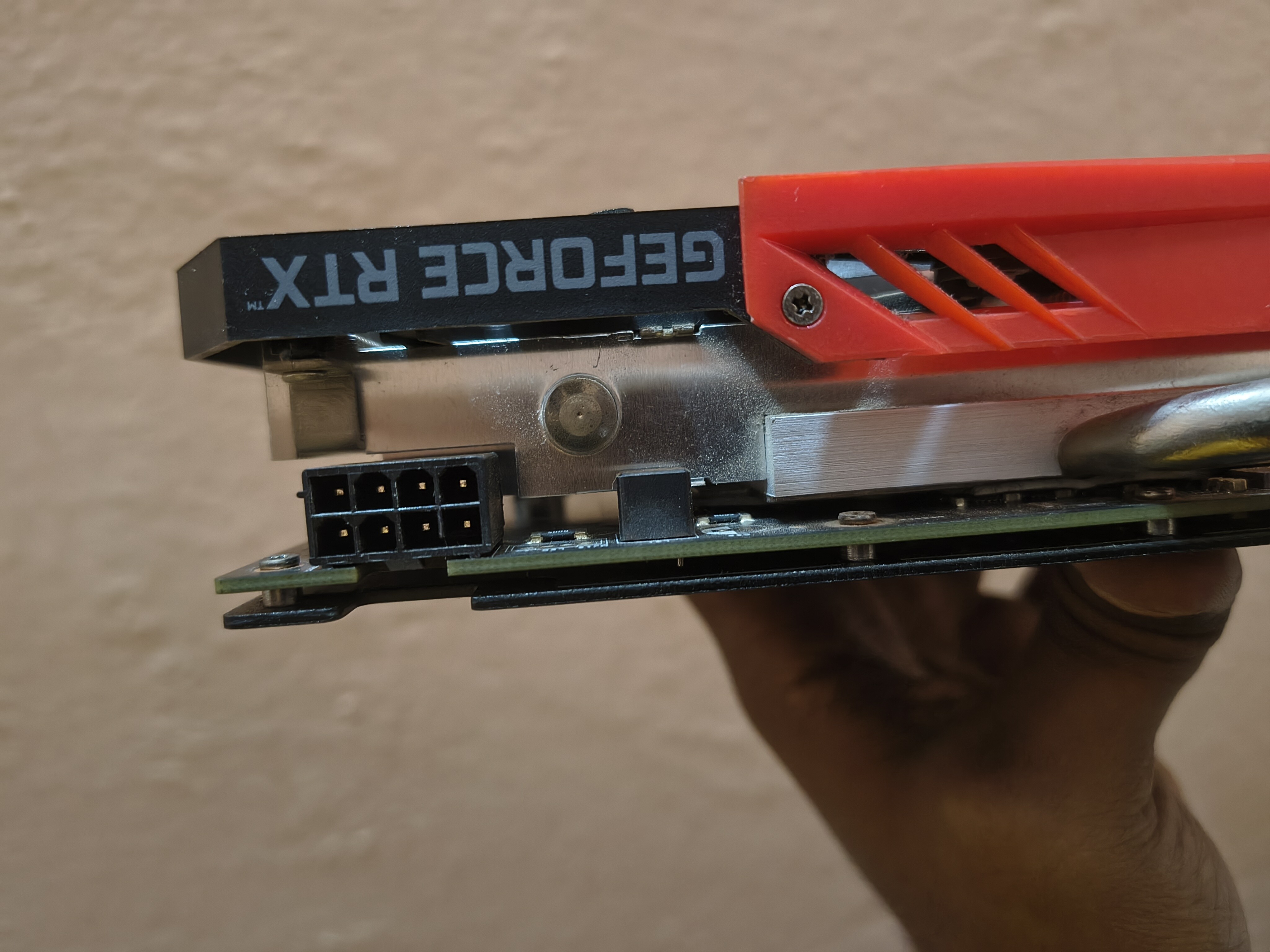
Colorful 2060 for sale. Thermal paste is replaced. Furmark screenshots attached.
Price changed.
9.5k → 9k + shipping.
1 Like
Sold to @ducktape
Deal done f2f.
@ducktape please share your feedback. I believe you have to reply to this sale thread to be able to exchange feedback.
1 Like
Yess. Received GPU from @Navier in top tier condition in Original box.
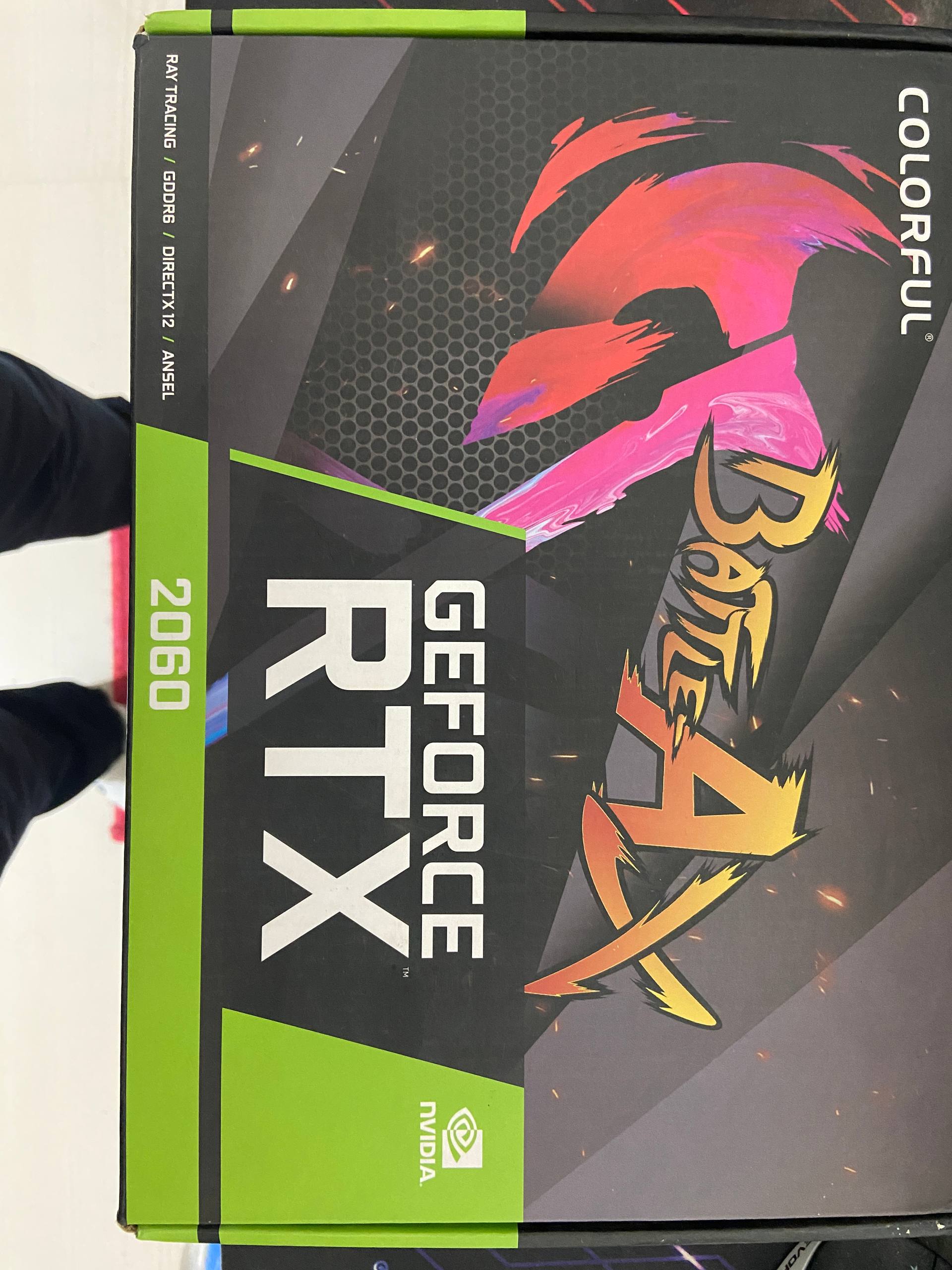
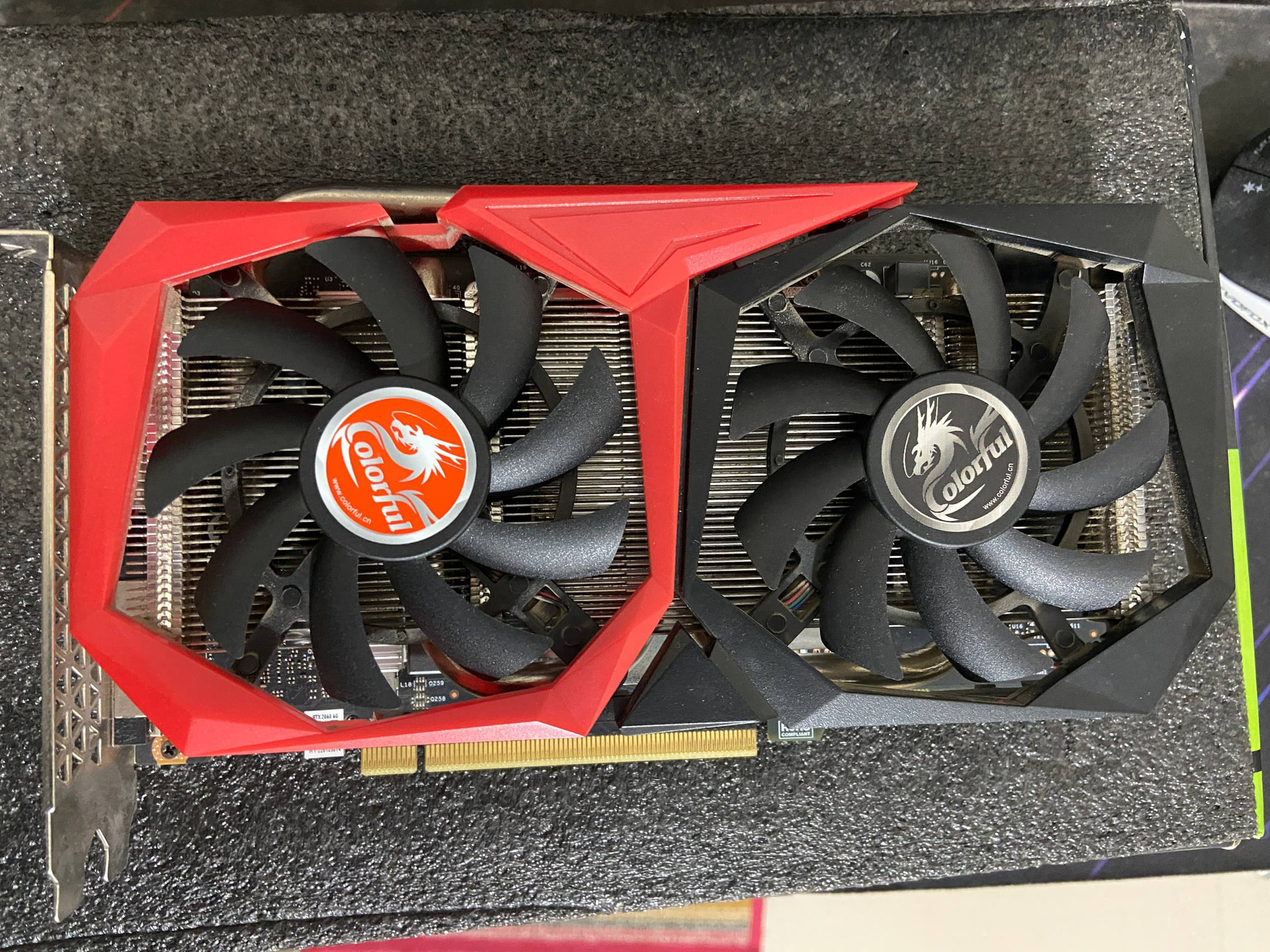
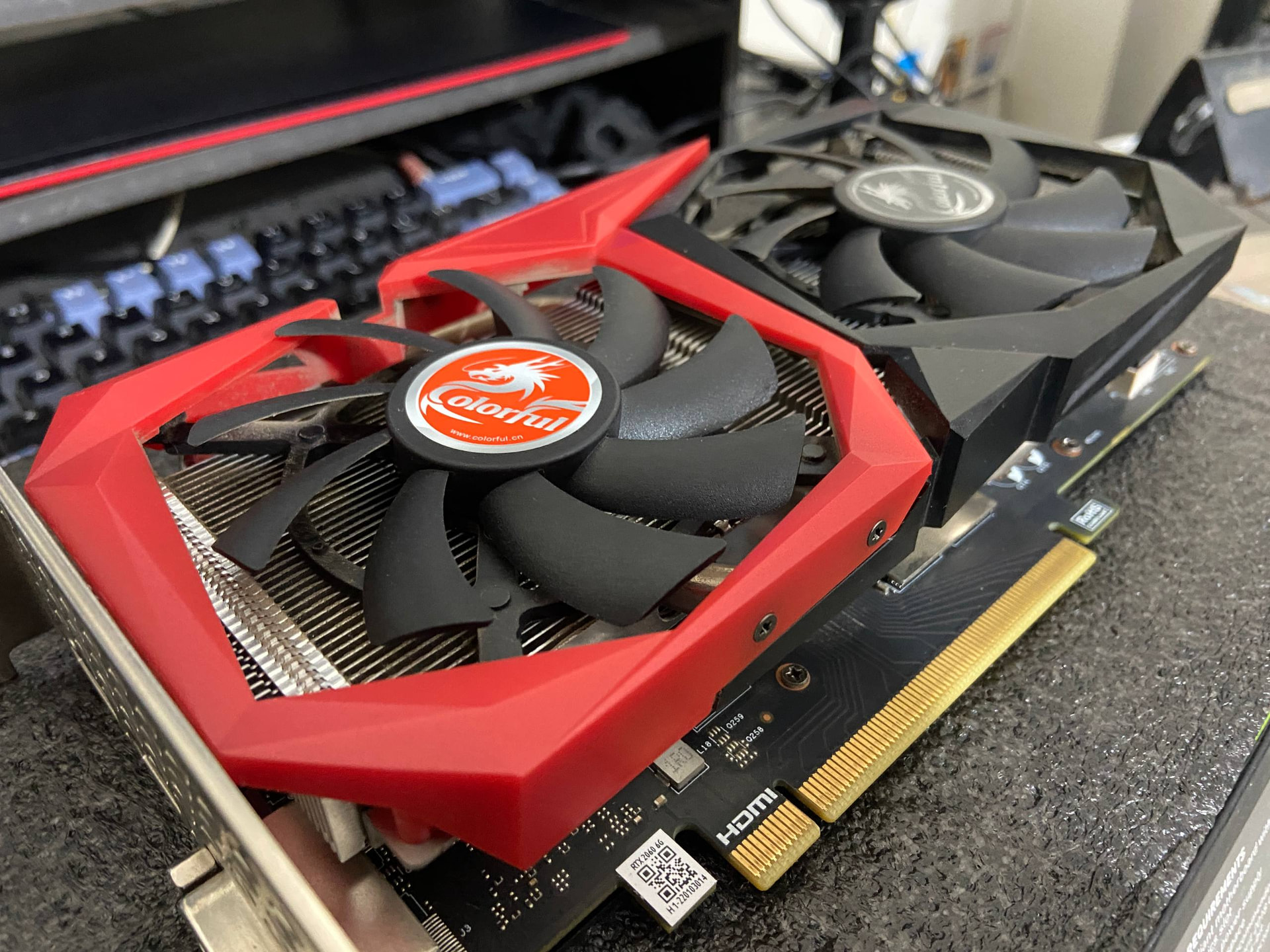
Note - When switching GPUs, only 1 display output showed and i had to use DDU to uninstall older drivers in Safe Mode, and then installing Nvidia RTX 2060 drivers brought back both displays in working condition.
Now its working great, will share more details if necessary
1 Like
Feedbacks exchanged.
Thanks @ducktape
I have an update regarding the GPU after a day of testing. I noticed on slightly higher load that i heard a pretty loud whining noise, and its gotten very loud. I tried to check if its the fan, but it doesn’t seem to be the fan.
Googling a bit, and it seems like the GPU has a pretty loud coil whine. I wasn’t expecting to face this problem. Kindly respond, as mentioned in informing this in the 3-day testing warranty period.
Edit - video link
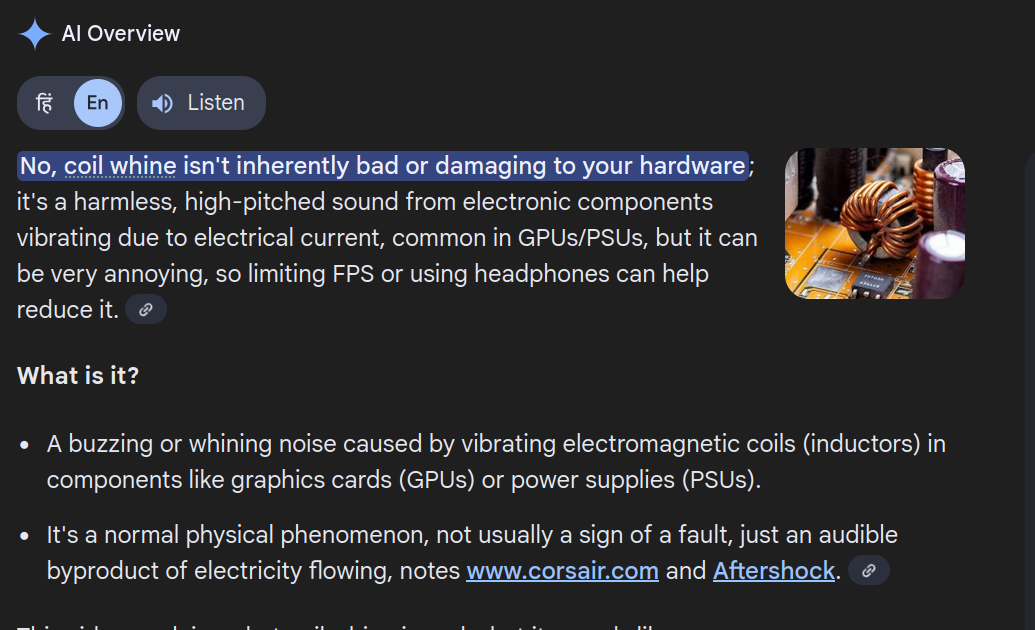
Please note that coil whine is normal in gpu, and its not considered a physical defect.
Testing warranty is for physical defects / DOA only.
Woah.. this amount of coil whine is not normal. Was it already there? If so, it should have been disclosed in the post.
Did you use manual control to rule out fan noise? The reason I’m asking is that I have a Colorful 1660S with the exact same heatsink and it emits a similar noise when the fans get near 70%.
Yeah, and the fan noise is alright tbh, i’ve used blower style GPUs so i get that they can sound like a jet engine.
But here, there a constant “khrr– khrr—khrr“ sound at higher loads.
I was able to test the range of fan speed between 100-40% using MSI afterburner when running the game shown, Silent Hill f, and the GPU still made this noise.
The sad part is using a couple of RTX features like Nvidia Broadcast’s “Studio Voice”, one of my motivations for an RTX GPU, also cause this same sound to occur.
ideally the seller should take it back if the buyer is not satisfied by the product and has voiced out their genuine concerns within the testing warranty period.
Ill tag other members lets see what’s their opinion on this
@rsaeon @Heisen @PunkX_75 @sama @solo_wing
Do you still hear the coil whine with the side panel on?
Is the graphics card is functioning as expected (not overheating or crashing)?
If the card is not overheating or crashing, you can request the seller to take back the card but he’s not obligated to, though he might in the spirit of community.
Some people are more sensitive to noise than others, some people see colours more vividly than others.
I personally need a very ambient high noise floor because of my covid-induced tinnitus so I wouldn’t be bothered by coil whine so it’s probably a good idea to see what other members who don’t have this disability would say.
Just to completely rule out the fan, when the noise is the loudest, manually stop both the fans by hand briefly, by touching them from the center, slowing them down and bringing to complete stop, >> one fan at a time <<. See if the noise goes away.
It could be the fan bearing.
1 Like
As @Heisen mentioned, it sounds more like a bearing issue, and less like coil whine. Even my old R9 290 had less coil whine.
Bring the fans to a stop, and see then. Also double check if one of the fans is hitting maybe a small wire.
1 Like
Thank you for the advices guys. I ‘m grateful to the community members coming to check out my issue.
@shrimann @Heisen @PunkX_75 I fired up Silent Hill f again, putting the GPU under load and using MSI afterburner i lowered the fan speed to 20%, and then manually stopped each fan at a time. No Wire seems to be touching the GPU fans either.
The noise is still present. I also tested the setup using my older GPU RX 580 and a borrowed RTX 2080 just to check if this happens, but my setup is able to handle both GPUs under the same load without this coil whine, and i’ve ruled out any other component making the sound due to that.
@rsavera Yes, its audible, but since i use speakers primarily (using headphones too much caused me some health issues so i’ve been avoiding using them unless i really need to) the noise gets to me while recording during gameplay/heavy load, which is a primary use case for me since i like and use the RTX broadcast feature-set.
What’s bothering me the most is that OP’s response here after i shared the video seems to imply right here that he was most likely aware of this. He’s been trying the sell the GPU for at least 2 years now, judging from thier past posts, so its unlikely that they were unaware of this. Colorful RTX 2060 6GB - #7 by Navier
In the most recent DMs, he’s responded to my unsatisafaction with the purchase saying the issue didn’t bother him much since he used headphones. This information was not disclosed at any point, and only when i discovered and posted the video was when i got this response. (I can share the screenshot if its not against the rules)
The GPU is working, the temps seem to be fine and not its crashing under load. I’ve tried asking him to take the GPU back and have not received a response as of yet.
3 Likes
Going by the response here, it does seem that he was aware of the noise issue upfront but chose to not disclose it as it might impact his sale.
I have done 90+ deals here and there were a couple where as a seller I had mentioned the condition, but the buyer apparently expected something else and I refunded in good faith with each of us bearing one-side courier expenses. Both these items were still resold here and fixed by more knowledgeable buyers who were aware of what I had mentioned.
It is a tricky balance because sometimes buyers might use the testing warranty to try something they don’t want to purchase and as seller you don’t want to take responsibility for something that came up after delivery.
But in your case, it does seem to be a pre-existing issue that the seller should take cognizance of. If there is no mutual understanding, then the mods will have to step in.
3 Likes
I did some searching and found that the RTX 2060 is known for coil whine.
What caught my attention, though, is that the coil whines I have heard before doesn’t sound quite like the one your card is making. Usually it’s more of a continuous buzzing sound, whereas yours sounds more low frequency like a “kha-kha-khaa."
I looked around to see if I could find another RTX 2060 making a similar noise, and I did find one:
There is still a noticeable difference, though. In the video, the “kha-kha” sound is much faster, while on your card it seems slower.
Could it be that the underlying noise is still the typical coil whine buzz, but the fan blades modulate it as they spin, essentially chopping the sound as each blade passes in front of the noise source? The noise source could be a inductor or capacitor
Does changing the fan speed alter the sound signature in any noticeable way?
1 Like
I empathize with you mate. I bought the 1660S here and it had some bad fan noise, thankfully it had some warranty left so I could get it RMA’d and the seller even offered a slight refund for my troubles. Funny thing is, the RMA’d piece was quiet for half a year then started to make noise again, so I had to RMA it a second time and again same story. I guess one can’t expect any better quality from a C tier OEM like Colorful.
It has been said that doing an undervolt and reducing the power draw might help mitigate coil whine issues, maybe try that route if you’re out of other options.
1 Like
This was a useful bit. I tried putting the GPU under load of the same game, and i’m changing the fan speed using MSI afterburner.
The “kha-kha” sound(..which is kind of like a “khrrrrrrrr”, it seems continous). The Fan speed sounds, “Whrrrrrr“ seems to be independent and the only difference it makes is that on low fan speed, the “khrr“ is far more prominent, compared to high fan speed when the “Whrrr” becomes noticeble as well.
Right, and i was excited for a second but a bit of googling leads me to believe that this phenomena is part of what is referred to as coil whine in GPUs. Feel free to add more information or correct me.
BTW During this test the GPU has hit 81 C during the gameplay…are these temp’s safe ?
@purpleshad0w the power draw thing was a bit helpful as reducing power draw to 80% significantly reduced it, and going down to 72% Power Limit in MSI afterburner is where the fan speed sounds is now simply overpowering the coil whine.
Further googling has also lead me to believe that mentioning “GPU coil whine”, albeit safe for usage, may hurt the value of a GPU by 10-15% when reselling it, which has happened here. I don’t think i paid a fair price for the GPU or even made the correct purchase decision.
As per what’s happening in the thread, @Navier i don’t want to make you out as the bad guy here. You were nice to me and very friendly in the entire scenario. Even gave me a great tip using firefox with u block origin to avoid ads when we met in person.
Its just my experience has been not upto the mark as per the information i was provided, which was not adequate. I hope you at least respond to this thread and acknowledge what you plan to do about this scenario.
I used the gpu for its intended purpose, gaming. It was inside a case and i would wear headphones, so i never really paid attention to the noise. The card worked flawlessly for its purpose and never displayed any issues.
How would I know that @ducktape has health issues and is noise sensitive. He didn’t ask any questions about noise, or showed any concern about this when we dealt face to face.
If @ducktape had specific noise level requirements, he could’ve done proper research about gpu noises and asked questions about it. Noise tolerance differ from people to people, studio level quietness cant be expected from every graphics card.
He asked me a video proof of graphics card running, I provided him the video. He was satisfied and proceeded with the deal. If he was not satisfied or asked anything else, I would have happily provided that, cause I wanted to sell the card honestly, I am not here to grift anyone.
I understand you’re noticing coil whine, but that’s not a defect, it’s a normal behavior in many graphics card. It doesn’t affect performance or reliability. I provided a video beforehand and we completed the deal face to face. Since it was a used item sold as is, I can’t offer a refund. The card works as intended.
https://www.reddit.com/r/buildapc/comments/138djdt/is_coil_whine_under_loadhigh_fps_just_normal/
https://www.reddit.com/r/buildapc/comments/1c4otpz/is_coil_whine_the_standard_now/
1 Like