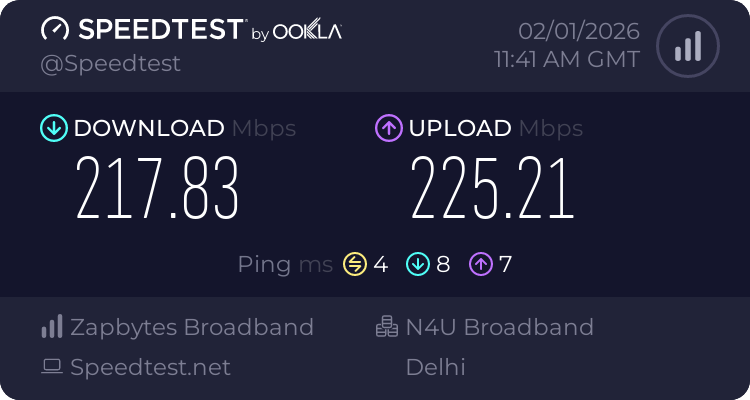
Received mine yesterday. Unboxed it today and flashed OpenWRT without any issue (didn’t even think of doing speedtest on stock fw), but welp, no can do now. If anyone is interested, here are the steps I followed:
- Connect AP to my ISP router.
- Used WiFiman App to get the assigned IP of the AP. (the app highlights the AP at the top)
- Used
ssh ubnt@<ip_address>to login. Password:ubnt. - Then used the dd method to flash the openwrt.
Why
ddmethod?For some reason, my AP didn’t had
mtdcommand. So had to useddto flash the image.UAP-AC-LR-BZ.6.7.35# info Model: UAP-AC-LR Version: 6.7.35.15586 MAC Address: fc:ec:da:8c:d0:07 IP Address: 192.168.5.xx Hostname: UAP-AC-LR Uptime: 1333 seconds NTP: Synchronized Status: Timeout (http://unifi:8080/inform) UAP-AC-LR-BZ.6.7.35# mtd write /tmp/openwrt-24.10.4-ath79-generic-ubnt_unifiac-lr-squashfs-sysupgrade.bin kernel0 -ash: mtd: not found
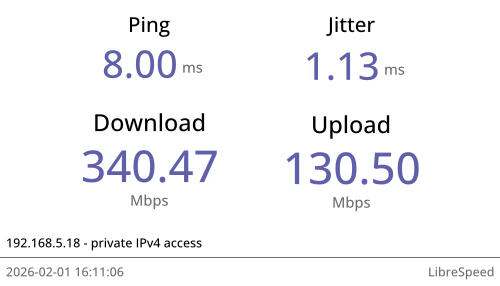
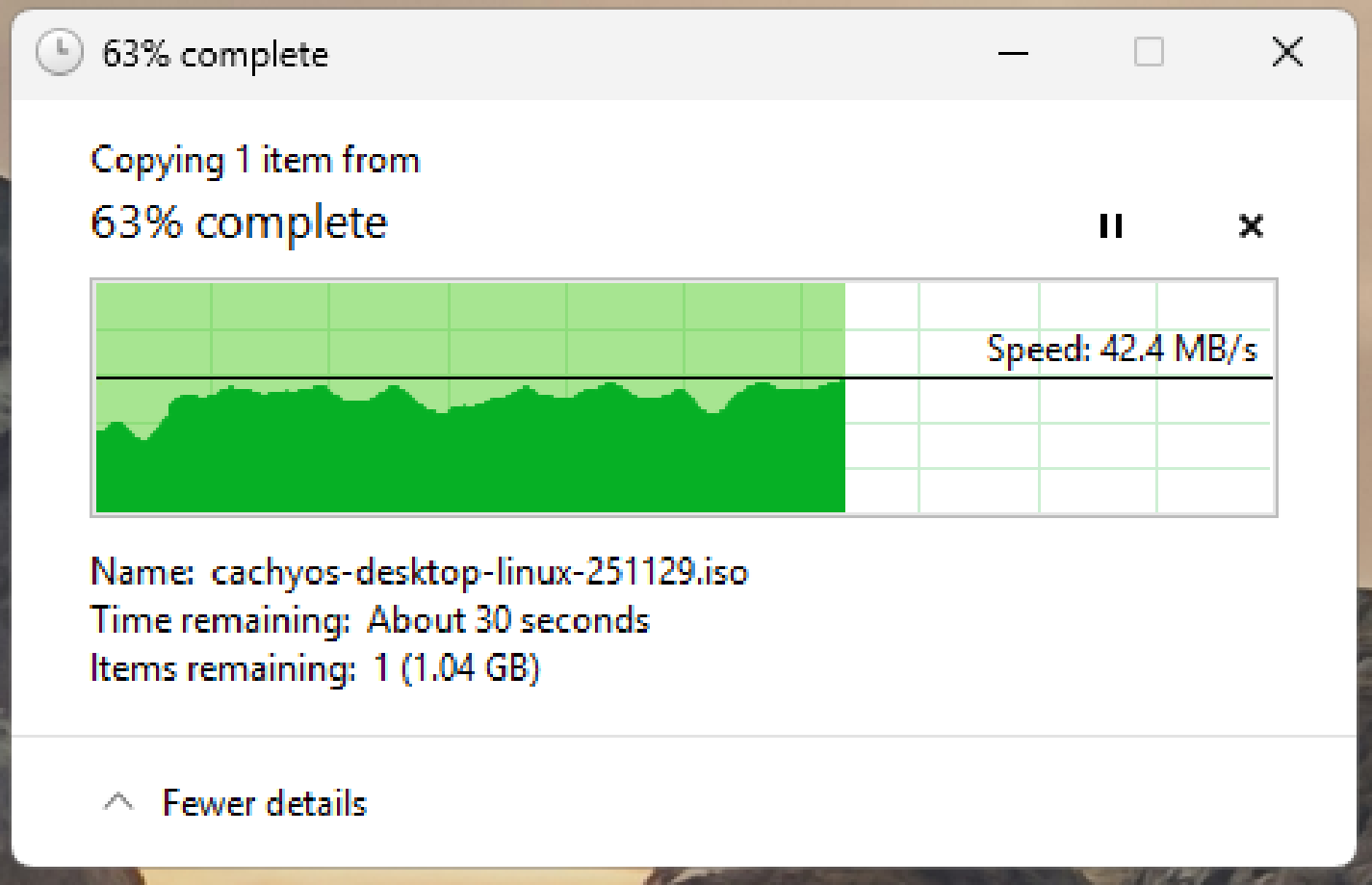
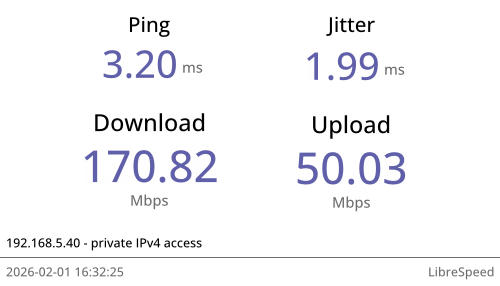
Here are the LAN speed tests. I have AP and PC close to each other on my desk:
- librespeed
- Copying from NAS to host
And this is when client is beyond 2 walls (each is 1 brick thick)
Note:
- Flashing OpenWRT image using
ddmight take a while, and there is no progress bar for it, so be patient and let it finish. - After flashing & reboot, the white led starts blinking, let it finish. Once finished, the light turns off, but the AP is still on and functional. Connect the LAN from the POE Injector to your PC, and assign a static IP like
192.168.1.10to your PC, then visit192.168.1.1for openwrt dashboard. - As I said, LEDs were off by default. Use these settings to enable them. FYI, only the white LED worked for me, purple seems to be non-functional, dunno why.