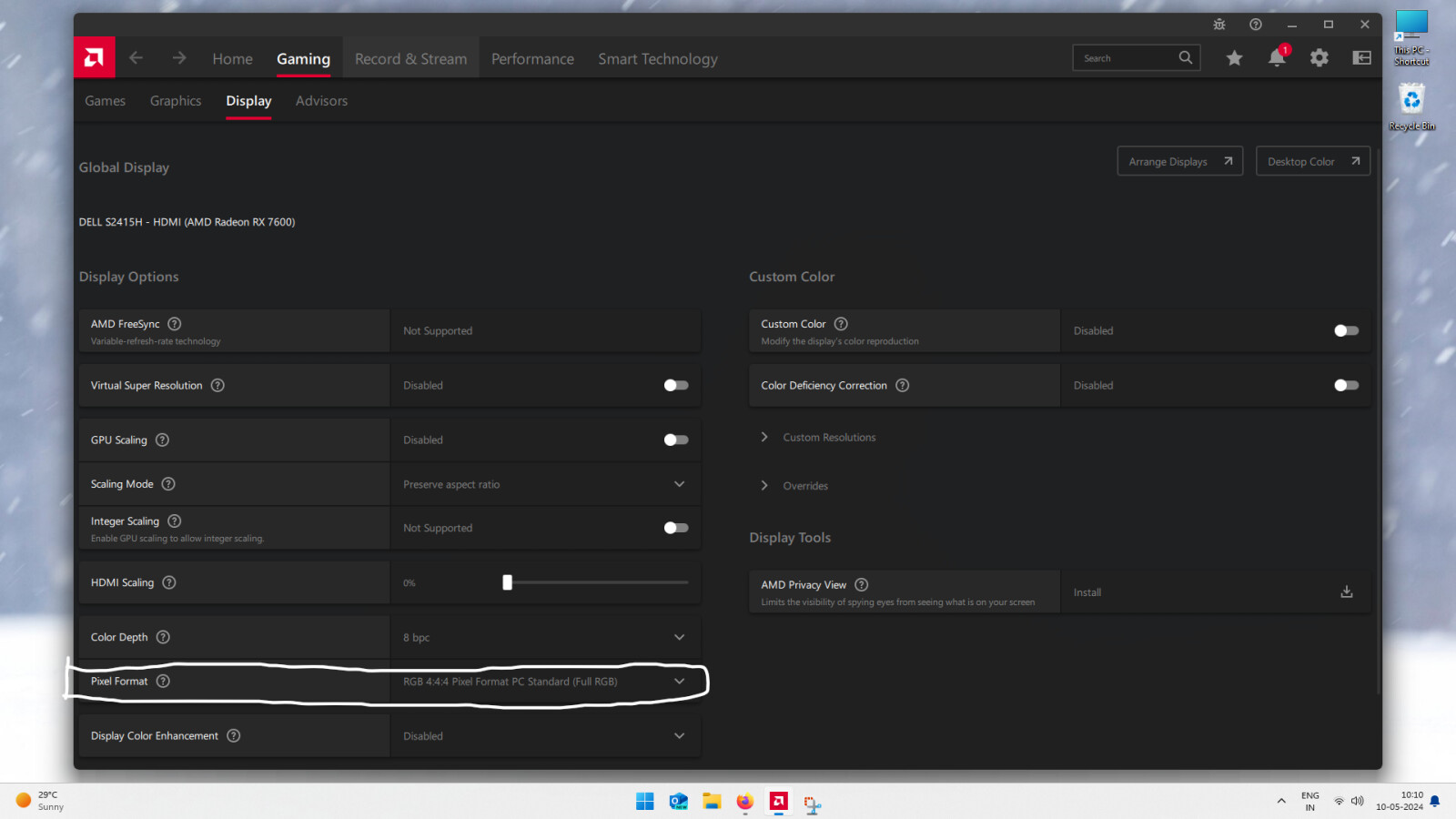
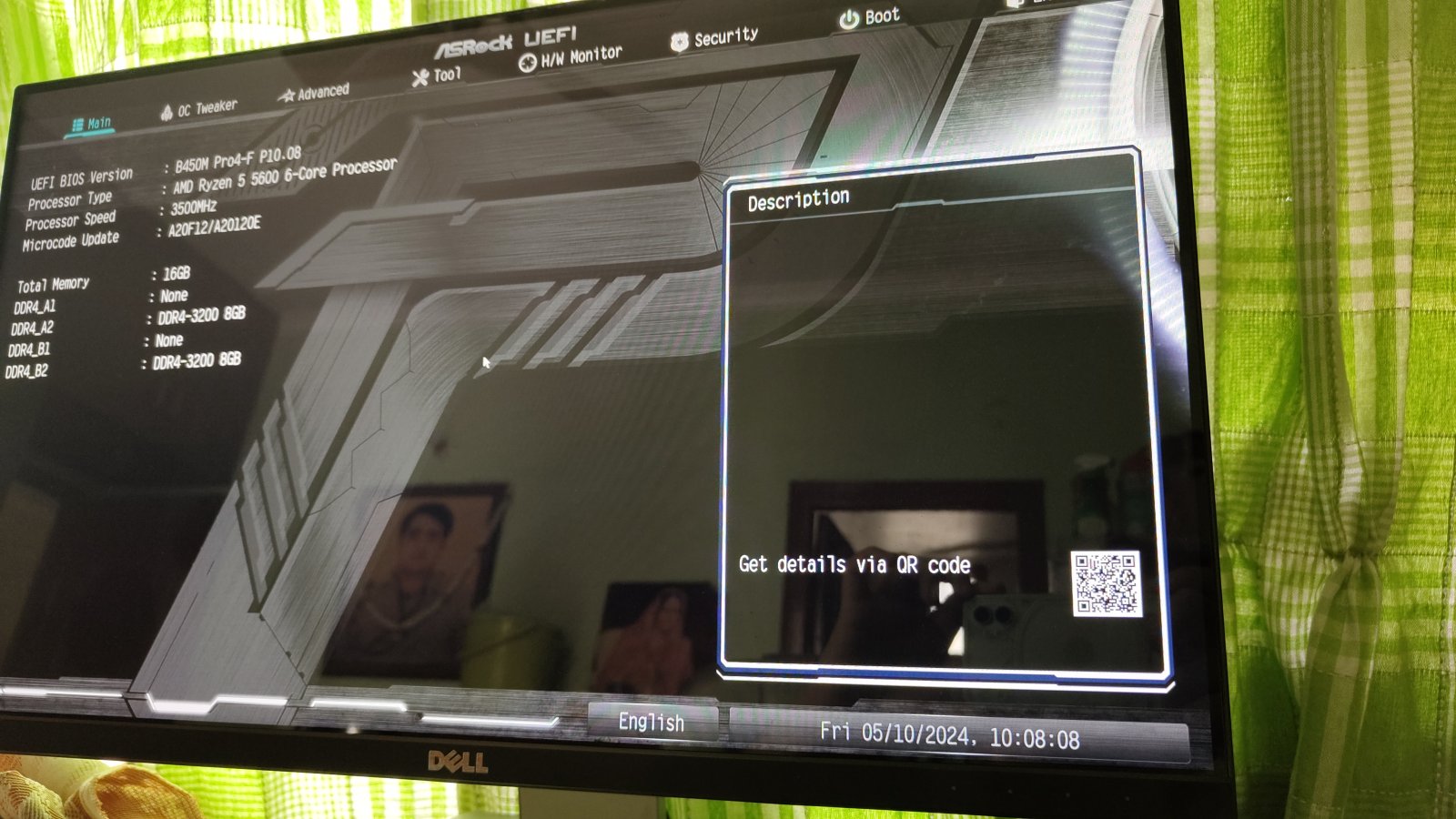
Check your monitor cable or try a different monitor. Also, check in a different hdmi slot in the gpu. Nothing major but irritating.
Also, google for similar issues if people are facing around and do a bios update.
Just as I feared, the solution is not permanent and the reason I didn’t opted for this initially.
The problem is that the solution is Windows driven and only works when you apply and restart but once you shutdown the PC and come back after a hiatus the problem still persists.
There has to be a BIOS driven solution. This isn’t a permanent solution. Maybe, I’ll try remove the RAM and reinstall it in different slot.
Dark Star, did you resolve your issue? I’m having the same issue, sometimes it doesn’t happen but it’s still a problem. Also, my pc crashes after waking from sleep and whenever it wants to crash.
Specs: Ryzen 5 7600X, Radeon RX 7600XT, DDR5 32GB, 850W PSU
Yes and no. If you are sticking to Windows the aforementioned solution does work but if you switch to Linux and then reboot the issue resurfaces. Since, the solution is implemented on Windows level and not on the BIOS, it will reappear if you switch to other OS.
As for the other issue, in my case, I did find the system to not wake up after sleep but it happens rarely. The system will wake up and fans works as expected but will not give any signal to the display. This is mostly true if I power off my monitor after putting the system to sleep/autosleep.