I have a HP LaserJet 1020 Plus printer at home, it’s a fantastic printer and been serving me for over 8 years now, still works flawlessly for my printing requirement which is not on daily basis.
The only downside is, this printer does not have network support and USB connectivity is the only option, every time I need to print I would need to move the printer near my desk because of space constraint.
I have been reading about solutions to get USB printer enabled for network connectivity via a print server installation on a RPi or VM or even some routers support it. (I have a Openwrt router)
Please share your inputs on how to enable this printer for network sharing ?
Main issue is that the printer is placed quite far from my Homelab server and router due to space constraint.
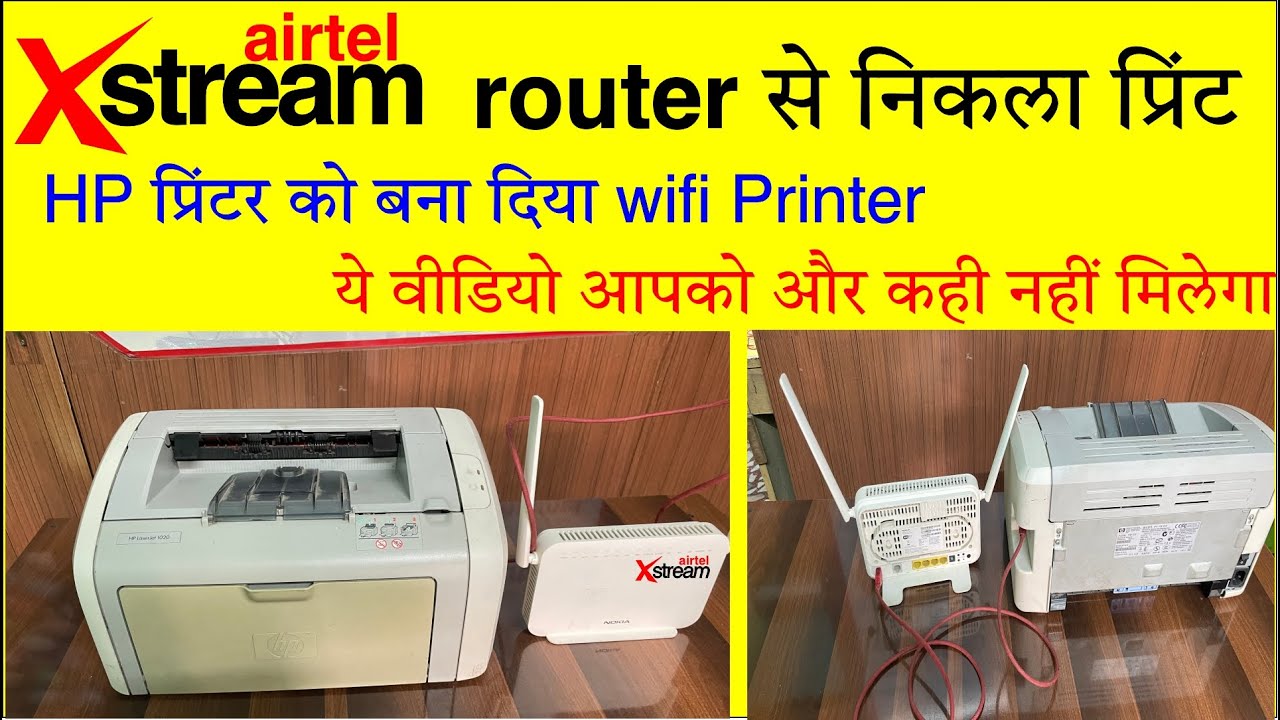
Your printer has an ethernet port so why don’t you connect an ethernet cable from printer to the router? No need to get rpi or print server. You can get some local electrician to pull a cable from router to printer if you cant do it.
OK found a much easier solution which is working perfectly for now, didn’t expect it to be so easy
Got a 5M USB extension cable to extend the printer connectivity to my HomeLab server, since the printer is placed more than 15 feet away from the HomeLab server
I already had a Windows (Tiny Win10) version running as a VM on Proxmox (HomeLab server)
Did a USB passthrough of the printer to the Windows VM
Installed Printer drivers, shared the printer on the network… and it worked perfectly.
So now, whenever I need to print, I just boot the Windows VM which hardly takes 20-25 seconds and send the print command from any local machine.
This also solved one major issue on Mac OS where I was not able to install Printer drivers for this HP model on latest Mac OS Sequoia, so now from my Macbook I can now transfer the required files to a shared folder on the Win VM and RDP to the same VM and Print
I had the same problem and solved it via a pi zero with samba server to be discoverable on windows and Mac. Also using cups for printing as it seems the easiest. Works on Linux as well
Use a Linux VM instead of windows.. Ubuntu will do just fine
Printers shared via Linux are way more reliable and as an added benefit, you also get native airprint support on your Mac as well as direct print from ios/ android..(i.e. no need to transfer/RDP etc)
You won’t need VM. You can just install the drivers on your homelab server ( which I am assuming is running Linux). Although the name Airprint implies wifi, it runs fine on any network, including wired networks so no modification required on your homelab.
hey got this to work took me good 3-4 hours for the setup to work, since I struggled setting up the drivers on Cups for my HP Laserjet, after going through few videos & guides, got it working finally.
I have enabled Bonjour + IPP and Also Airprint, setup a Ubuntu Server VM with very minimal resources… was not confident enough to install Cups on Proxmox instance directly as @@codwapeace suggested
so for Windows & Mac clients I used IPP printing and for iOS devices using Airprint… working perfectly as of now
I had a similar problem with an old canon printer which I wanted to keep in a different room. I got a raspberry pi zero WiFi and installed cups on it and connected it via usb to printer. Now it’s a network printer.