Hello all,
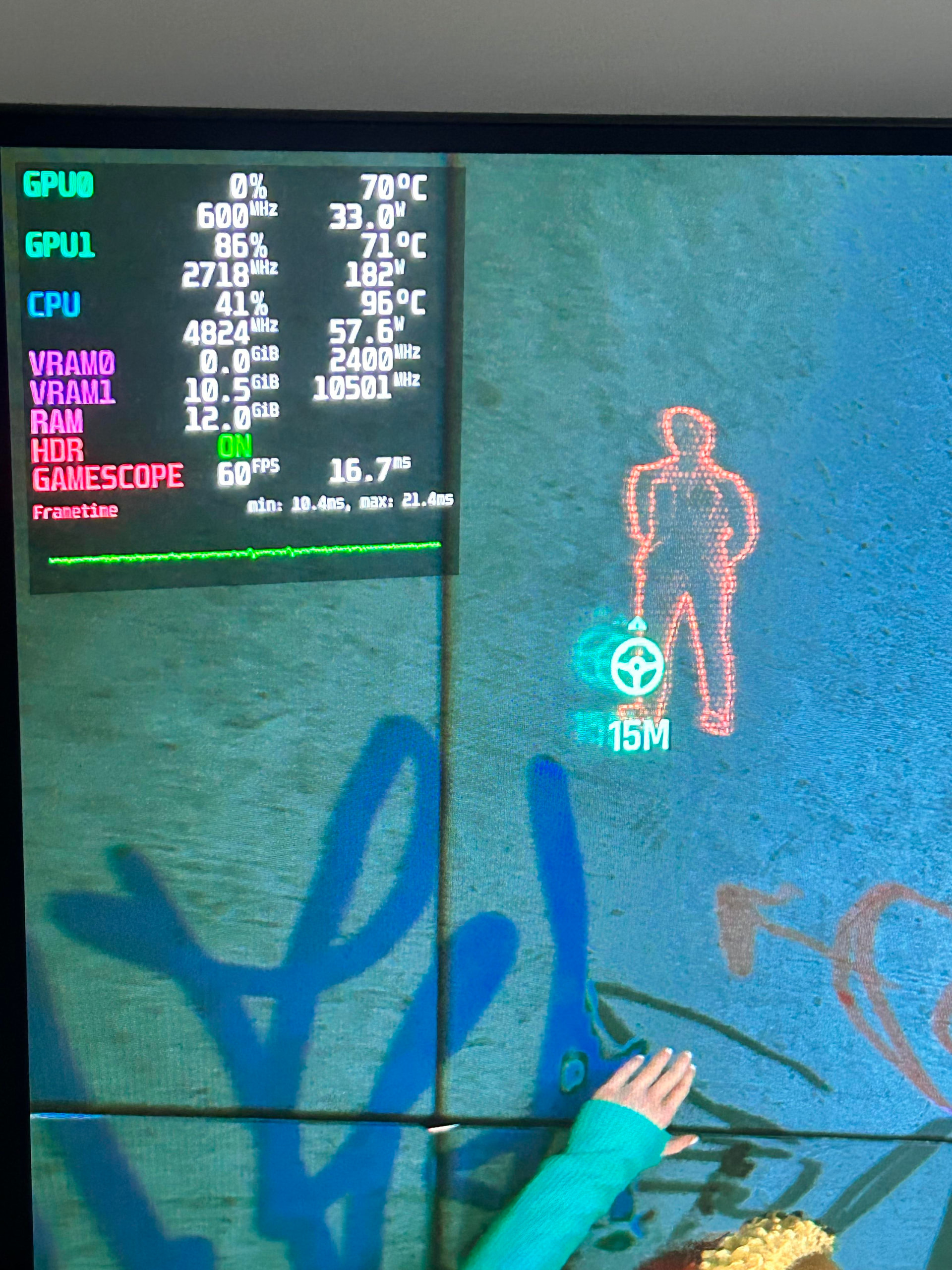
How to get like this on my monitor?
Follow this tutorial:
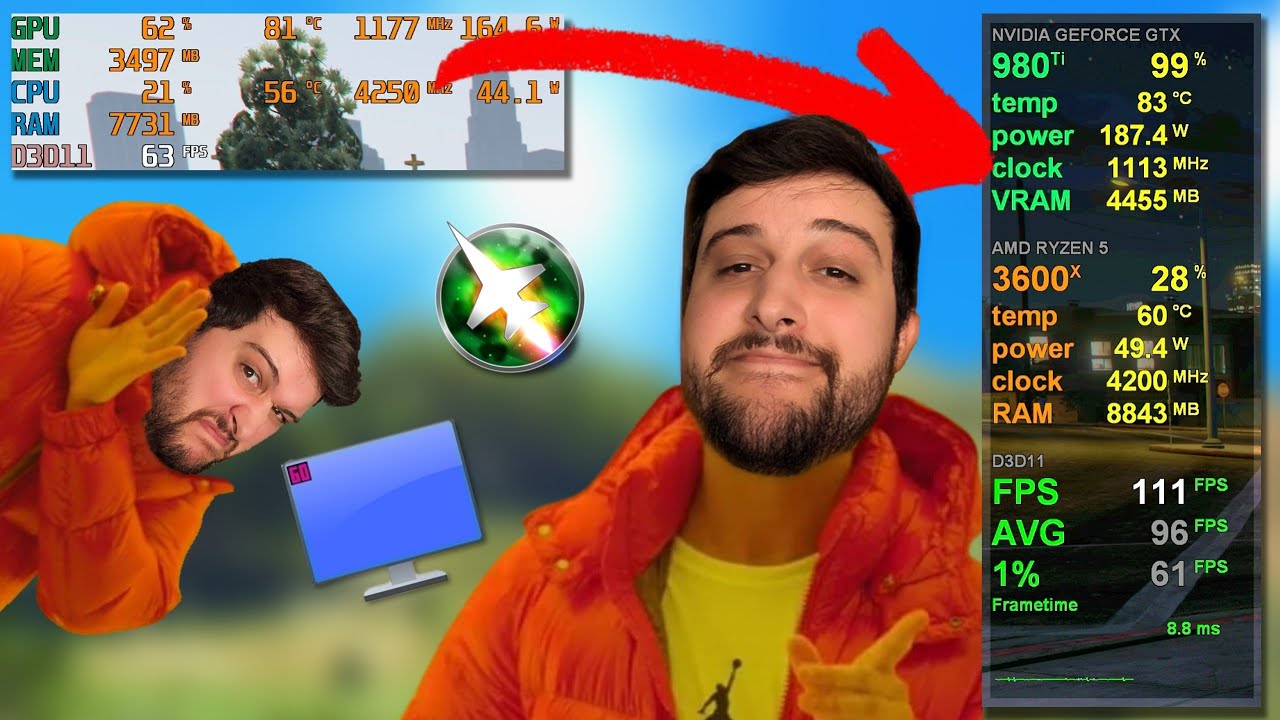
If you’re on Linux, use MangoHUD
and if you’re on Windows use MSI Afterburner
Just install Msi afterburner & rivatuner which comes with it. After that follow the above youtube tutorial & you will get the stats you need on your monitor.
Though i recommend to keep “power” stat unchecked. Its know to cause fps drops in game.
Not exactly on the monitor, but Speccy shows temperature along with other h/w specs. Great tool and very fast. It is from Piriform who created CCleaner. See if you like it.