My windows 11 taskbar seems to be frozen as soon as I booted into my screen. It happens to respond only when I press CTRL ALT DEL and then I’ll be able to use it but till then I won’t be able to use my system at all.
I tried basic troubleshooting like -
Disabling unnecessary applications at startup From settings
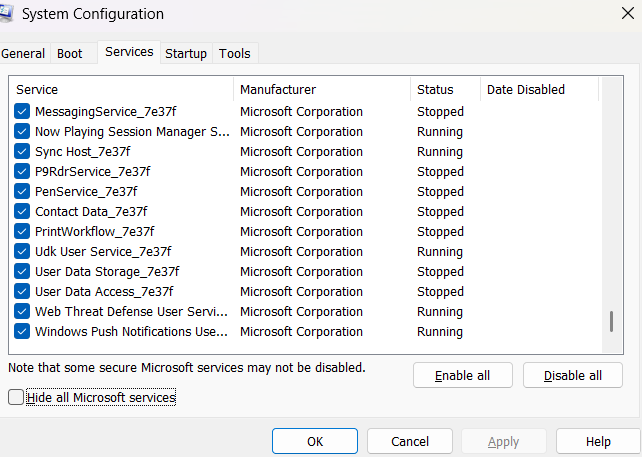
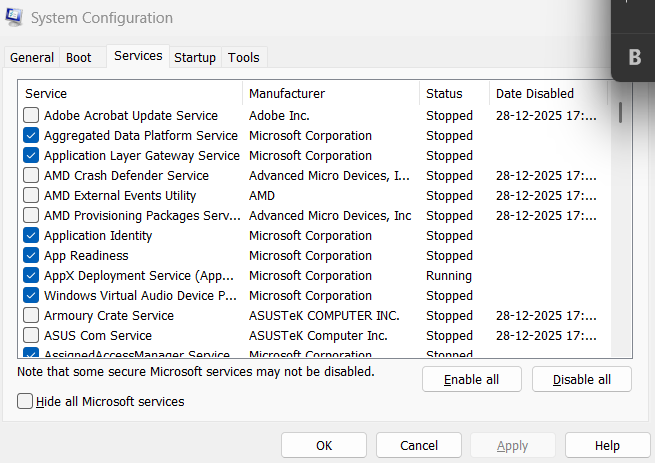
Also disabled non ms services at startup by hiding all ms services from system config.
I also have created and new user account and tried restarting into that user account to check if that’s also having a problem, it isn’t. so its a Software issue so didnt try Safe mode boot.
I tried Windows update and additional updates already. All up to date.
Did windows Defender scan, no issues found.
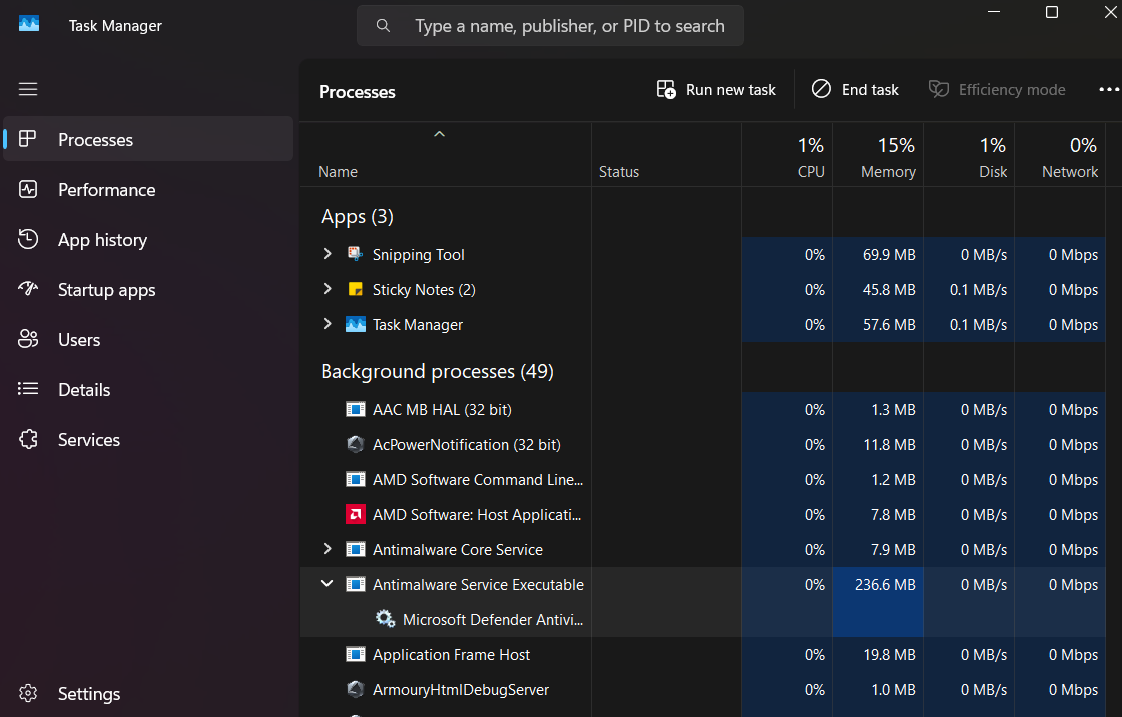
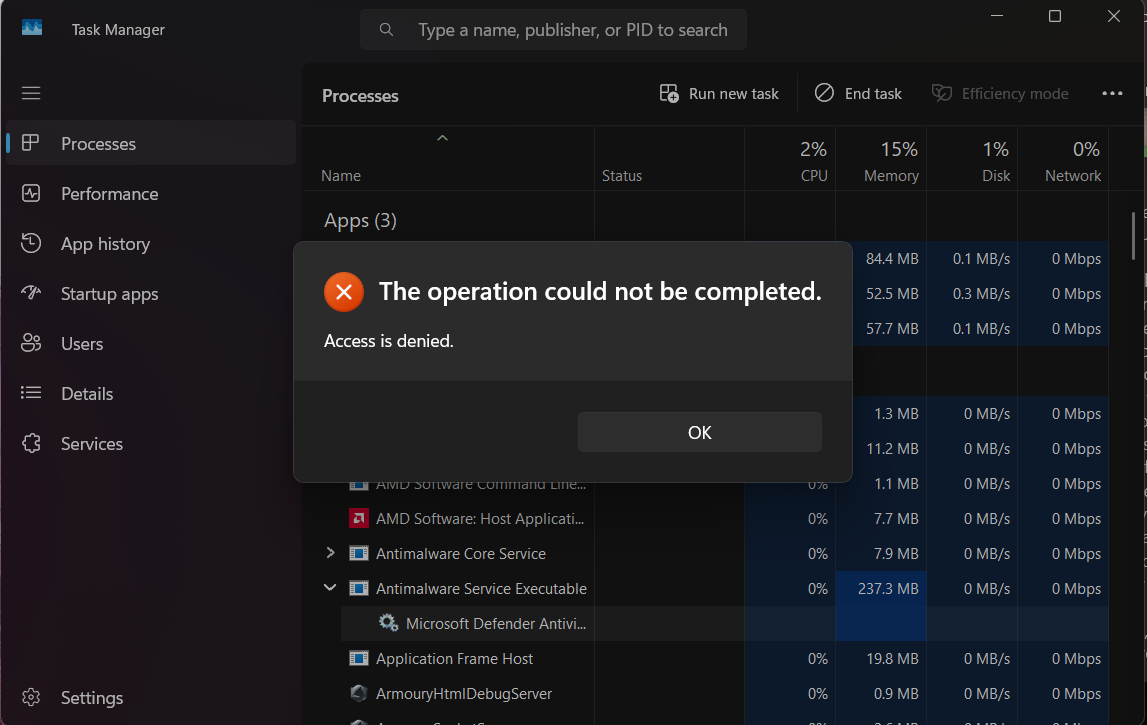
Below are the MS services which are running in the background . I have tried disabling Bit Locker before decrypting it so it didnt work, ss below for your reference. Now the drive C is fully Decrypted.
Already did DISM and chkdsk in cmd prompy with repair options. Any help would be appreciated. IS system restore my only option which i dont want to because i have few games installed and dont want to mess the programs
Mods can please move this into another category if it doesnt fit here?
Actually may be it has a misleading title. Here is the Video after reboot entire screen and desktop icons that freeze. It will only work after opening Task manager using Keyboard, meaning Keyboard is working on the desktop with its buttons. No 3rd party Task bars installed.
my hunch is that you have either broken shell extension or corrupted Explorer registry key.
Couple of solution to try:
Download ShellExView
Sort by Company Disable all non-Microsoft extensions
Reboot
Re-register Windows Shell
Open PowerShell (Admin) and run:
Get-AppxPackage Microsoft.Windows.ShellExperienceHost | Reset-AppxPackage
Get-AppxPackage Microsoft.Windows.StartMenuExperienceHost | Reset-AppxPackage
Reset your taskbar & explorer registry
open registry
HKEY_CURRENT_USER\Software\Microsoft\Windows\CurrentVersion\Explorer