Need help in Bangalore (RR nagar) for troubleshooting my PC

I am having issues with my pc. Requesting someone to test my ram, cpu and mobo.

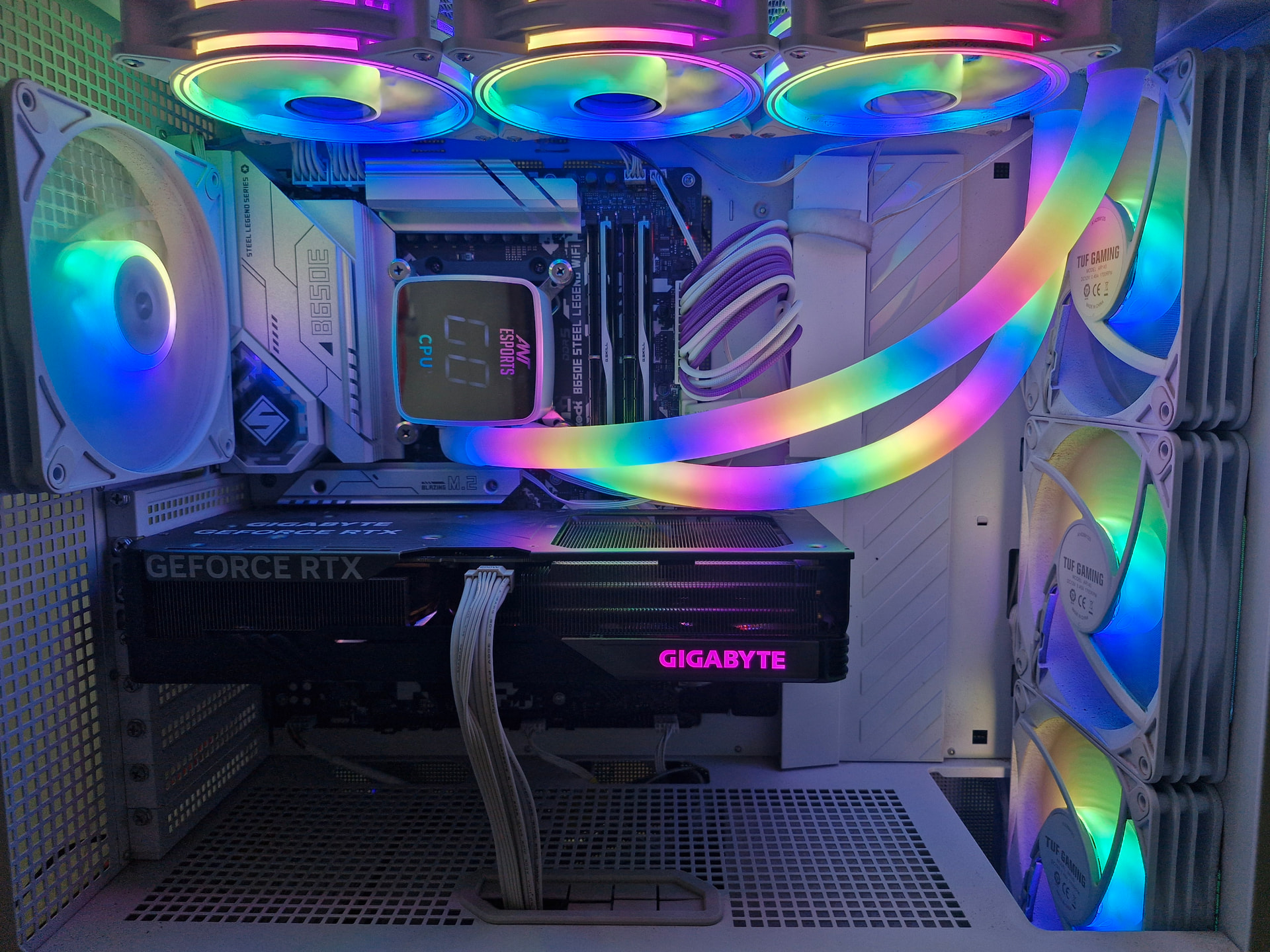
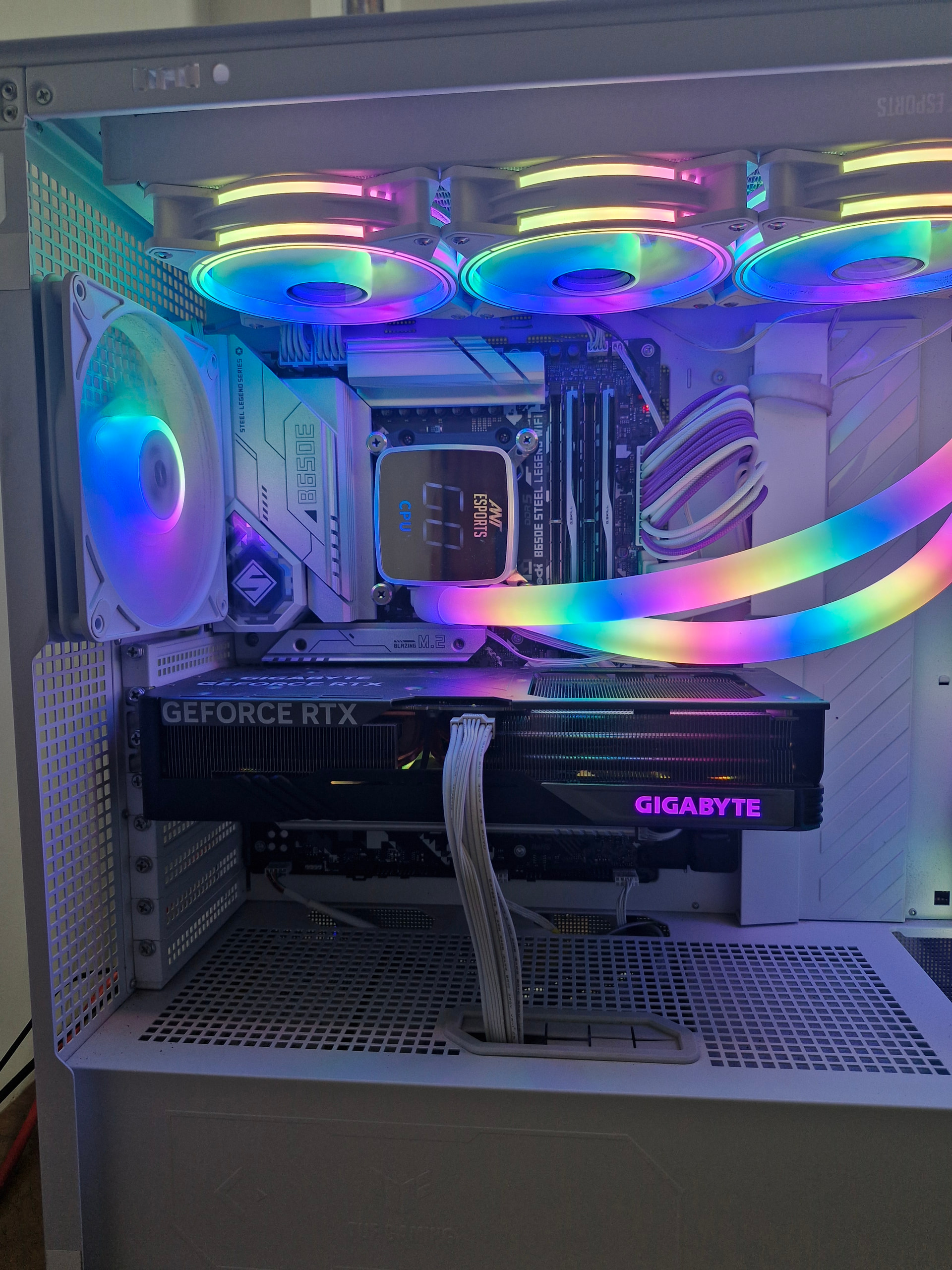
Cpu-7800x3d

Mobo-asrock b650e steel legend am5 wifi

Ram- G.skill F5-6400J3239G32GX2-TZ5RK 2x32

PSU-Antec ne1000g m white

Aio-ant esports iceglow 360

Gpu-rtx 4070ti super

Ssd-wd sn 770

What is the config of your PC?

What is the problem that you are getting?

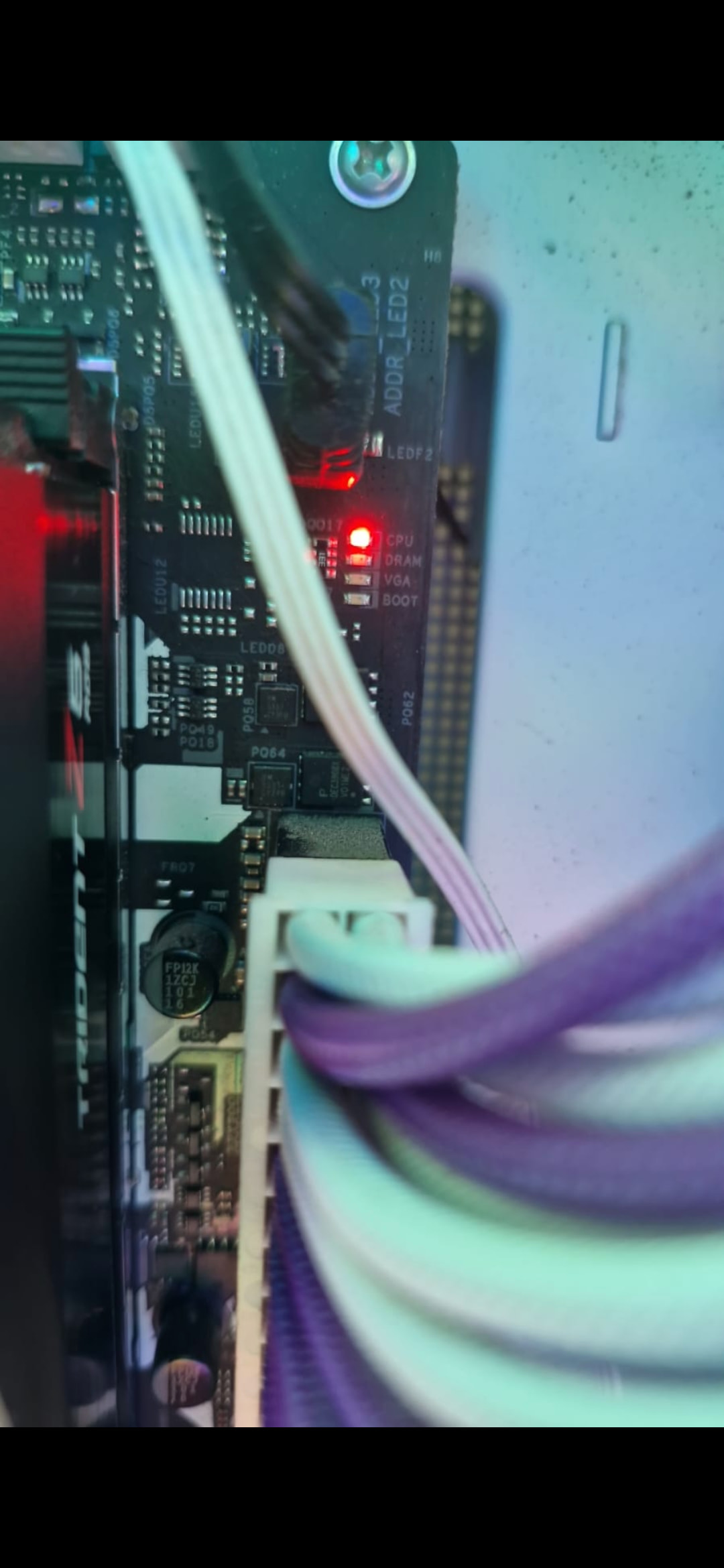
When I turn it on black screen on the monitor. No rgb lights on ram

And this.

Hey did you try 1 ram in each slots? And also pc specs would be appreciated if someone is coming for testing! If no one ends up coming IG your best bet would be taking the pc to your local repair shop. SCL seems to be close by to your place 20min away.

Tried putting a single ram in each slot with no success. Resetting the cmos did not work also

Sorry. My rig

Cpu-7800x3d

Mobo-asrock b650e steel legend am5 wifi

Ram- G.skill F5-6400J3239G32GX2-TZ5RK 2x32

PSU-Antec ne1000g m white

Aio-ant esports iceglow 360

Gpu-rtx 4070ti super

Ssd-wd sn 770

(post deleted by author)

Asrock and x3d not a good combo.:smiling_face_with_tear:

1 Like

https://www.neogaf.com/threads/asrock-confirms-its-bios-settings-are-killing-ryzen-cpus-is-fully-committed-to-fixing-any-damaged-motherboards.1684652/

Especially X3D chips.

Bought this rig from this forum a year back to this month. Everything was working fine.

Bad luck I guess.

Updated the bois using flashback just in case but no luck.

Just want to confirm it’s not a ram issue. Ram prices being the way they are now.

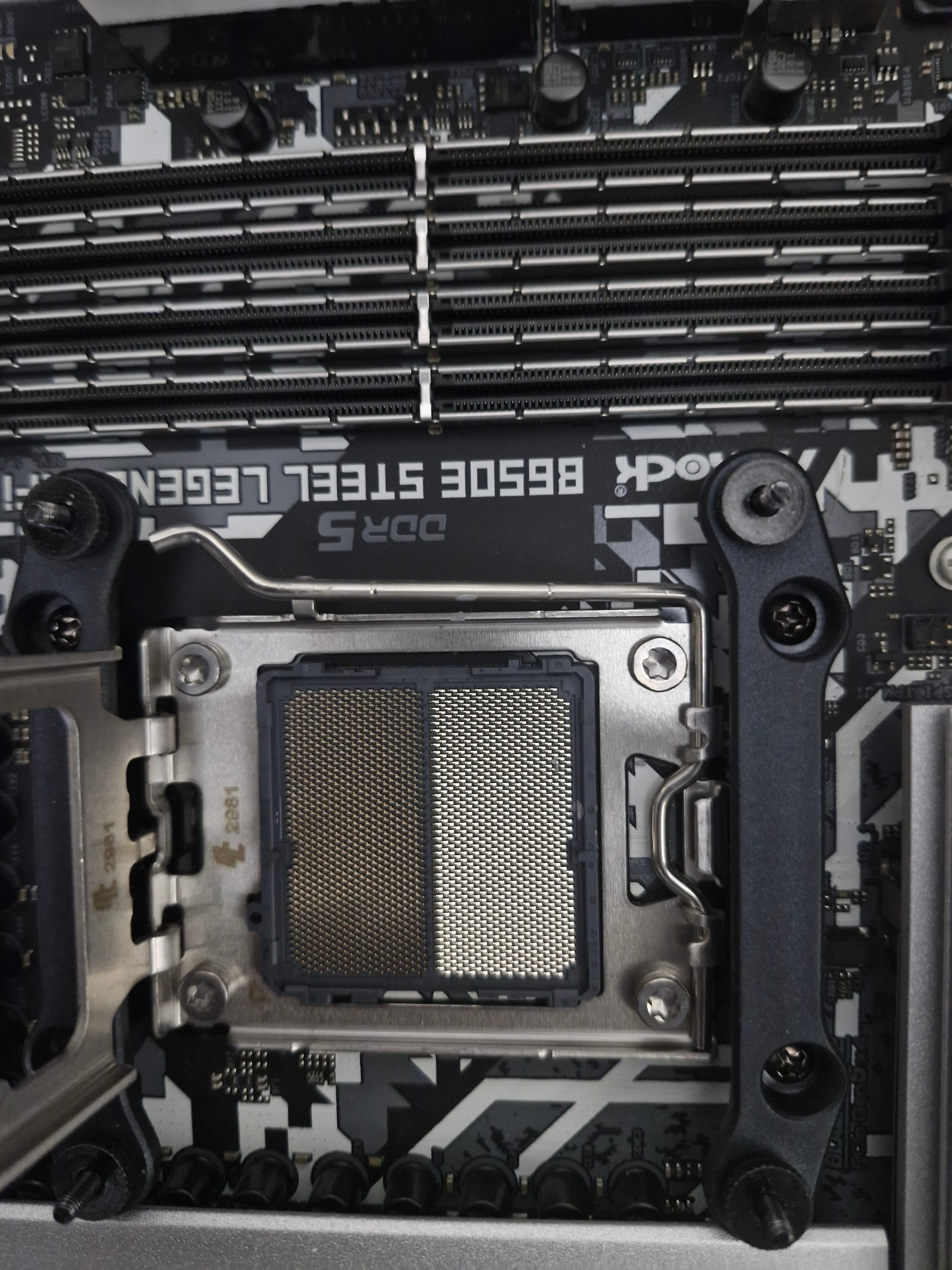
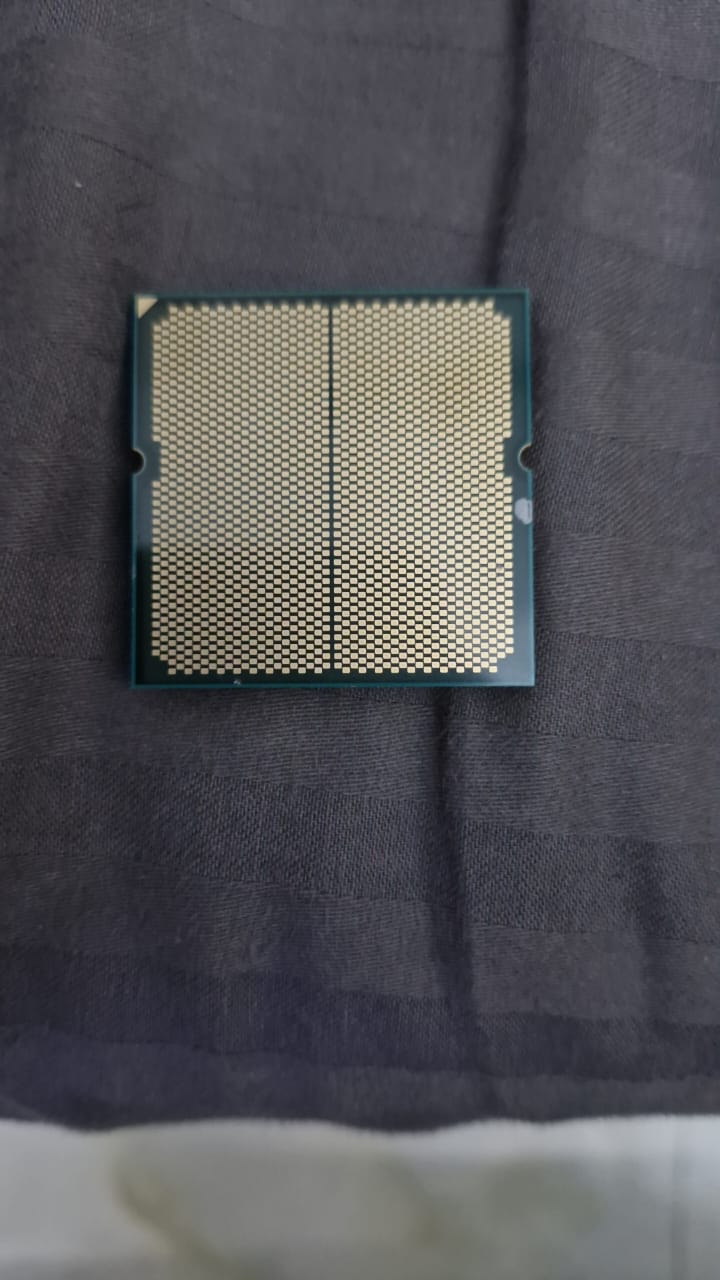
Remove the chip and check the pads. If you see burn marks then no hopes.

Removed the chip.

This is the system that i sold to him last December, a year back.

I had what we all believed to be safe bios flashed using flashback before system assembly back when this machine was built. Now we know what happened after that with Asrock lying to consumers & press about what was causing these issues.

Just hope it’s not the RAM. CPU & board replacement will be easy under warranty as it’s a known issue.

Hoping it’s not the RAM because distributors are really being aholes right now. One of my friends got offered a cash refund of the original value with depreciation instead of a replacement RAM kit because of the current pricing situation. That would really suck.

If it’s the RAM, I hope they offer a replacement.

Hopefully someone here can help with testing locally.

From the pics, the chip looks clean & not burnt.

Willing to send the ram for testing. Just to confirm


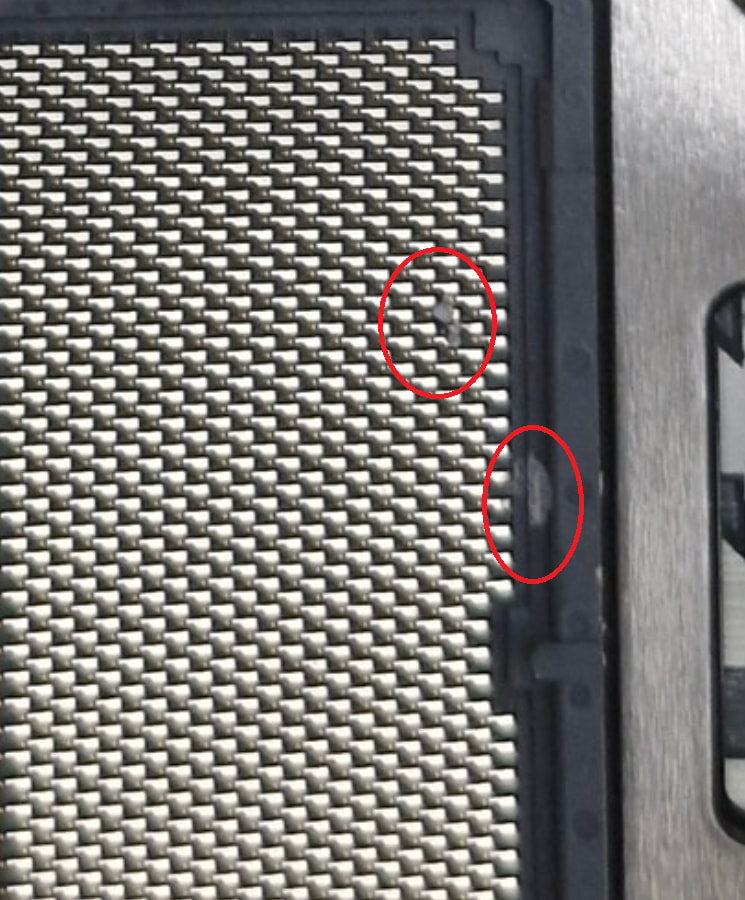
Is that thermal paste there? It shouldnt cause issues as most of the pastes are non conductive but if you can clean it off. Something like fine toothpick or brush to pick that off or duster to blow it off with air. specially the one that seems to be lodged in the pins.

Noticed this when seeing the pic on the PC screen now.

The chip and mobo are looking good without any burn marks so you need to check the RAM kit.

If Ram kit is okay then PSU.

Run OCCT test if it turns on.

1 Like

Let’s see. Hopefully, someone here can help test or knows a friendly dealer locally who can assist with testing. If not, I am here. I have the system that can test this RAM kit if needed, if nothing else pans out.

1 Like

Is there any reason the ram rgb won’t turn on

Probably because its not posting, try what the other guy said about the pad, it looks like there’s some thermal paste on one of the pads. Just be gentle about cleaning it off.
Ordered 99.9 isopropyl alcohol. Will do it then. Thanks

2 Likes