Hello,
to all of you.
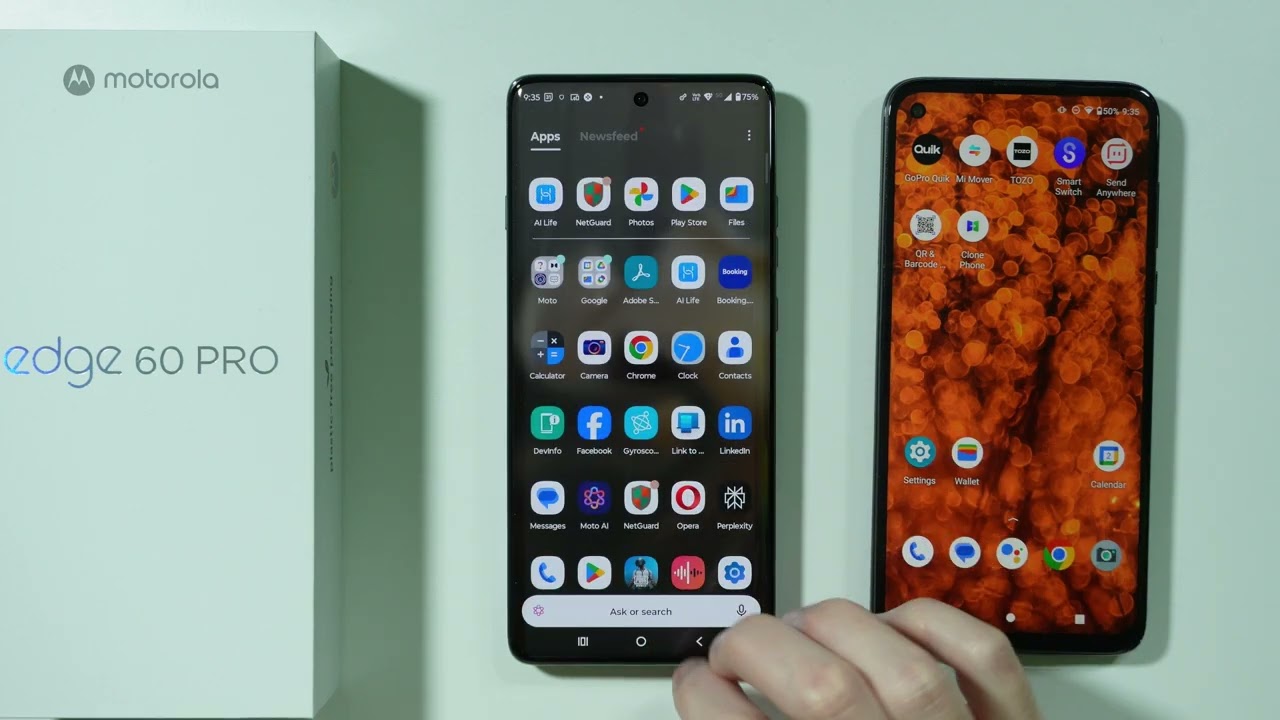
Firstly, I didn’t find a suitable Category to post this topic that’s why I am posting here, I need to transfer Apps and App Data from Xiaomi 11T Pro to Motorola Edge 60 Pro, Can you please recommend some App or Desktop Application so that I can do this? Actually Transferring App Data is very important. I know Google Drive can do this, but I skip that step during the initial process of Setting Up the phone, Now I don’t know How to start that process again. Please Advise. Its’s urgent. Thank You.
LAPTOP_GEEK
Google Backup should be safe as both are different systems.
Xiaomi 11T Pro,
Settings > Google > Backup and ensure "Backup by Google One. is on, then tap, Back up now.
On Motorola sign in with same account and when you receive a prompt to restore the backup do same..
It is doable by TypeC to TypeC cable too, hopefully someone else might help..
Check this 2 videos too if needed:
1 Like
Very easy .. go to your new phone and reset the phone again to factory settings.
After that you will be asked to setup the new phone again and this time don’t skip google transfer
1 Like
Thank You for this quick reply. Can you please also recommend some Third Party App that can be used to Transfer specifics App and App Data?
Thank You for this quick reply
Which apps are you referring to? Google drive cannot transfer app data for third party apps. For eg, you will have to login to apps like swiggy again. Google backup will only tell the other device that these apps were installed, so reinstall these. You will have a swiggy app on the new phone, but no data, you will have to login again..
If I remember correctly, a few third party apps have started supporting google backups, but most still do not. Google backup is mostly designed around device settings, messages and call logs, not app data..
I think samsung smart switch can do things like this, but only samsung to samsung.. Similar to ios, it is proprietary..
The only other way I know of is by using an app like swift backup, but it requires root access..
I found this on the web, it’s an official app from motorola, but i doubt if it will transfer app data..
And before anyone mentions, I know playstore listing mentions iPhone to moto, but this page from motorola website mentions android devices too..
Apps which are behind login/password are mostly server sided and you will have to re-login to get back to same..
Unless, it stores data locally too, which will be restored via Google Backup (in case of some note taking apps)
What apps are you exactly referring to ?
Hello,
Thank You for this reply, Yes, Google Drive cannot transfer Third Party App Data, But when you open the Settings in Xiaomi 11T Pro, there you Find an Option About under that there is an Option Back Up and Restore, using this way We can Backup and Restore App data but only between Xiaomi Devices, as far as Moto Migrate App, this is not compatible with Edge 60 Pro, I am searching an App that can Restore App Data specifically Chrome Tabs, I also want to Restore TOI App’s data that have many Stories saved and TrueCaller App’s data, but still searching an App, So Please Advice. Thank You.
LAPTOP_GEEK
You will be able to do a complete backup of any app, only if you have a rooted mobile.
With Xiaomi inbuilt backup feature, it will break the app.
Any thirrd party app, will require root permissions too for complete backup of any app.
I have checked it, With Xiaomi Inbuilt Backup & Restore Feature Anyone can easily backup and restore data of any Third Party App, even I have taken a Backup of many App’s Data and later Restored that to other Xiaomi Phone without any root Access. But still searching a App to Backup and Restore on Motorola Edge 60 Pro………………….
Chrome won’t work.. I am confident others won’t work too..
I purchased a new device in september.. Chrome was the one app that caused me the most trouble, even though my old phone was rooted.. I don’t plan on rooting my new device, so it wasn’t possible to transfer the data, I had over 100 tabs open.. And the only method that came anywhere near was bookmarks, just bookmark everything in a new folder and then sync. It will just sync over your google account. No need for wiping the device, or any other app.
The learning I got from this incident was, don’t keep so many tabs open.
I have no idea for other apps, but I am 99% sure that it’s not possible to transfer locally stored data without root. If the app itself supports backup, then its a different story. Otherwise, no
As I said, it is probably similar to ios, or samsung smart switch, it is proprietary. Won’t work on a moto device..
1 Like