I have a home NAS with OpenMediaVault on it, running multiple services.
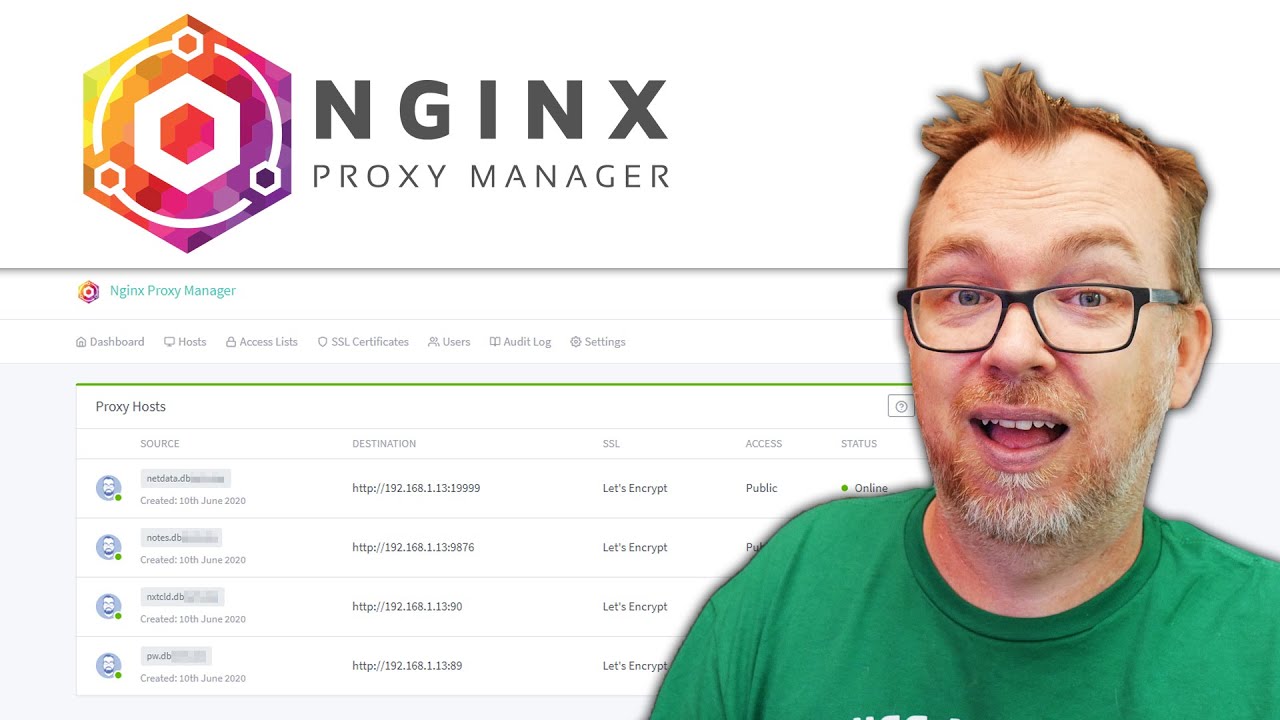
Want to use Nginx reverse proxy to tunnel all my traffic over HTTPS.
Saw a tutorial:
But the difference is,
In the tutorial the creator points his main domain (let’s say** domain.com**) to his static IP pointing to his home server.
But I already own a domain and the domain already points to a site which I can’t change.
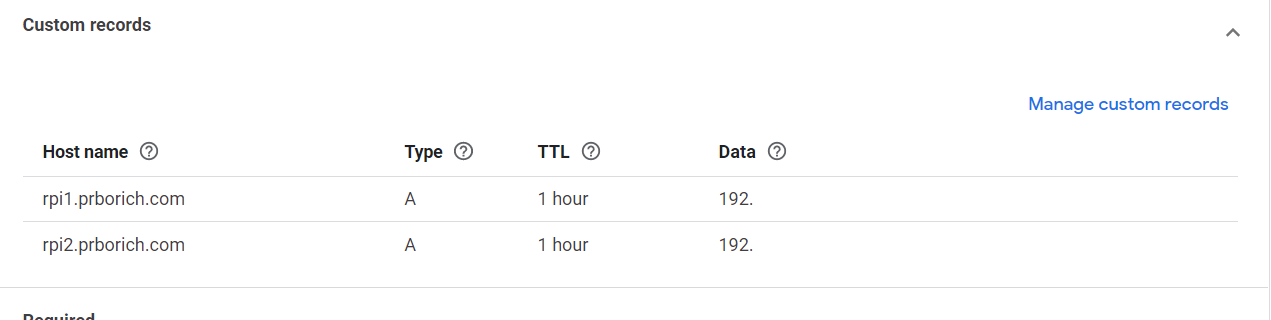
I want **sub.domain.com **to point to my static IP,
then app1.sub**.domain.com **or **app1.domain.com **(both will work for me) to the app interface (which will be done via Nginx Reverse Proxy).
Is it at all possible? Or should I just buy a new domain?
It’s definitely possible. I have done it in the past. My domain was pointing to my VPS on Contabo, which also had a wireguard tunnel. Using this wireguard tunnel, I was able to access my home computer over the Internet via a sub domain, that too with https.
Unfortunately it was just an experimental setup which I made for learning purposes and I did it over 6 months ago, so I don’t remember the steps. But I just wanted to let you know that it’s possible.
Also, as far as ngnix is concerned, a sub domain is just another domain (at least at a basic level at which I was working. I had two domains and didn’t see any difference in configuring primary domain and sub domain).
assuming you have access to domain control panel to update your DNS, this is feasible solution.
From the video perspective, you use subdomain while the video host assumes domain and if you have noted command he ran, just replace domain with subdomain. Post that you should be able to access the OMV and other applications through Nginx.
For Management purpose, I will suggest use of Cloudflare or nginx proxy manager.
I have this setup currently but am not in the local environment currently. It works pretty well. I have a static IP (paying extra for that). I used the following tutorials for my setup: