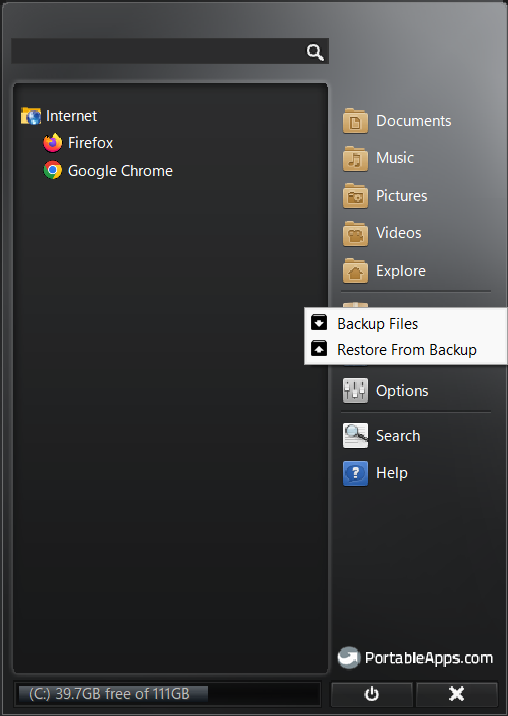
If you are looking for a reliable portable browser, Firefox from PortableApps.com is hands down the best option I have used so far.
You can install it once on a fast USB drive, portable SSD, or any external storage device. Then, no matter which PC you plug into, you will have your full browser setup ready to go bookmarks, extensions, settings, and even login sessions are preserved, without needing to install anything or sign in again.
I also tested Portable Chrome from PortableApps. While it works, it asks for a re-login and syncs again every time you switch PCs, which defeats the purpose of portability.
As of now, I have not created Firefox account (still testing things out), but even without signing in, everything seems to be working smoothly.
Edit - Confirmed, Created firefox account, doesn’t require re login on different PCs.
If you are like me and reinstall Windows every few months, this setup can save a lot of time and hassle. Portable apps are a great way to:
Avoid cluttering your system
Skip messing with registry files
Prevent apps/services from being added to startup
Maintain a consistent experience across PCs
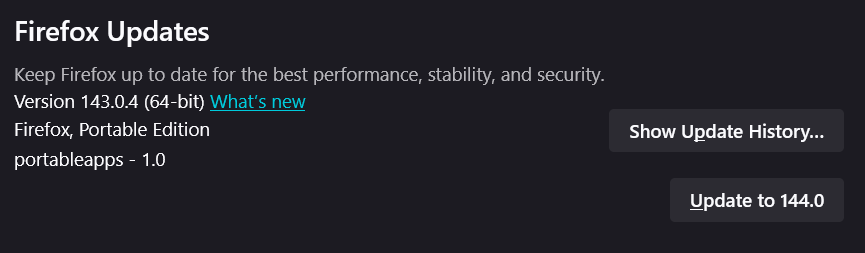
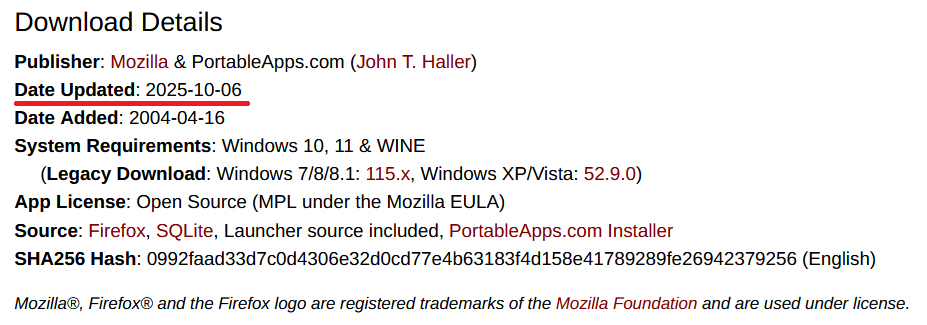
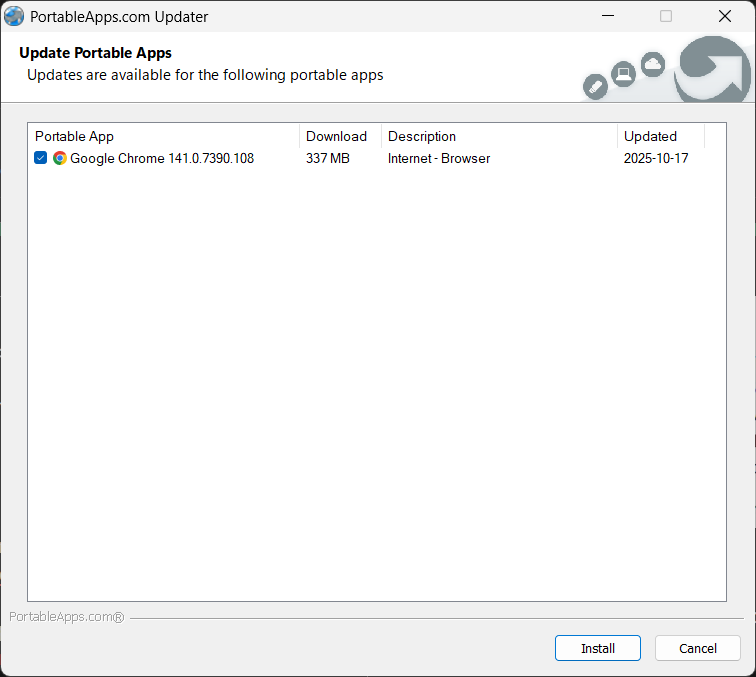
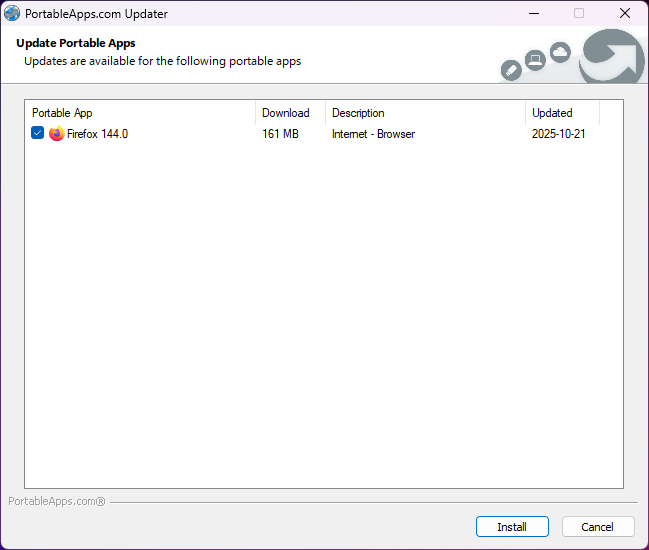
Updates are easy with the PortableApps platform app.
Highly recommend giving this a try if you have not already!
For security password protection of some form is needed for the drive.
Like the concept of it. Never heard of it before. Thanks for sharing, good sir.
I am guessing the chrome does this because of security reasons. Does this work same with chromium based browsers like brave/helium or specifically chrome ?
I doubt with anything chromium based. Brave I haven’t checked.
Yup, I guess firefox somewhat supports the 3rd party portableApps in some way. I found portableApps being recommended on Mozilla support forum by their most active member, when someone was asking for portable version.
To the browser it appears as if your PC never changed.
Downside is anyone with access to your portable drive will have access to all your browser sessions. This is where chrome draws the line. Chrome hooks into the system to validate itself.
Firefox Portable feels like an unsupervised kid running wild around the neighborhood.
In case things don’t workout you can restore. The apps are contained in their own single separate folders.
Unlike default chrome installation, which spreads it’s files across the system and keeps running unnecessary services in the background even when you close the browser.
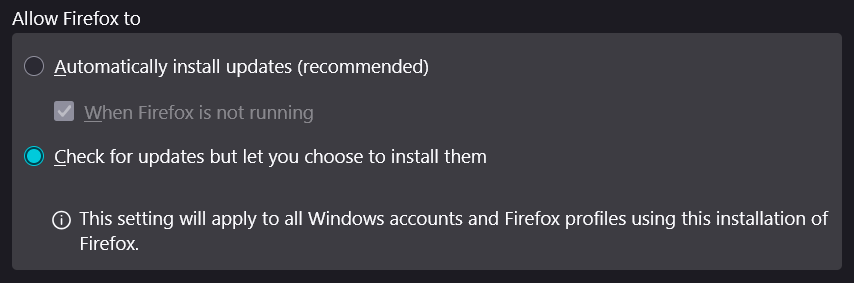
But update via portableApps platform is recommended.
I tend to use a few portable apps directly from source eg. Rufus, Geek Uninstaller, KiTTY, etc. but avoid ones which may require frequent security updates like a browser or email client. They may not all be truly portable in a few respects like writing to registry etc. but work fine when copied over from one system to another. I update them manually when they notify of new updates.
I assume you will be using a dedicated USB drive for your portable apps setup. Before installing any app, assign the some uncommon drive letter to the drive, like :P, :X, :Z
Because some apps may use their own location path for various things. If you make it consistent, by changing the drive letter to be the same on every PC you plug your drive in, the apps will stay happy because they won’t see any change.
I didn’t do this initially, everything still works fine, but from now I’ll take care of this.