If anyone wants to participate and view only tech discussions then they can simply mute the market section. Can use the market from the market hub instead. All discussion will then be non-market discussions.
Whatever we foster will blossom.
If anyone wants to participate and view only tech discussions then they can simply mute the market section. Can use the market from the market hub instead. All discussion will then be non-market discussions.
Whatever we foster will blossom.
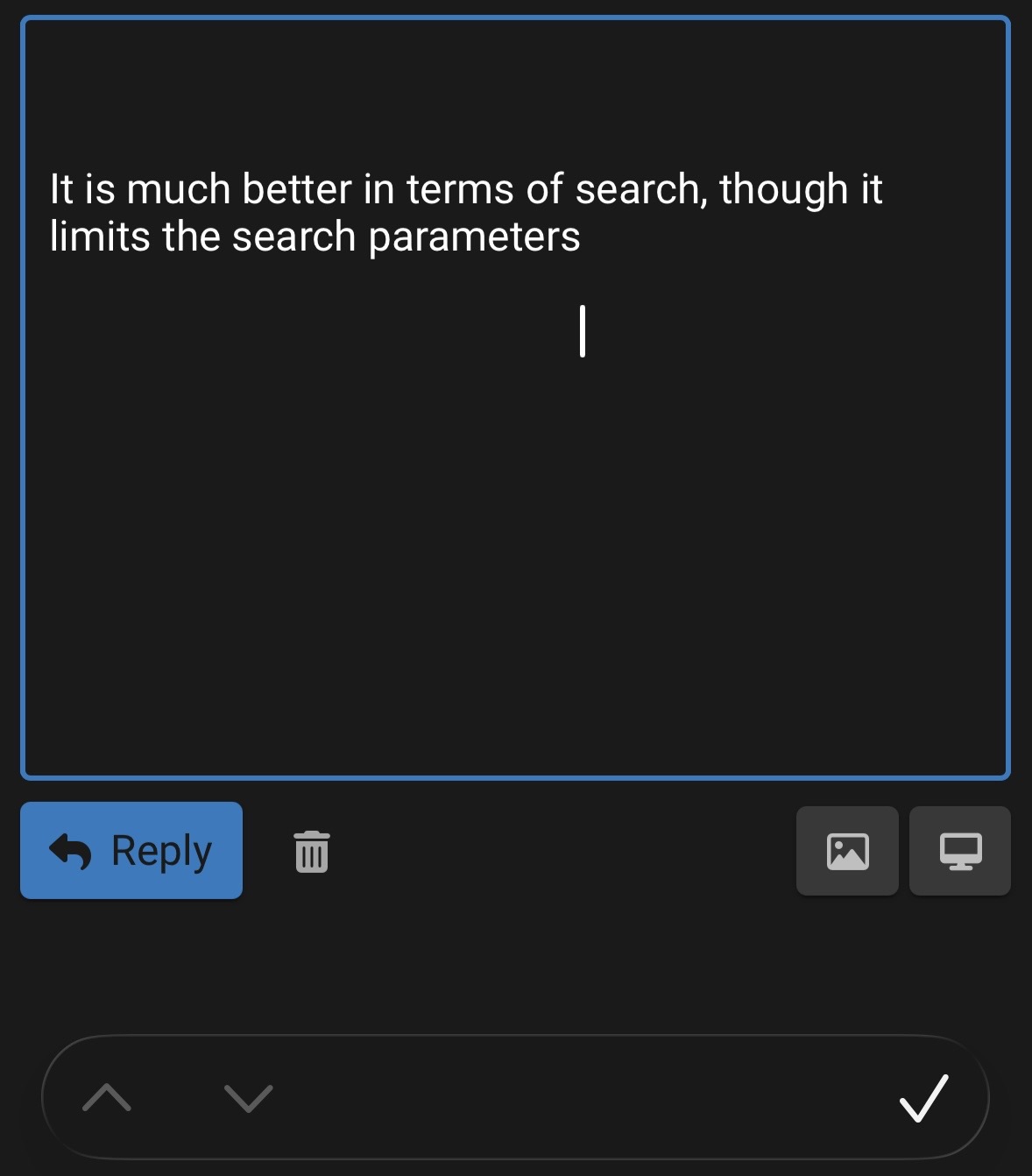
It is much better in terms of search, though the search parameters are limited.
Also continues to be one of the worst interfaces to use on iOS months into iOS26.
@Renegade Also not sure what is the benefit of opening this page first when selecting the item from the market.
There is no back button in the interface itself and have to use the breadcrumbs. Also, previous setup of showing the item details with the thread was much better than requiring an additional tap.
Users who prefer the traditional TE way of accessing the market can do so. There is no change in that. Use the latest feed or open the category directly. This is same as it has always been.
Users who prefer a more market way of accessing the market have the option to go the market page. That is more feature rich in terms of search and filters plus other things. If we have a list of features that should be included there then sure we can work on that. Open and eager to suggestions.
There is no back button on any page on any website. We use the browser icons or device gestures.
I really have not faced issues on iOS lately. The issues that we were facing on iOS were because of the market listing creation form, which has now been moved out of the editor and that issue is fixed. Are others also facing issues on iOS editor now?
Please elaborate, how can it be improved?
Yes, but it goes back to the point of the same information being presented in different ways and accessible through different means. Same as when I had complained months ago about User to User listings existing along Classifieds. Consistency is always helpful.
I am using it as a PWA. On other pages, you get the navigation bar at the bottom. With the market item page, there is nothing available with no back gesture on iOS. You have to use the breadcrumbs to go back.
The cursor is still misplaced. Even now, when quoting, I cannot move to the correct line in the editor as the cursor is in a different position and I have to do trial and error to navigate to the line I want to type in.
I was referring to the custom Google search engine. It is miles better than the Discourse one but searching specifically by user or timeline will require additional parameters that will have to be entered as text.
Try upgrading to iOS 26.1 if not already done.
On 26.1 already. It works intermittently but cursor is misplaced in most cases.
Just use the universal iOS gesture to go back.
Swipe from the left no need to use the breadcrumbs.
That’s better. However, it is still an inconsistency in the UX in terms of how navigation works across pages. Definitely, either no UI/UX guy was involved when designing Discourse or bunch of different people did different things at different times.
2 posts were split to a new topic: TE theme feedback
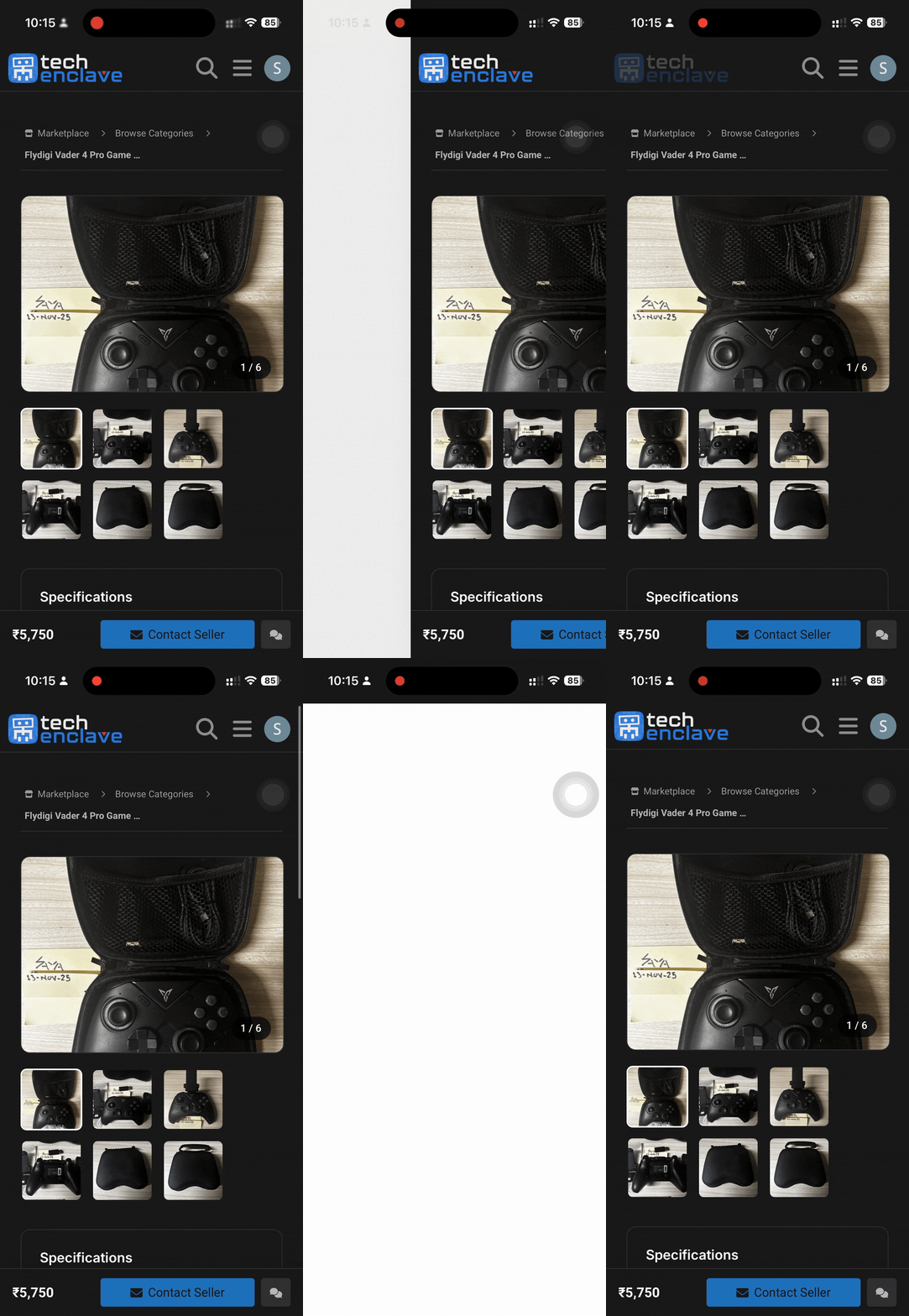
The back gesture has stopped working as well.
Hmmn, weird, working fine on iOS 18 on my end.
Is this only happening in the market page? Because market is custom.
If it is also happening on normal threads, do tell.
Works on normal pages, but it is a pain to use the gesture anyway with a case as it requires to move the page completely to the end.
But the market one is problematic, either it does what I attached above or displays a URL not available page.
Hello @Heisen
How can i reset the topics which appear in feeds etc. ?
something went wrong and many categories feeds do not appear in news/daily posts.
I have hidden entire classifieds/market section..
Want to reset all settings to default and start again ?
Now.
I dont want to get topics in my latest/new feeds for following categories and all sub-categories.
Only want to view topics there, when I click to open those categories.
Only want to enable Grey Zone to appear in all feeds.
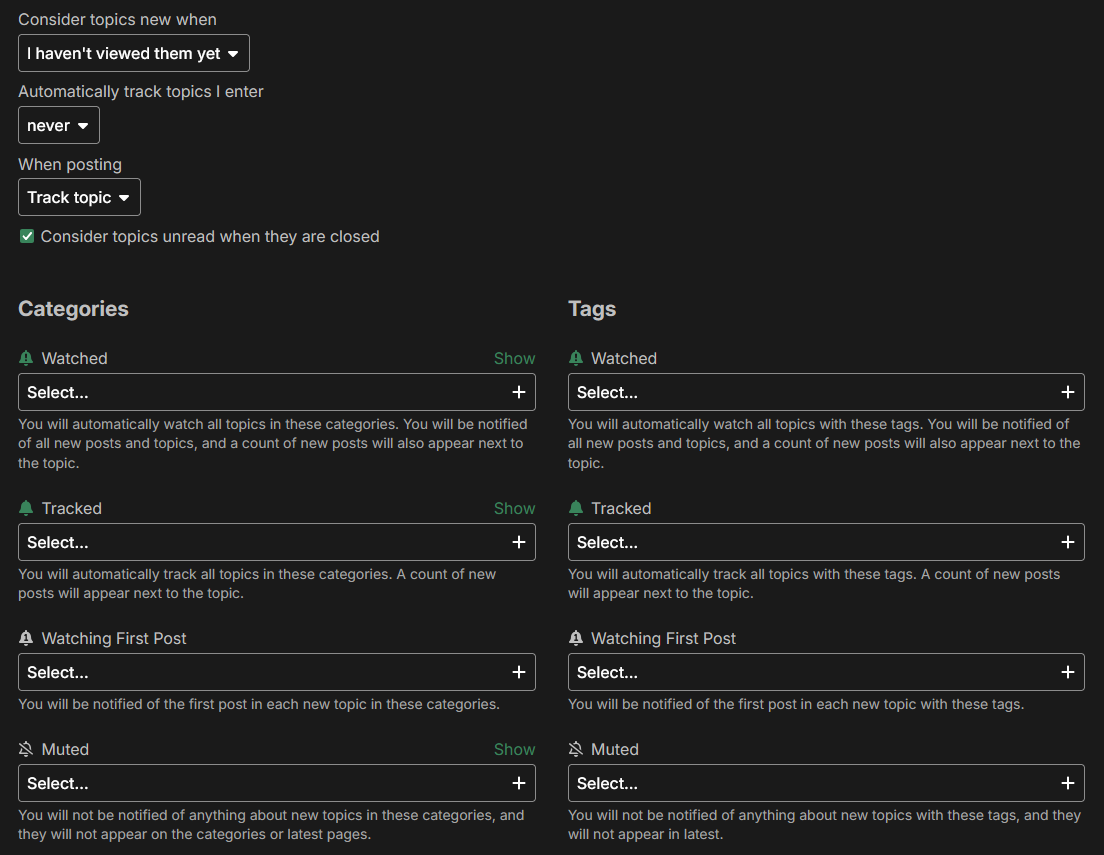
Under preferences → tracking
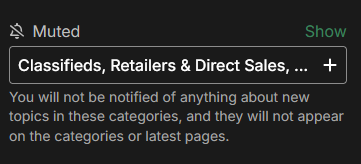
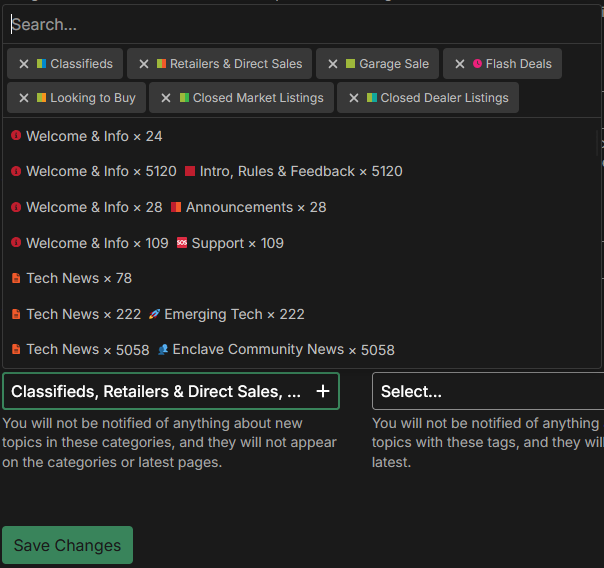
Add all the sub categories in the muted tab, from which you don’t want to see any topics/posts.
Should be looking something like this.
Leaving just the Grey Zone.
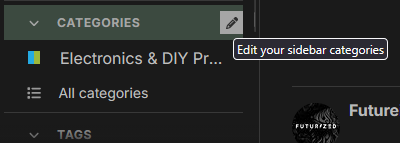
Now on the side bar under categories, add all these subcategories. So you can open them manually. Because once they are muted, they won’t show up anywhere for easy access.
Thanks a lot..
User behavior improved for me here.
One last thing, you replied to my last post on this topic, but I didn’t get this under latest or new.
Notification on top right is visible though.
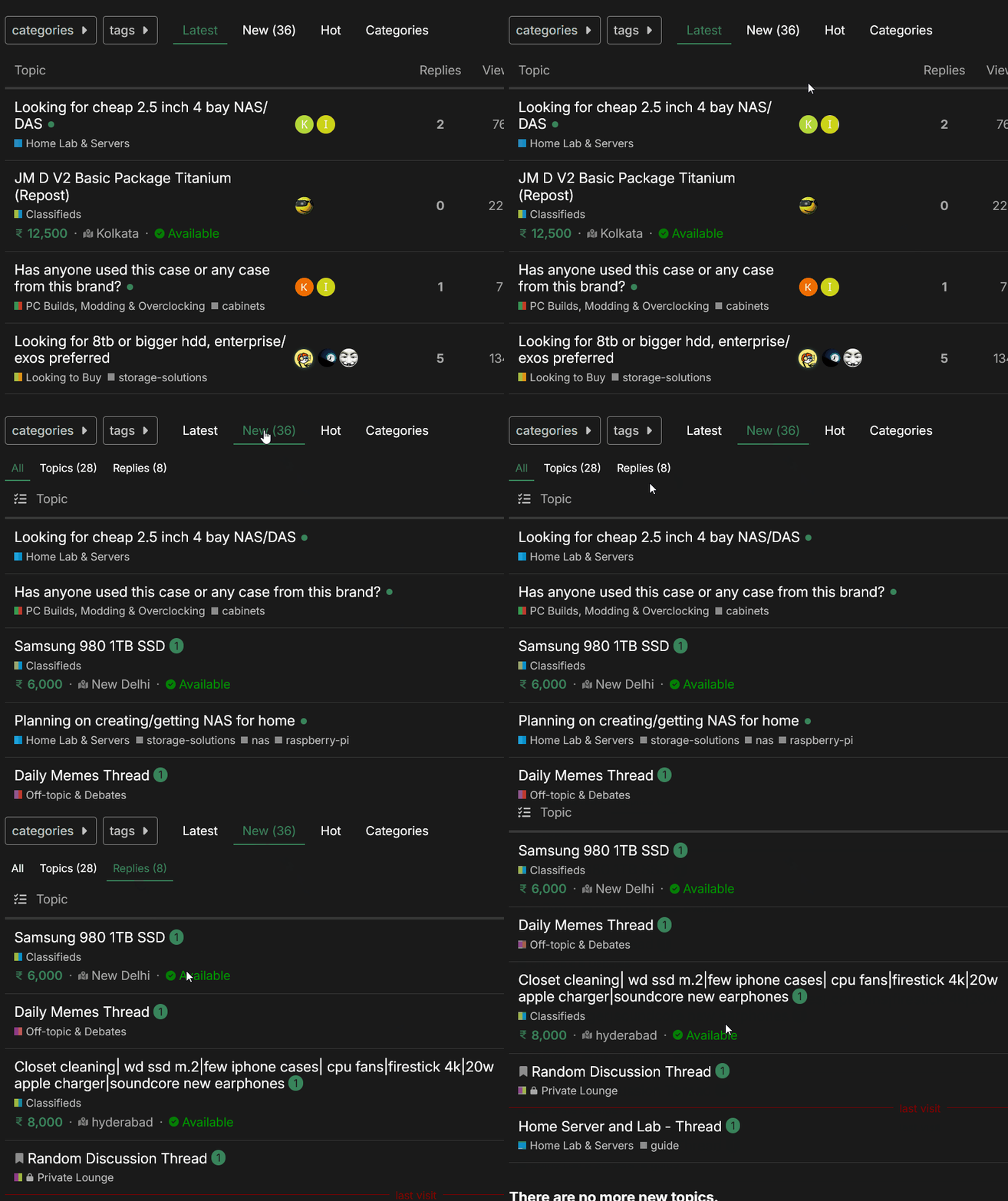
When I reply to you, this thread will get bump in the latest. Also, you will see the reply count next to it. Like this.

Remember Latest shows everything together, new topics, new replies, to filter out just the new topics. Go to New -> Topics.
To filter out the new replies in threads you participated. Go to New -> Replies