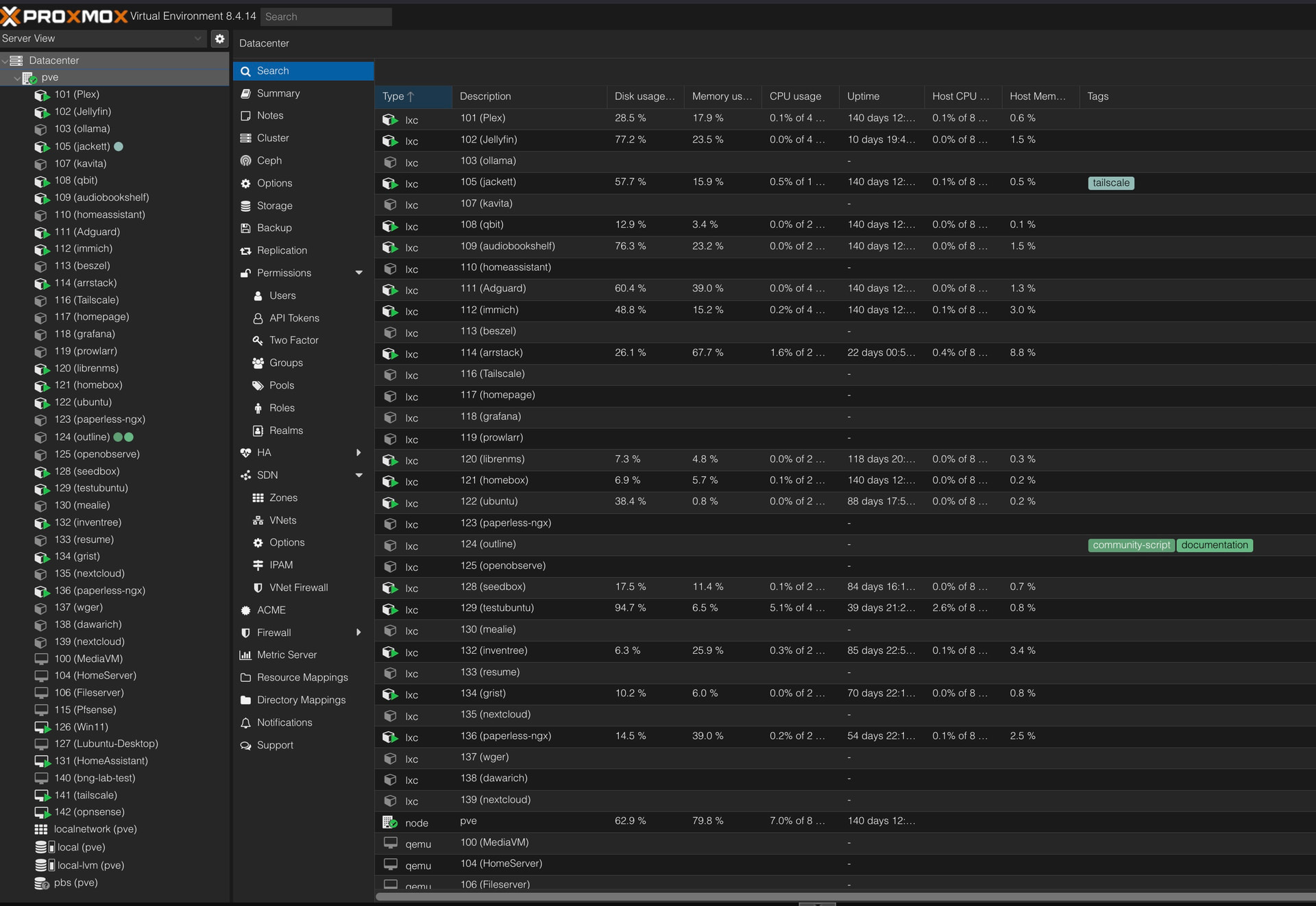
So my dream of home automation / media server is finally in progress as i got basic equipment’s and need help in some hiccups in facing .
Current Setup :
Tiny pc with 8th gen , 32 GB & 512 GB ram ,ssd
Headless so using rustdesk for internal home access with tailscale
Jellyfin & Homeassistant both through tailscale ( any better way pls let me know ) Streaming well
So need help on :
Need some good Jellyfin settings !
How to protect or safeguard server ?
Also any other way i can make this better ?
If you want domain for free or can’t make payment then alternatively you can use duckdns.org. Combine it with nginx proxy manager (or any other you like) and it will free to go. Down side is your domain will always include duckdns.org
Is your rustdesk selfhosted? If not you can self host rust desk as well its quite easy. With tailscale (or self hosted headscale) you could use it to connect to other clients as well. Tailscale is good for remote access easy to share with others as well. If you want more control you could always self host headscale.
Jellyfin settings depend on your use case and clients, whether you need transcode or not. You can install commonly used plugins like intro skipper.
As already mentioned above, mostly users follow this type of setup.
What services are you planning to use in the future? Immich (self hosted google photos), vaultwarden (self hosted bitwarden), adguard/pihole etc.
Damn thats a lot i need to check , For now DAY 1 updates
Streaming working well over internet ( tailscale , jellyfin ) sometime buffer but so far fine. Need to setup jellyfin with proper skin etc to play and skip songs and organise library etc
Homeassistant ( basics done still need more config planned to do next )
Will be looking into headscale and yes rustdesk is self hosted ( i think so with tailscale ) Chatgpt helped
so its like
”own HBBS (the “call me” server).
own HBBr (the relay server).
and RustDesk point clients to these. “
i do plan to connect my phone for file backup directly , and host my own photos also. Mainly using now for my flac audio needs and some classic 90s stuff
Its a rabbithole. Once you are in there is no coming out.
For hosting your own photos look for immich. as for your phone backup there are a lot of options. You can also use nextcloud where you can sync your phone regularly to keep a backup. Kind of like google drive or dropbox but self hosted.
If you are using proxmox you can also try ttech proxmox helper scripts. Though i would suggest to learn and install stuff yourself instead of using ready made scripts
Regarding rabbit hole yeah i agree with multiple stuff like Media server , file transfer , HA its already overwhelming and want more lol but looking them up one by one
Current progress is to polish out jellyfin and File transfer
Really great setup man, I am running most of the things myself, but only the difference is that all of them are running on remote servers such as Oracle ARM server, and for .xyz domain, is it cheap for renewals too or just first year? Because I see it’s cheap for first year but meh afterwards.
I’d say unless you plan to share your Jellyfin instance with friends and family, avoid exposing it to internet and access it directly using Tailscale (Headscale), this automatically helps in shielding your instance from bots, and unwanted traffic. In any case, if you want to share your instance, then Caddy Server would be great to have SSL on the go, just in that case, set a very strong randomly generated password.
For streaming part, I’d say transcoding is mostly not needed unless you open Jellyfin web on browsers, you can always download official players on Linux/Windows/MacOS, for phones you can go with Findroid (really nice Jellyfin wrapper app) which plays media as-is, no transcoding; helps in better quality and reduces load on CPU/GPU for the host server
Oh, if you don’t mind sharing, can you please mention the registrar? I checked on TLD list web comparison, and there it mentioned lowest is ~10 USD per year
I stay away from cloudflare tunnels because that way I am essentially terminating all my traffic to their servers and they can see it all in clear text. I don’t trust them. This is the whole reason I self host so big tech can’t see my stuff.
I have a VPS and use tailscale to tunnel the traffic to my home server. I control it end to end.