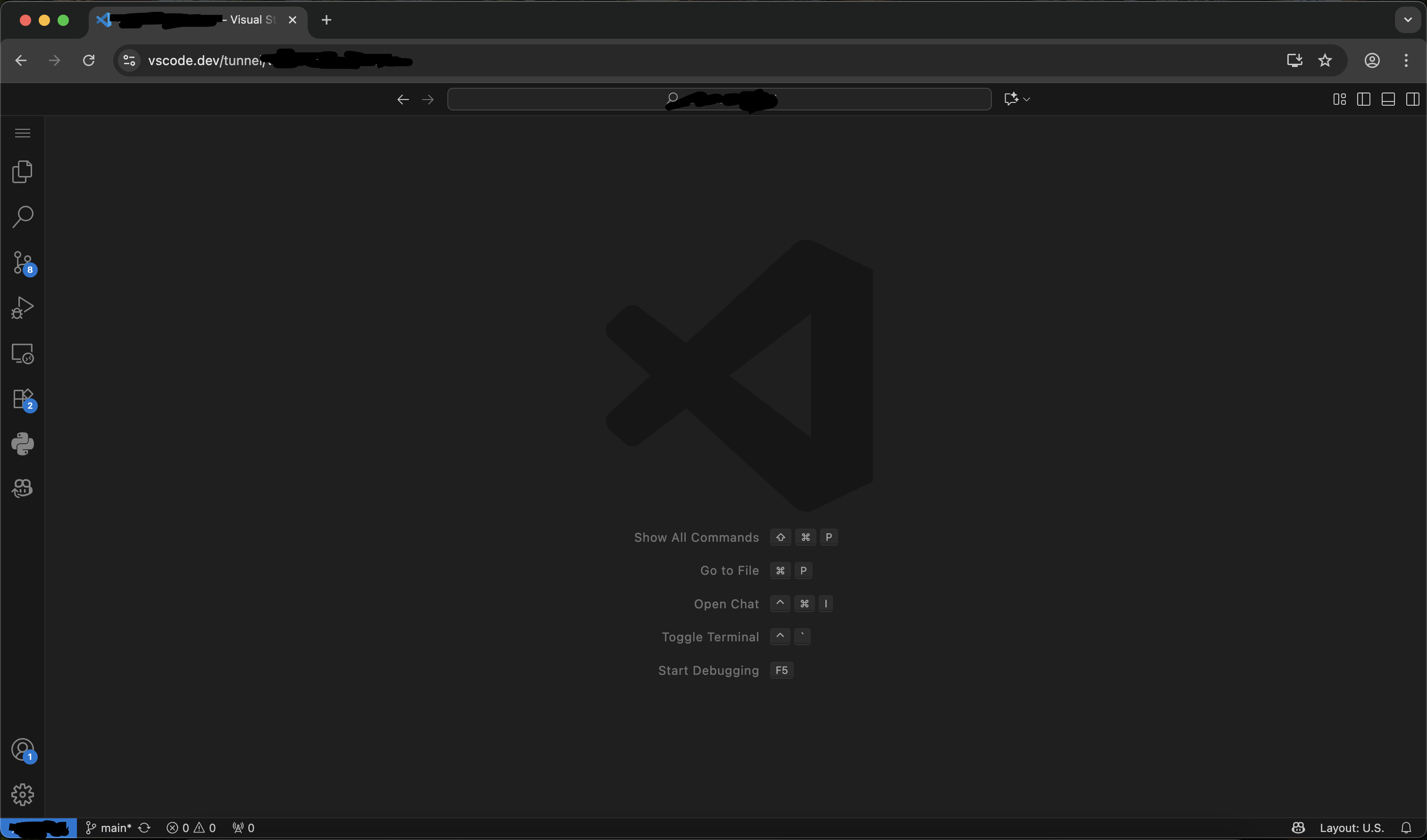
I’m trying to ssh to my server while I’m outside my local network. I’ve tried this so far -
Tried 2 different dynamic dns noip and tplink. Nslookup to my hostname successfully identifies my public IP, the same one shown in whatismyip.
But in my router, the ip address shows a private ip. Which means my ISP uses cgnat as per gpt.
I’ve tried port forwarding too incase only port 22 was blocked, didn’t work.
Apparently my options are -
Tailscale (Requires client side installation too)
VPS (Subscription)
VPN (Subscription)
Get public ip (Subscription)
Free tunneling services (Limitations)
Is there a one time payment model which lets me do this? I hate subscriptions. Free is obviously most desirable for me, but among these options which is is worth the subscription?
Easier to get Static IP than deal with all the headache.
I gave up getting tailgate to run on windows machines. Might be easier on linux with tutorials.
I want to go for tailscale too but I want to be able to host emby/jellyfin to family members, which tailscale won’t support on most tv OS. Can you share which vps you use and the cost?
If BSNL is good in your area, you can try it.
It is public dynamic IP. But recently they blocked port 80 and 443. I am using port 1000.
Not sure how long they will give public IP tho.
But best option would be to get a $2 per month vps from lowendbox.com, put pangolin on it and use it to access everything inside home behind cgnat. If you plan to go this route, I can share a guide I followed to secure my vps and setup everything.
Or you can try the duckdns plus cloudflare tunnel route which would be free, though not as elegant a solution. Plus CF tunnels cannot be used for streaming.
Finally, tailscale is a free and easy option, though it needs everyone to be using tailscale on their devices.
This had great options. But can’t I just use Oracle’s always free VM? We can get a arm cpu 4 cores, 24gb ram, 10TB bandwidth per month. If you can share your guide that’d be great. Thanks!
I just tried it, works but you can only access terminal from within vscode right? My only problem with this is securty. If I’m gonna be saving my passwords on my server idk how safe this is