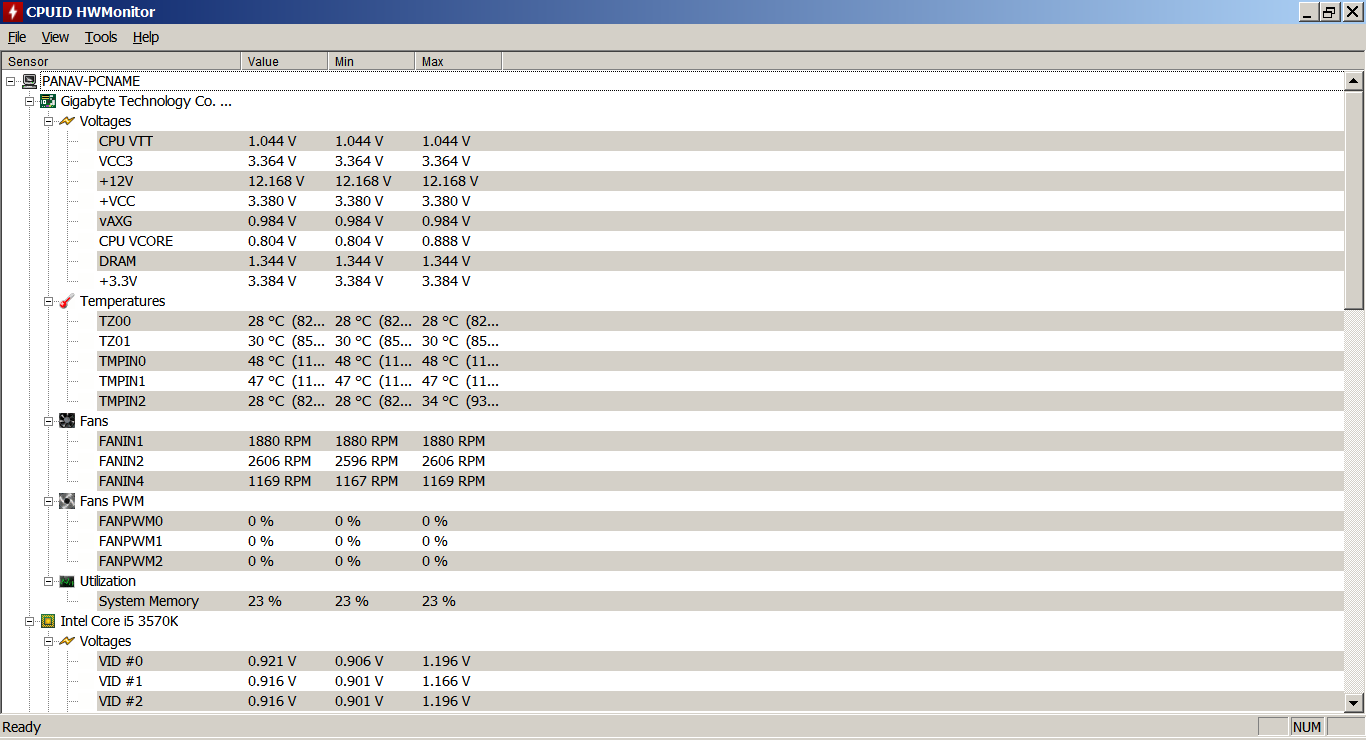
By default cpuid hwmoitor opens with all the options voltages, fan, fan pwm, utilization etc. I want this to be minimized and only keep temperature active.
Like my first post, this is the default option with all settings opened
[automerge]1586784181[/automerge]
It only shows cpu temperature, cpuid hwmonitor check temperature on many components gpu, hdd, mobo.
You could try these software that show most info at all times on the desktop.
I think core temp has a setting in which it displays the CPU temps in the system tray or bottom panel. I haven’t used Windows in years so I’m not sure now.