This is my first homelab setup and looking for expert advice. 2 identifical files, one plays direct and other transcodes. Tested on LG C4
Running on a docker container because jellyfin dependencies are not yet available for debian 13.
Both files -
Video
MKV, H264, AVC, 23.9 fps, 8 bit SDR
Audio
DTS, (Not AVC), 768kbps
Differences in bitrate and resolution
File 1 - 1920x816, 6053 kbps. Size 5806MB - Direct play
File 2 - 1920x800, 6052 kbps. Size 6249MB - Transcoding
Sorry i too want similar help regarding transcoding.. hope i too could join you in this thread in seeking the answer.
I was playing video files directly from NAS and speed was very good. But when i play via jellyfin , its transcoding.. hope to make it direct play all files ?
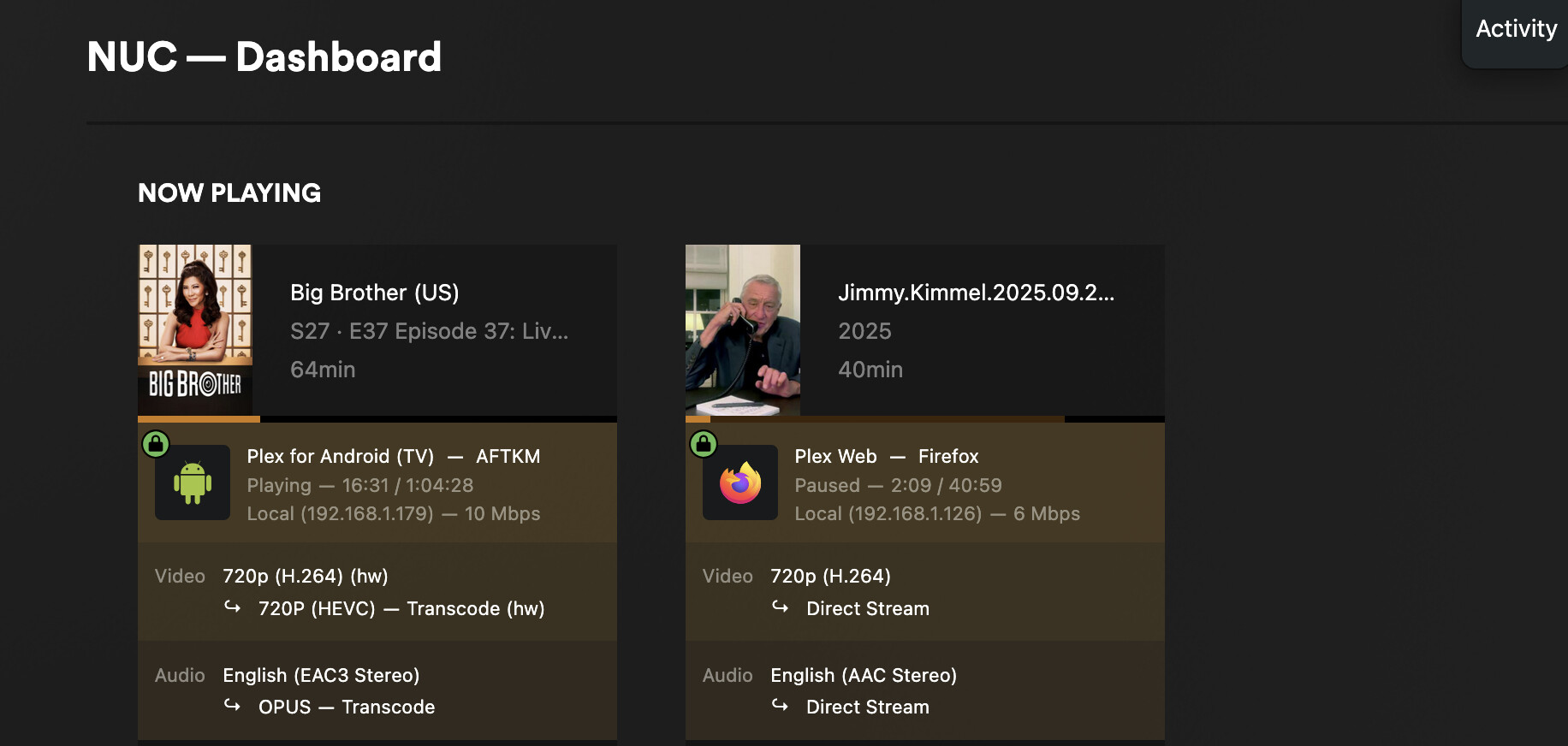
See exactly what is getting transcoded in the plex dashboard on your PC while the files are playing.
Plex app on these non Android TVs is usually very poor. So, buy a firestick 4K (newest version) for no transcoding experience for all formats.
Do these files have multi audio or subtitles? Apparently even if the video and audio is supported but a multi audio or subtitle isn’t supported, it’ll still trigger transcoding. In my case both are identical files though
Is there a way to see this on jellyfin? I couldn’t find such setting on dashboard
But I was able to play some 4K hdr content in h265 mkv. It’s just that some random files get transcoded.
Does plex have more control over transcoding or direct playing?
post full mediainfo here, cant help like you like this, also post output device specs
yes some have multi-audio and subs.. But is there an option to force to DIRECT play and not transcode , my CPU is 4600G , so i dont have a dedicated GPU and this is forcing the entire NAS to struggle.
Hey, just setup emby and the same media that jellyfin transcoded, emby is direct playing
1 Like