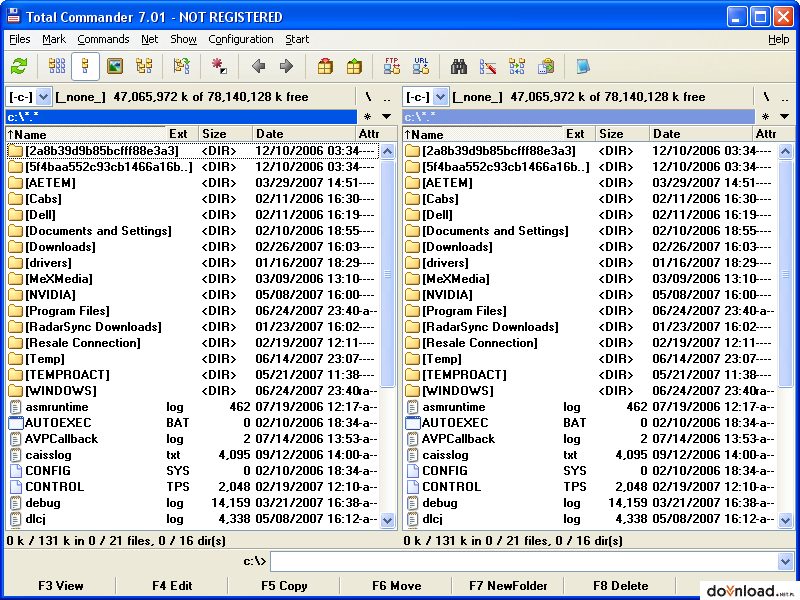
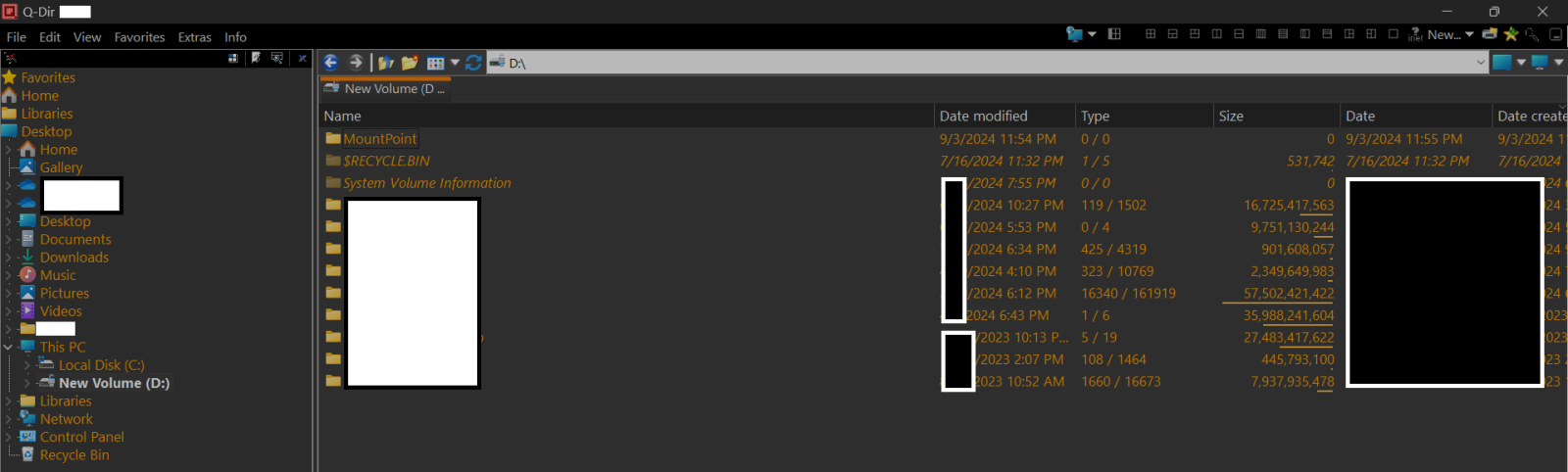
I’m looking for a free file manager for Windows that I used to have but lost. Now I can’t even remember the name. Here are some of the features that are important for me:
Two-pane side-by-side window (don’t remember if it could have more than two panes)
Can show folder sizes, not just individual files
Can show sizes down to the last byte, not just KB (this is essential)
Can list files and folders by name, date, size or percentage
There’s a ton of file managers, free and paid, out there, but none of the ones I found in a recent search has these exact features. Can anyone help please?
Let me make one thing clear: The features I listed are not a result of wishful thinking. The program I lost had them all and more. I found it at least 15 years ago and used it many times. Then I downloaded a newer version several years ago and again used it for some time.
As to the time required to read file and folder sizes, it’s not that bad. A directory with a few thousand files took no time at all. One with hundreds of thousands of files and sub-folders (like the Windows partition) took perhaps a minute or so even with my old Phenom II and a spinning hard disk.
Percentage of the total partition space.
I’m familiar with Q-dir. It’s a nice little program that’s been around for quite some time. But it lacks some of the features the lost program has.
No. I know about Total Commander, Free Commander, XYPlorer, Q-dir and a host of others. Perhaps the two most important features of the one I lost is the ability to list folder sizes and to present sizes in bytes.
FreeCommander can do all of the stuff you mentioned except the percentage thingie. Maybe there’s a separate plugin for it.
Or perhaps you were using a different utility for this specific feature.
It has all the 4 features you asked for with the exception of list by percentage. What other features it is missing though? I am using single pane view though it can be configured for up to 4 panes view.
I think the OP must bee looking for SpeedCommander. It is possibly the best file manager for Windows, but not very popular as it’s quite expensive and pirated versions are not available.
One thing I specifically look in a file manager in windows is ability to copy folders & files while preserving their time stamps. There are many file managers which can preserve all time stamps of files but not folders (usually the created date changes while copying to a different drive/location).