I’ve just gotten started with doing some small projects with a 2nd hand raspberry pi 4 (4 gb). I don’t have the official adaptor and I’m using normal 3rd party wire and adaptor we get with mid end smartphones to power it up.
I was able to configure jellyfin correctly and I’m trying to view media on an internal ssd. For this I’ve used a Zebronics 2.5 inch sata to 3.0 usb connector.
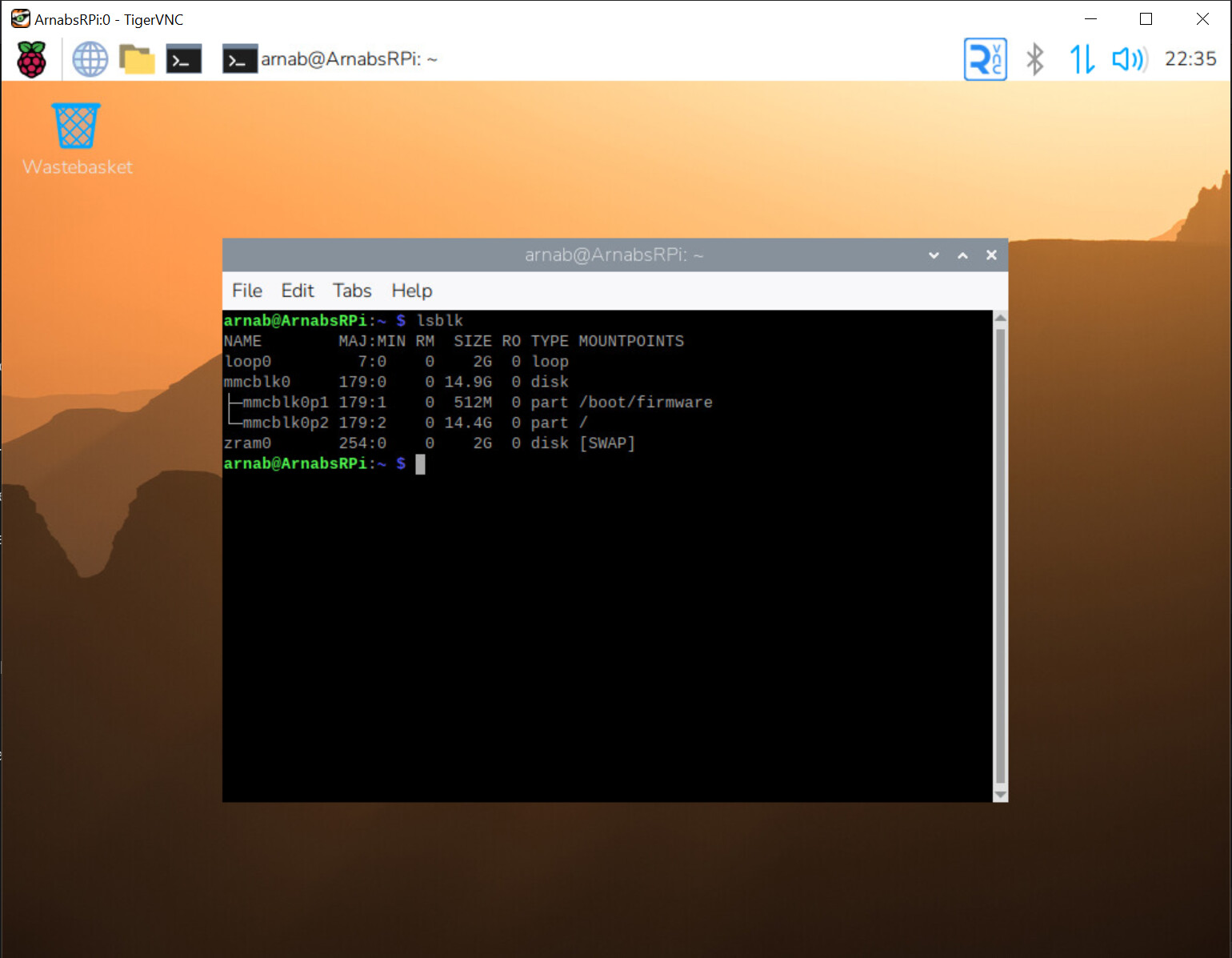
While I was able to connect the ssd initially and mount it, I think the connection gets lost after a few seconds. I’m not super skilled in coding / debugging but as per perplexity and the errors i think the raspberry may not be able to power the ssd to read it continuously?
So, if the SATA convertor is working properly OOTB, and if you’re sure that the necessary drivers are present [ given you mentioned that you were able to intialy connect the SSD and mount it ]; I would recommend looking at alternative power sources to ensure 5V 3A are properly delivered to it.
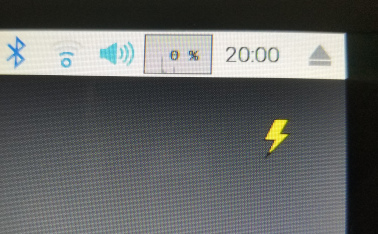
I’ll install raspberry os desktop version and check this icon out.
If the lightning icon does show up, what would be the cheapest way to resolve the issue? Get the official adaptor? Or would any 5V 3A power adapter work? In the latter, I still think the quality of the wire could remain an issue.
I can for sure say that the Rpi 4 works very well with a 5v 2a adapter, but use a good quality one. I have been using mine for jellyfin with a 2.5 external HDD and got no issues .
But as @Heisen mentioned the Rpi is smart enough to show you the lightning bolt for power issues so that would be the first thing to resolve, my external HDD takes about 600ma most of the time which means the rpi gets less than 1.5A, although it hasn’t caused an issue so far I would recommend buying the 5V 3Amp one. Robus does sell a cheaper model 5V 3AMP Adapter
What is the rating for the charger - can it support 5V 3A. If yes then it should work fine. Most smartphone chargers support this.
other issues could be due to the zebronics connector itself, check if the same issue occurs on other machines.
I used to use the RPI4 with a seagate powered HDD running OMV plus docker containers running qbit plus gluetun as download rigs. Had to apply storage quirks to get full speed ie UAS else would run in BOT mode.
All phone chargers are 5 Volt . While Raspberry Pi 4 needs a 5.1 volt 3 amp power supply or it will give “under voltage” error.
My Amazon firestick 4K too uses a 5.1 V 2 amp power supply. I used it with R Pi 3b+ and it worked fine in normal load, but it gave under voltage error (due to only 2 amp power supply) when I used it with some graphics processing.
So I recently ordered an official one from Amazon as it was a quick delivery. And after that no under voltage error for me now. I also thought of saving some bucks by searching some after market power adopters but finally bought official one for peace of mind. I ordered a Pi 4 power supply (which is USB-C) for Pi 3b+( which is a micro USB) and using it with “usb-c to micro usb converter”. Link to official adopter on Amazon
The sata connector could be the problem but it works fine on my PC.. the ssd remains visible.. unlike in the PI where it is visible when i 1st turn it on… then it disappears after a few minutes.. and doesnt appear even after reboot.