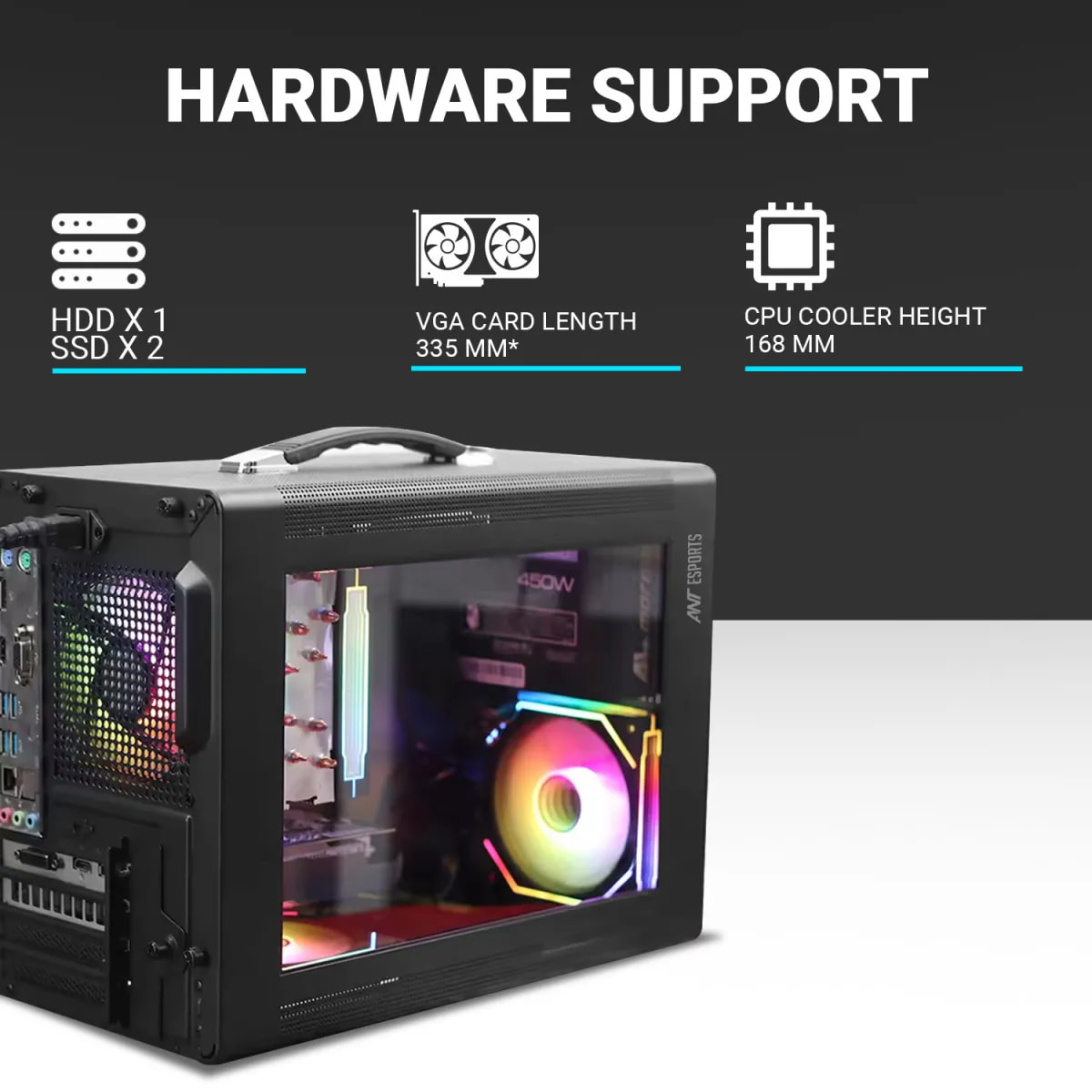
Ant Esports Box C Air Mini-Tower (MFF) Computer Case/Gaming Cabinet with Type-C and Carry Handle – Grey | Support M-ATX, ITX | Pre-Installed 1 Rear Black Fan
Specs:
Grey, Mini-Tower, 437 x 245 x 340 mm, Front Mesh Panel Design
4 Expansion Slots, 1 HDD + 2 SSD x 3.5”/ 2.5” Drive Bay
I/O Panel : 1 x USB 3.0, 1 x Type-C, 1 x Audio + Mic TRRS Port, Power Button
Fan Support : 1 x 120mm Front, 1 x 120mm Rear
VGA Card Length : 335 mm ; CPU Cooler Height : 168 mm, Max PSU Length : 180mm (SFX/ATX)
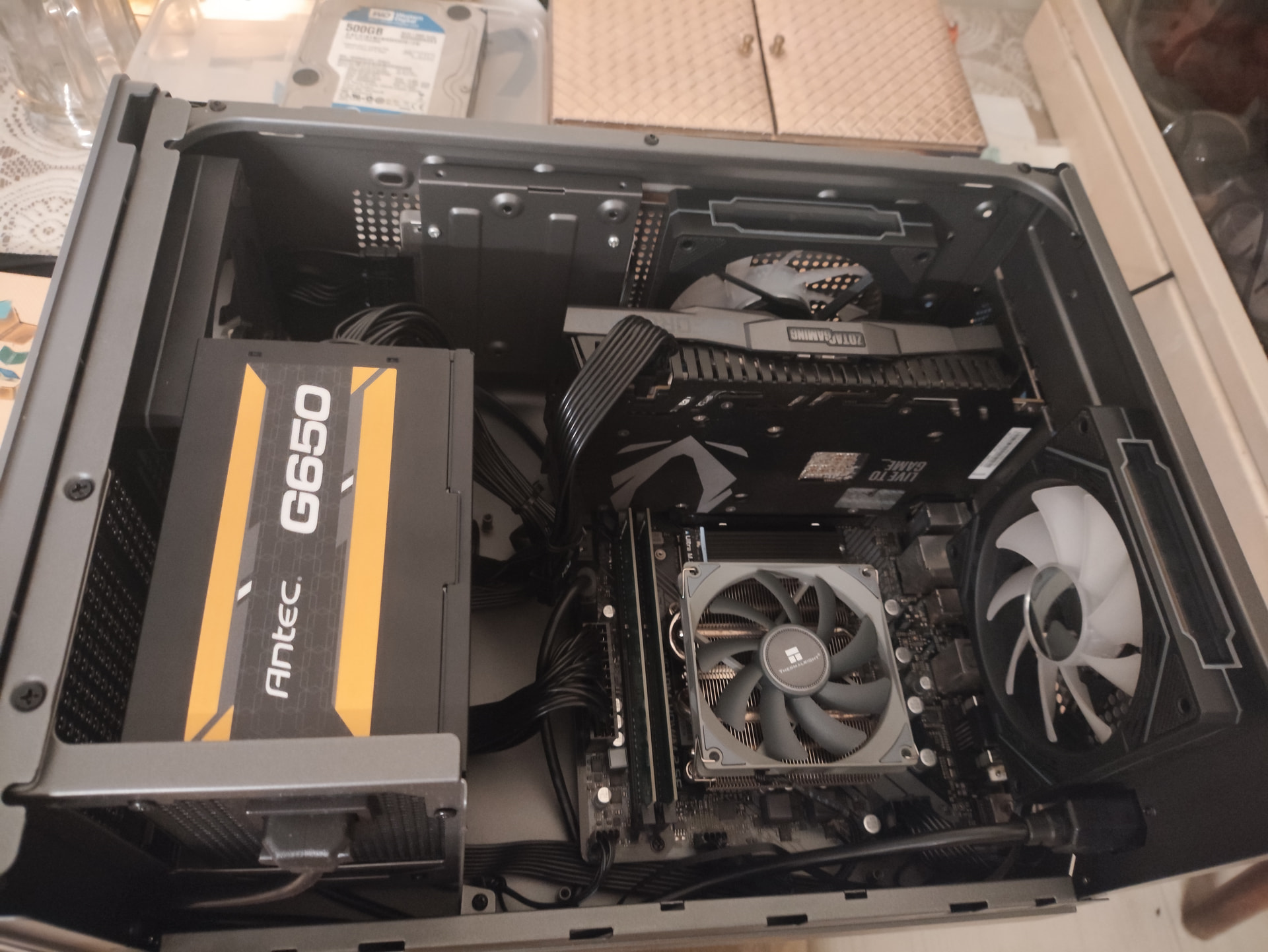
It’s my Main 1080p Rig’s humble adobe (i7 11700, 32GB,1TB,RTX 2070 Mini). I love it’s portability and use it with a Dell 17” Square LCD (with Dp In) for my portable setup.
Please share your Case ventilation plan here if it’s allowed.
The case is very small when compared with Lian Li A3 and so congested that my PC repair man has to install the parts very carefully and we need to have fully modular PSU otherwise the cables take up a lot of space.
I am using front 120mm and back 120mm fans for intake and exhaust. The 7600 CPU has Arctic Freezer 36 fan setup. So the ambient temps in the case are 48 degrees celsius.
For my box, I use a positive-pressure setup with dual 120mm fans drawing fresh air in from the front and bottom, and a single 120mm fan exhausting it out the back, while the air moved by my semi-modular PSU Fan helps keep my SATA SSD cool.
To me, the Ant Esports Box C Air Mini-Tower lets me live out my childhood dream. Its sturdy carry handle lets me live out a fantasy I’ve had since the days of the Antec SUPER LANBOY in 2003: carrying my PC like an 80s boombox.
When staying over at friends and relatives, I simply grab the handle, load the tower into my car along with my trusty Square Dell LCD, and go—I even keep a go-bag in the trunk with a DisplayPort cable, mouse, and keyboard - I never forgo an opportunity to teach the young ones about the ‘art of the PC’.
How did you put dual 120mm fans in the front since it has provision for only one 120mm fan in the front?
I could not place any 120mm fan in the bottom since there is no space left after I placed my GPU.
He is using a 2070 mini, one fan at front & one fan at bottom (because using sata ssd so 2 bottom fans not possible). For typical large card I don’t think putting bottom fans is possible.
My GPU temps are better than they used to be in my old case (CM K380). I have the Cabinet perched on top of my Network Rack, so I don’t face much dust ingress either.