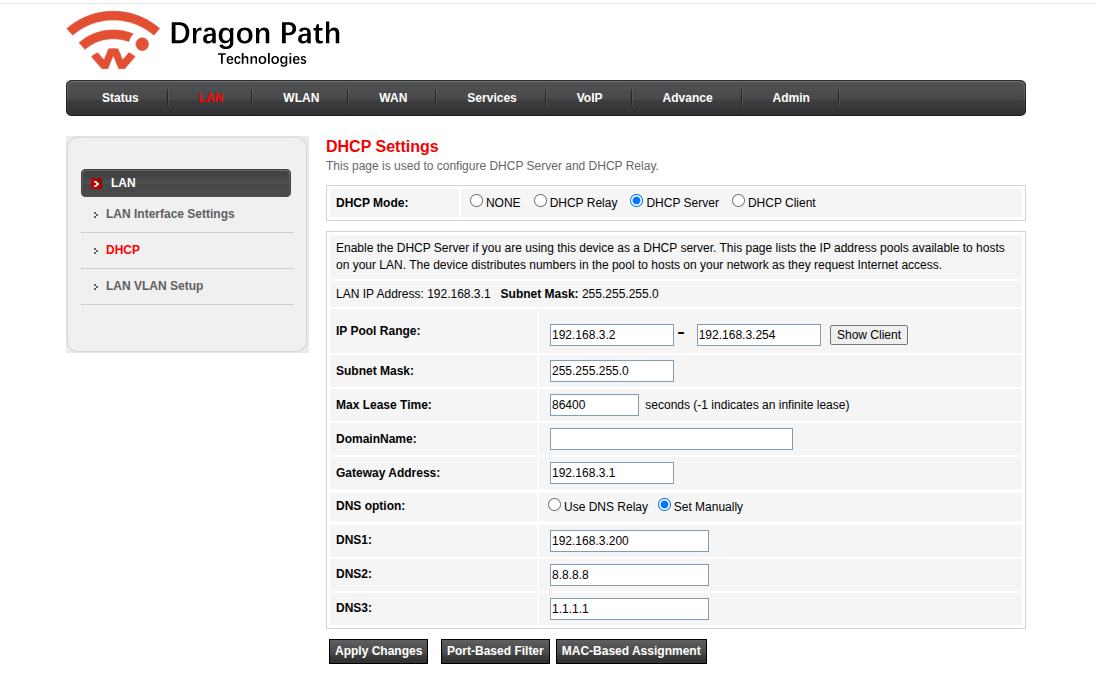
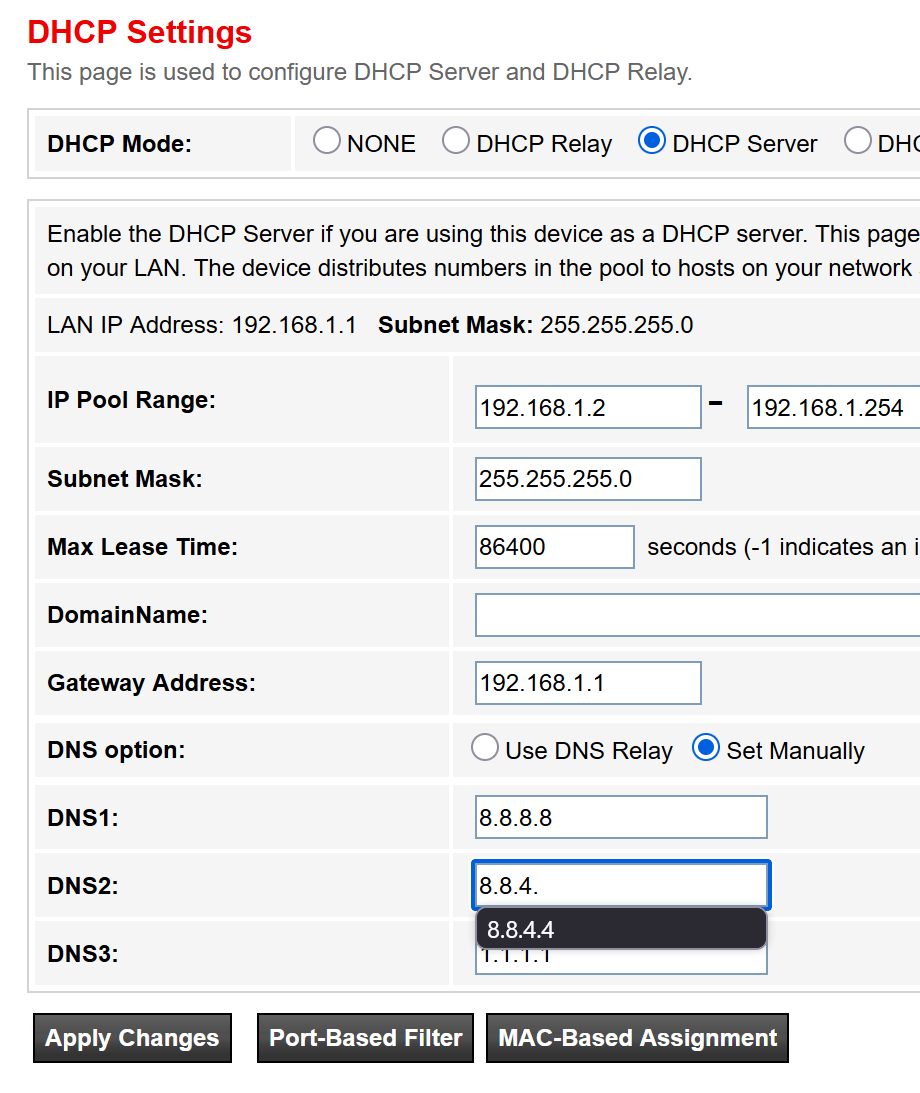
but if you want to change to your own router, you would have to ask Airtel to put their router in bridge mode and add yours. any router should be fine I think if you dont have any specific requirements.
Welcome to the club. I just lost my brain cells today trying to tell the CC guy about the difference between ip4and ip6.
@tech_noob new routers given by airtel have custom firmware that has locked most of the UI. My GX one is like that. I assume OP also have a recent connection
I can edit and “apply changes” but it doesn’t save.
I had requested Airtel to put my router in bridge mode and then added a router once but whenever there is a problem, they just reset router from their end and the bridge mode is gone.
yeah, airtel support is pretty bad (at least where I am). For me, the router worked ok in bridged mode for couple of years, then I requested for static ip, and they reset the bridged mode and couldnt make the static/public IP work either. After dealing with no internet for 4 days, I decided, i dont want to deal with them again. Having said that, for all their ills, their up-time is pretty good to I am keeping it.
what are you trying to do anyways? if its only DNS, you can override dns in your device. if you want more advanced functionality, you might get that by putting a firewall behind your router but depends on what you want to do.
if there is a feature blocked by airtel, changing router may not help at all (e.g. port forwarding) so you need to define what you are trying to do and someone more knowledgeable than me would surely be able to help
sorry but do you want to change dns frequently on many devices or on a couple of them? cause if its just one or 2 devices, you can change dns on the device itself and dont need to change it in the router.
After writing a strongly worded email to appellate, within hours they enabled ipv6+ipv4 and called me back, phew
I have plans to setup a HomeLab in future, at least a year away, that’s one more hassle asking them to enable bridge mode. Guess I’ll cross that “bridge” when I get there Hehe.
Try getting TP-Link XX530v GPON Router and install as usual. Should cost you Rs. 3.5 ~ 4k max. Before getting this, go through the steps involved to install this. Its easy.
My use case was minimal. So it made sense to go with it. Easy to handle at home especially when I am not around. So no one will bash me around.
If you own 1gbps connection, SFP combination is useful. Mine was just 200mbps. Also be carefull SFP tends to get hotter. Wifi 6e and 7 devices not present and not used currently. If needed I prefer to use cables for such devices and not on WiFi. It will take another year or 2 for it to become mainstream and we will have move on to another hack.
Same with me. I had it setup in bridge mode for a couple of years then one fine day it stopped working. No changes from my side.
Had issues trying to resolve this over 2/3 days and just moved to dynamic ip. In hindsight, no difference to me.
Overall, I will still say airtel support is good. They were willing to help just that I lost patience.
My current setup is
Airtel router (wifi off) to tp link router (dynamic ip) + 3 tp link access points. All tp links are c80 ac1900 running easy mesh.
If I could replace the airtel (nokia) router with a tp link (easy mesh ethernet backhaul compatible) would be great. TP-Link XX530v GPON Router looks good just not sure if it will lead to a bigger hassle and will have to solve all problems myself.
Four units give me enough coverage don’t need to add another one.