I have always been an ergonomic aficionado. It was easy with desktops, as keyboards aren’t attached to screens. I can’t seem to do the same with laptops.
The problems I find:
Hard to keep forearms parallel to the ground. Most of the facilities have tall desks.
Have to look down at the screen. As Andrew Huberman points out, looking down makes you droopy, and your brain doesn’t function to the best of its abilities.
What I have tried so far:
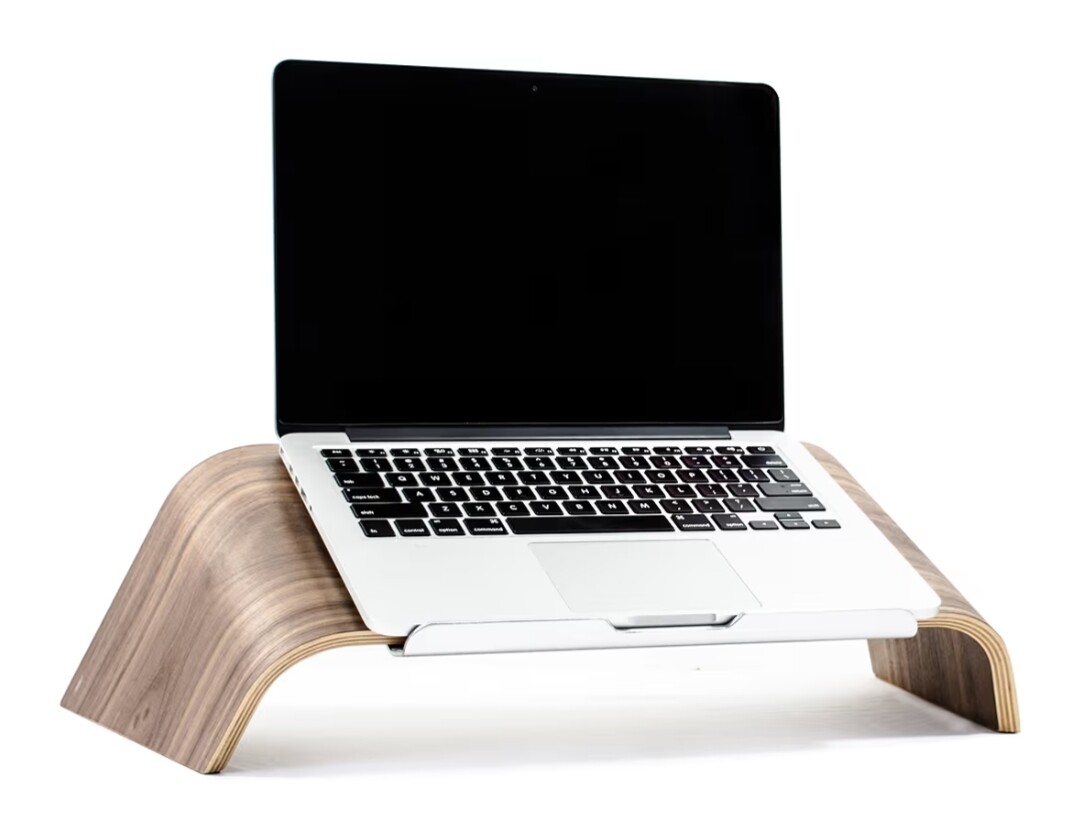
I have tried using an external keyboard and placing the laptop on a stand. I took the Master MX Keys keyboard to cafes. It works, but that keyboard weighs like a kilo. And, although this setup raises the screen to my eye level, it pushes it further back, as the laptop can’t be reclined a lot. (A big con on MacBooks.)
I’ll be upgrading to a 16 inch laptop later this year. This upgrade will partially address the issue. I also have plans to purchase a secondary portable display at some point and have it stacked above the laptop screen.
I still don’t have an idea of how I can solve this issue. Whatever I can, it has to be portable.
Your boi is very simple; all he wants is to keep the screen at eye level, 2 ft away, while keeping his forearms parallel to the ground. And no slouching.
What do you guys do? Just keep guzzling coffee throughout the day?
Maybe try a laptop that has a 360 swivel screen, and use it in tablet mode on a stand with an external kb? That avoids the extra gap between screen and eyes caused by not being able to move the laptop kb part out of the way. Also doesn’t require you to carry an additional display panel.
Lighter keyboard + raising the front of the stand by placing something underneath it as a manual jugaadu recline? Or buying a stand with an adjustable angle to deal with the limited recline.
If you only visit one cafe and can have them store this for you, the suggestion below might be worth a read. If not, skip it.
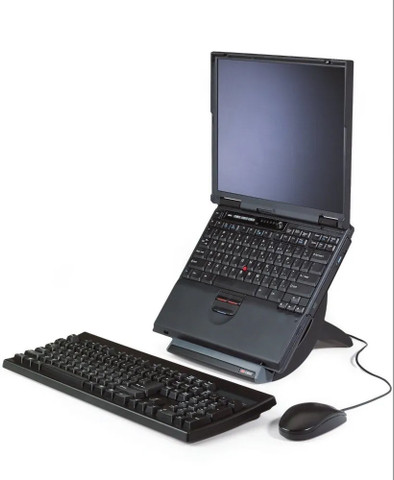
If the goal is also to keep the screen close, you can also look up those monitor stands that have space underneath them, so you could place a KB there, although it may be a tight fit with your hands under it. You might even be able to put a stand on top of this if needed, depending on the dimensions.
Not a bad idea, but this looks expensive, like aesthetic products cost a lot, looks like something that can easily be 3d printed.. Maybe look at printables/makerworld and get something 3d printed?
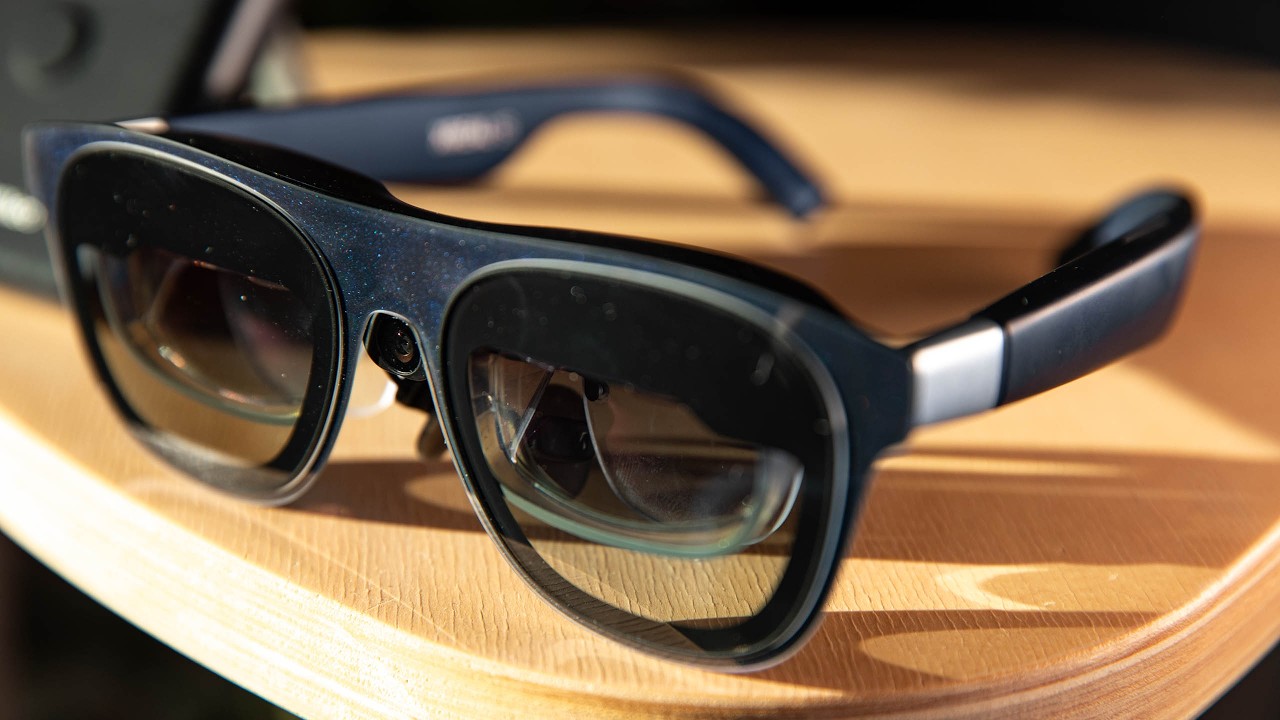
With a laptop you are inevitably going to have issues with ergonomics. I think the future is AR glasses, or really, just glasses with a display. NREAL makes some decent ones which I know some people use, there must be other newer launches since then as this is a fast evolving space.
A simple cooling pad or similar stand will elevate the screen but even if you attach a keyboard you will still face the issue with higher tables and parallel arms. But any place without that would work well and provide additional cooling or USB hub if needed.
I think the requirement for closer screen and at eye level height will always be at odds with each other due to the form factor of laptop.
The moment you get it at eye level, you cant use the laptop keyboard comfortably at elbow height and you’ll need an external keyboard which will push the screen away from you.
You’ll need to get a riser that has space underneath to place the keyboard or get a portable screen, place it at eye level and use the laptop keyboard.