With CTRL + backspace you can delete the last word you typed. CTRL + Backspace won’t work on my laptop anymore, none of the application notepad and others.
This did not happen after any update or so this use to work and another morning it does not. It’s laptop keyboard so cannot reinstall it. No keys are jammed they work individually.
I’m on W10 21h2 version. I’ve checked keyboard settings and language settings, filter keys, sticky keys etc they seem to be okay. I don’t think writing specs will help in this issue but let me know if it is required will share. I’m not looking to run any scrips to solve this.
How about ctrl-z ftw?
https://answers.microsoft.com/en-us/windows/forum/all/cant-ctrl-backspace/3c33580e-276d-4ecb-b780-f58358e50caf
heh i’ve always found ctrl-z gave more granualr control but yeah taking out a word in go has its attraction.
Working on my W10 laptop
No, that would undo the entire line sentence I only want the last word to be deleted when I make a mistake.
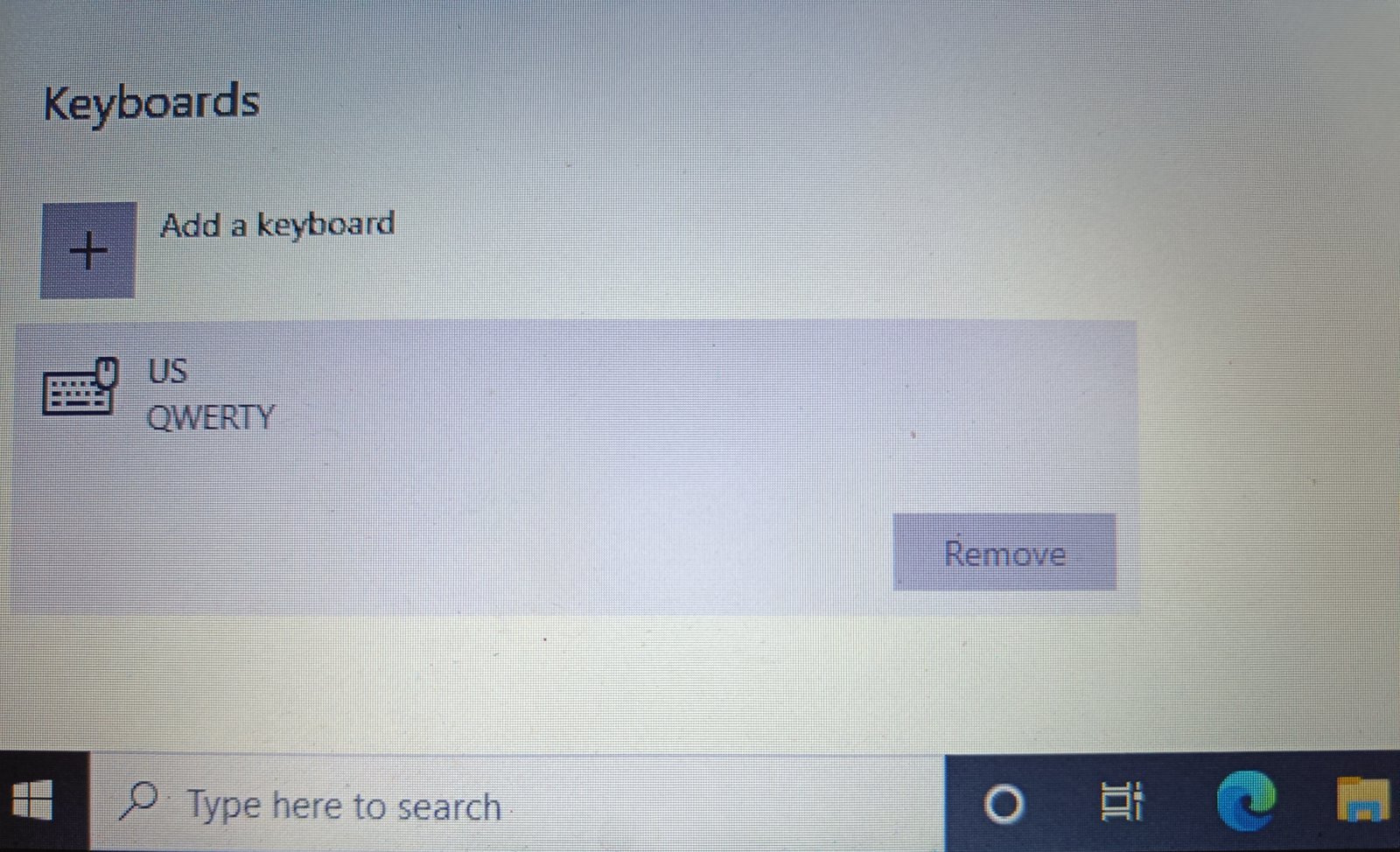
If you have Indian English as preferred language and keyboard layout is also English(India) then right side alt/ctrl don’t work as modifiers.
You’ll have to set keyboard layout to US QWERTY. You’ll lose the ability to enter rupee symbol though.
1 Like
Why would they take away ctrl+backspace if it’s Indian English?
Absolutely no idea. I needed this shortcut with Photoshop.
Yesterday faced these issues..
All of a sudden multiple selection via mouse stopped working, copy paste as well stopped working via keyboard but only via mouse.
How about restarting windows explorer ?
Sure, but how that would help?
Wild guess, sometimes explorer gets screwed up.